
TL;DR It's a fancy ReShade filter that tanks your framerate and turns faces into AI slop, but can make for some nice pictures under the right circumstances.
So DLSS 5 accidentally got released early through NBA 2K27's early access, and of course modders have got to work on getting it working across the board. Originally this required games which already use DLSS and DX12 and a 50-series GPU, but modders have made patches for older GPUs and DX11 games.
Currently on my RTX 5070Ti, there's about a 40% performance hit. Toggling the feature too quickly can lead to breakage (either tanking performance, or stopping the feature from working). This may be an issue with the ReShade addon being used to enable it.
Note that for Starfield I also have a mod that disables colour filters. Other mods are mentioned where relevant, apologies if I missed any that affect the shown screenshots without noticing.
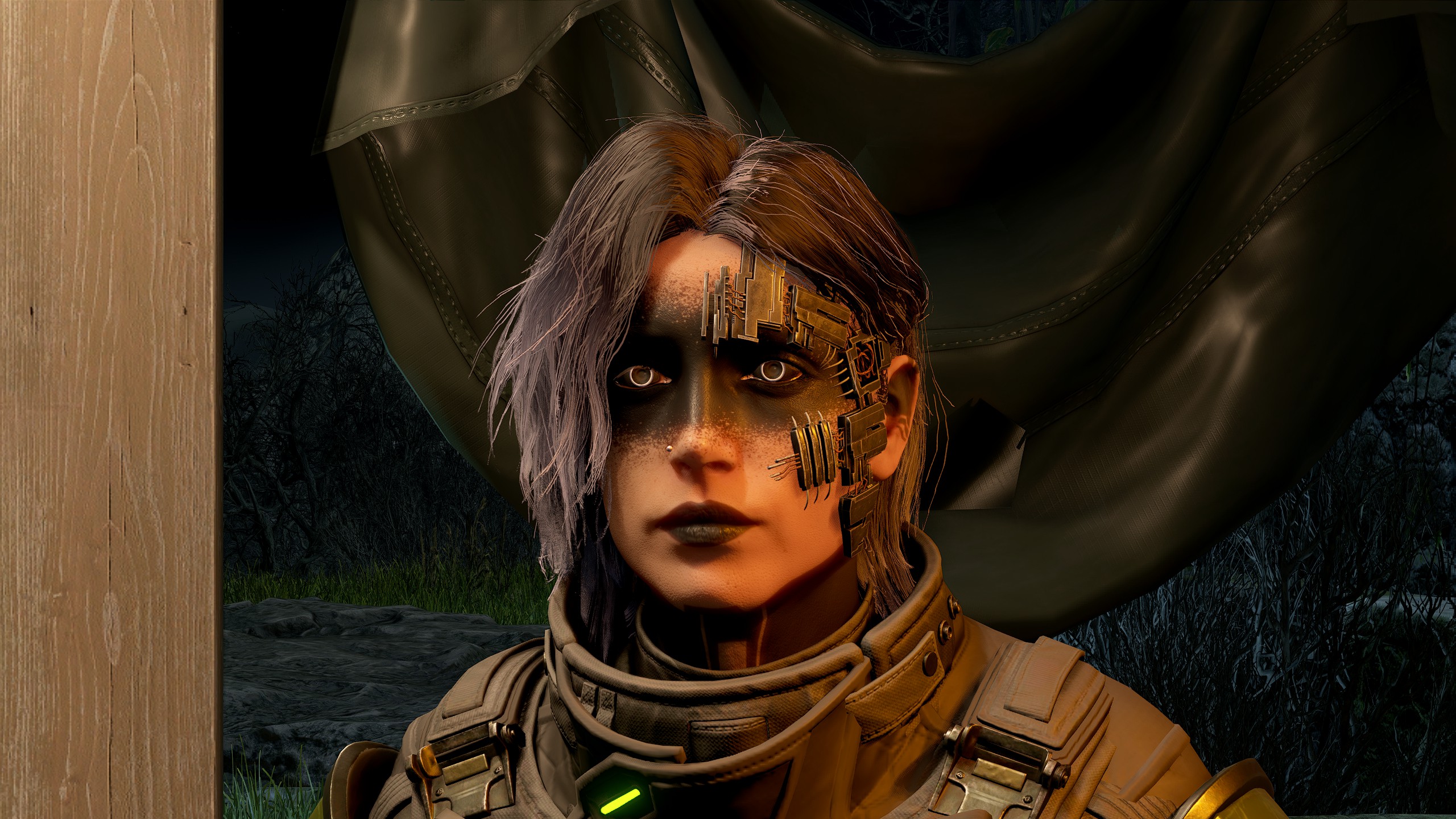
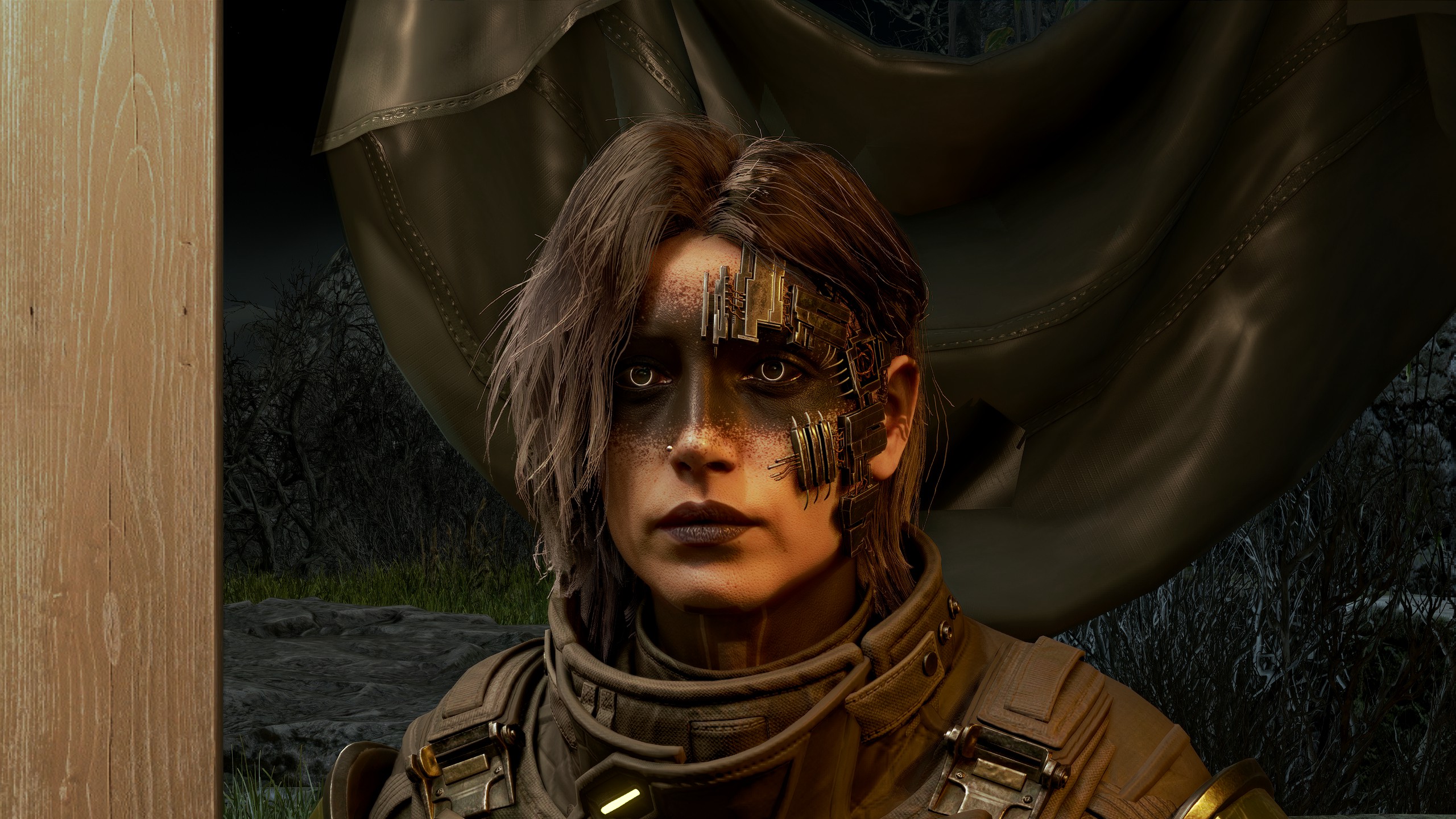
It fails to properly read the blackout tattoos on my neck and makes it look more like shading.
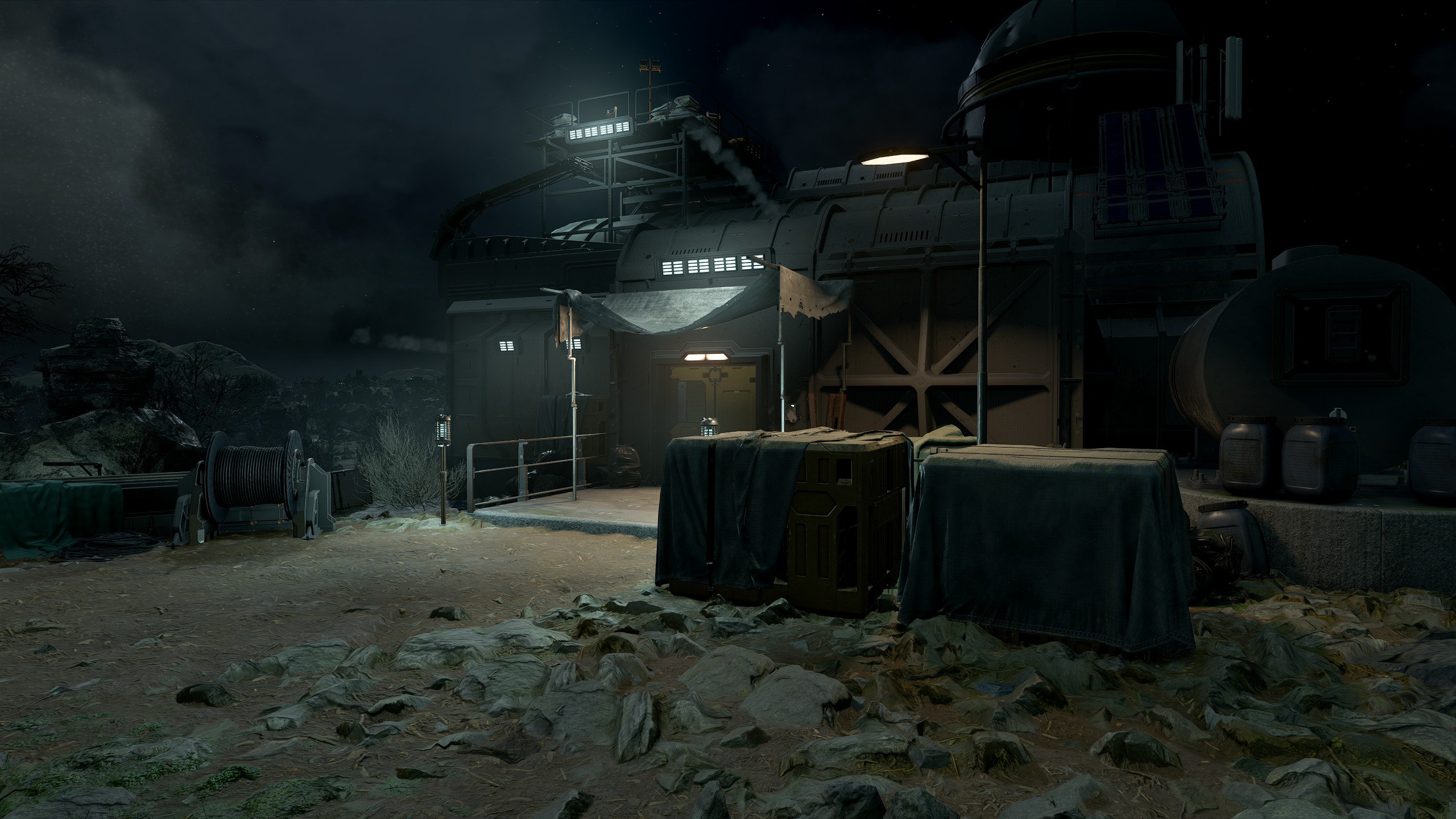
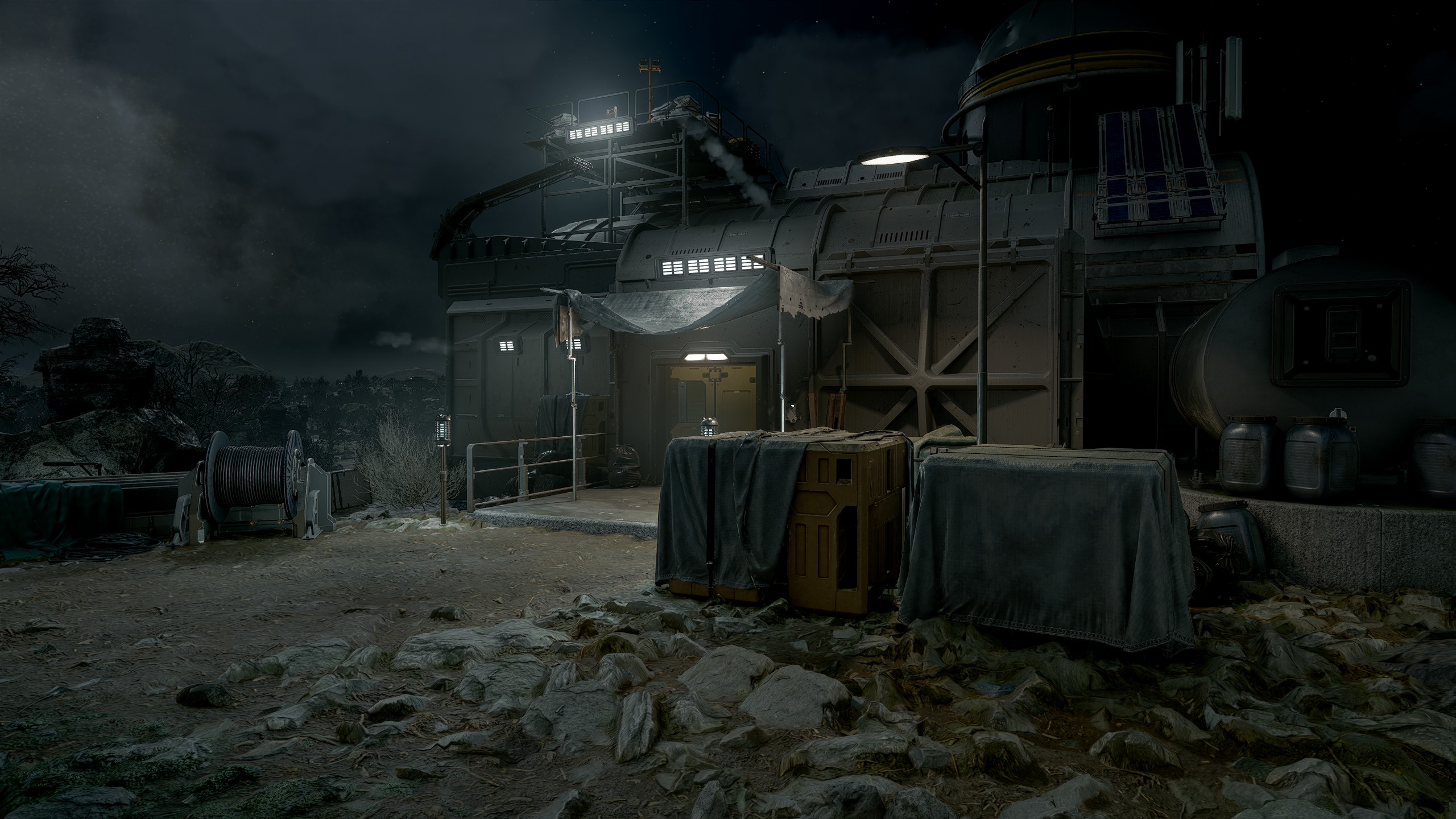
A fairly decent result. Makes some things stand out a bit more than they realistically should, and over-darkens in some corners. The lighting on some objects also doesn't quite make sense when compared to the original. I wouldn't call it objectively worse, but some changes are questionable.
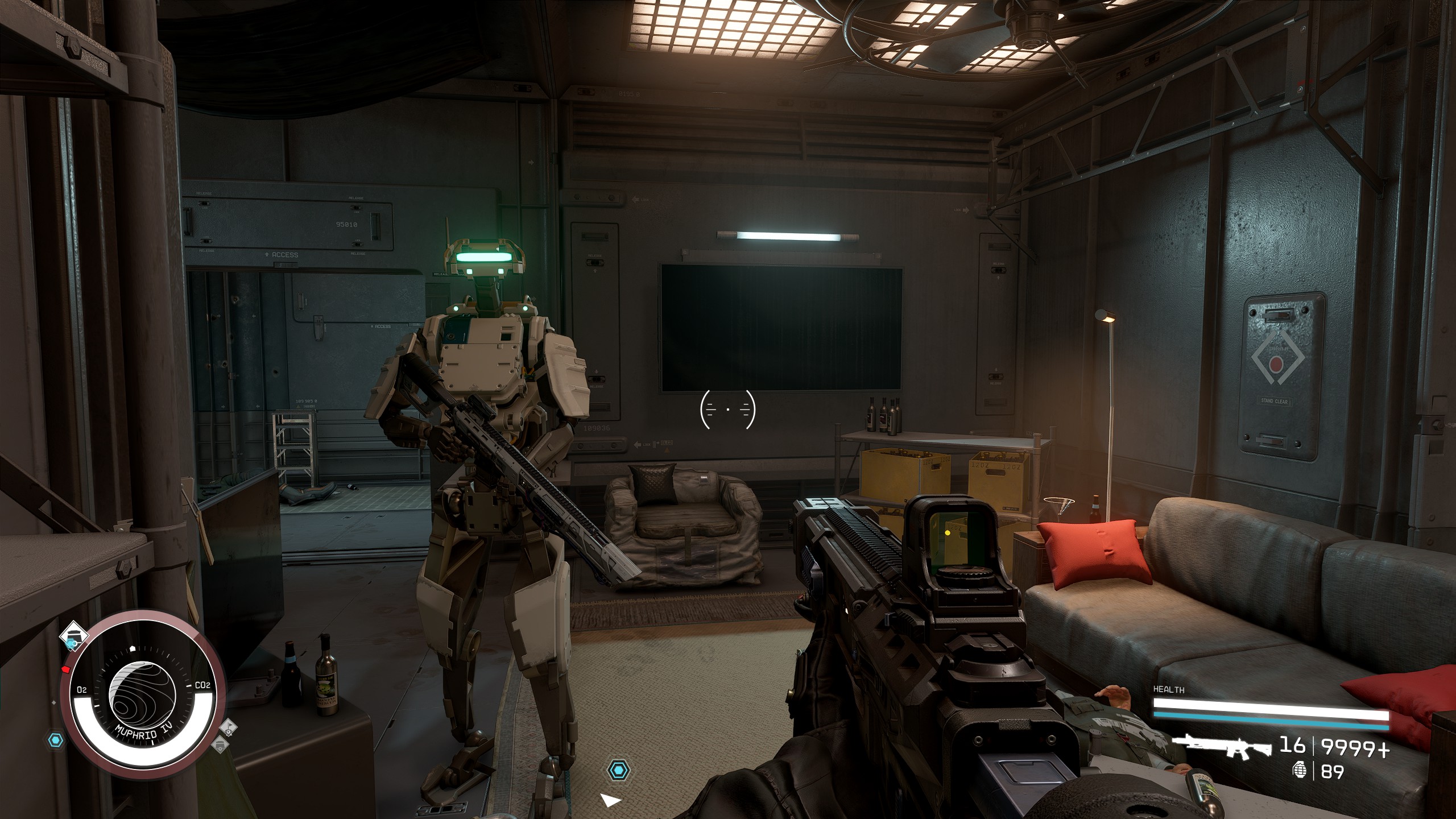
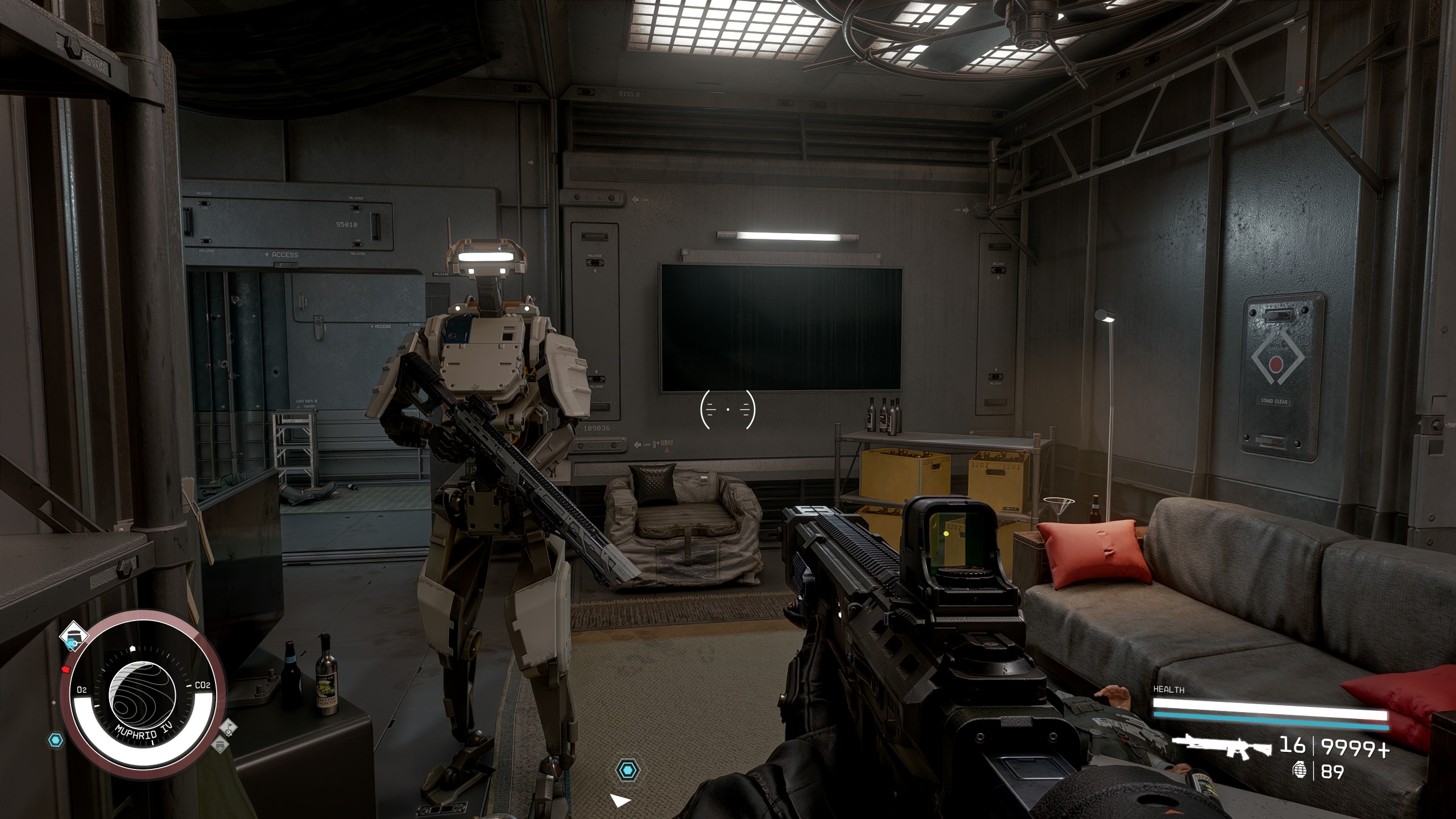
It's quite noticeable here that some elements lose their colour. Tweaking sliders can restore some of that colour, but removes the bloom.
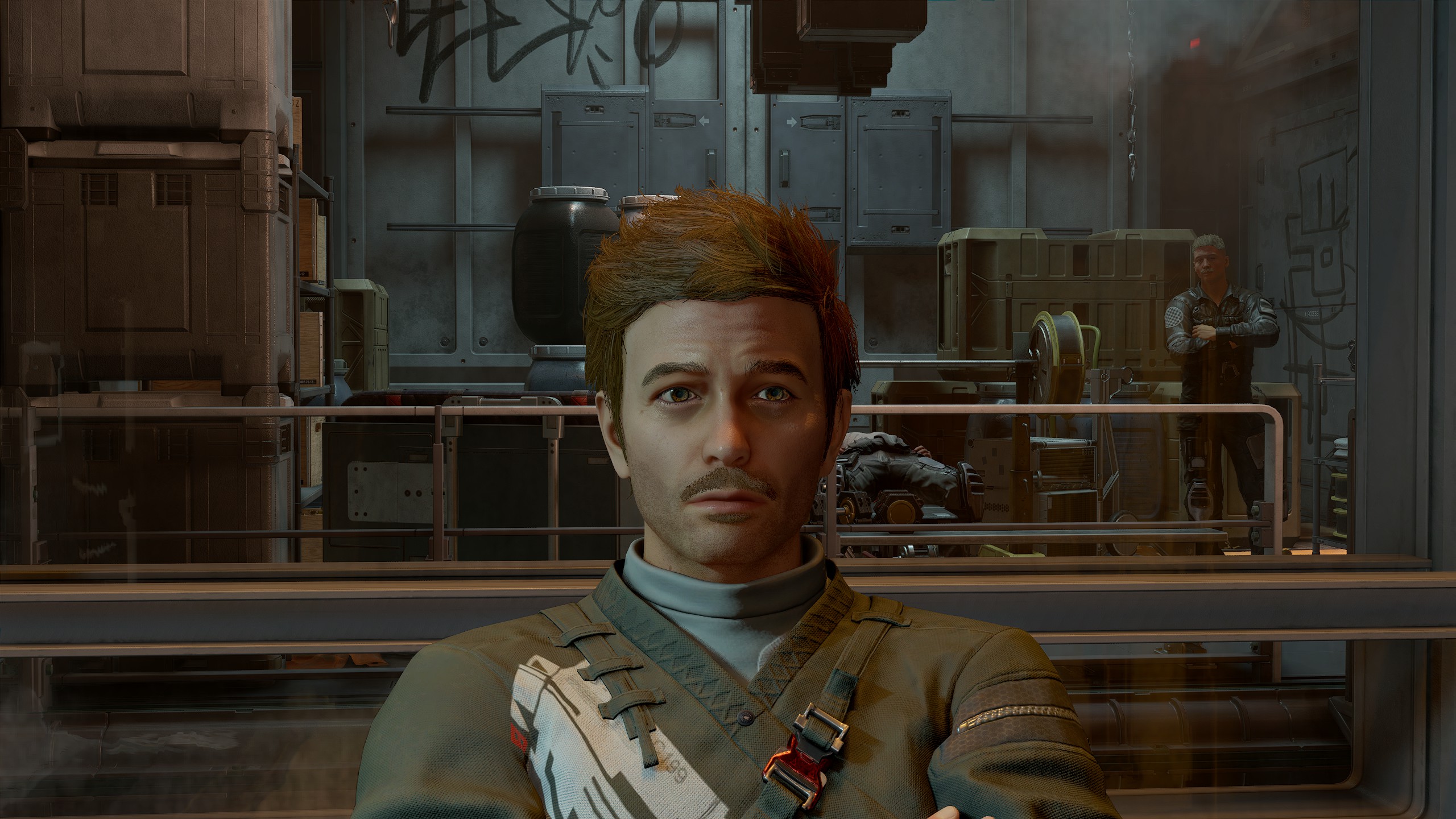
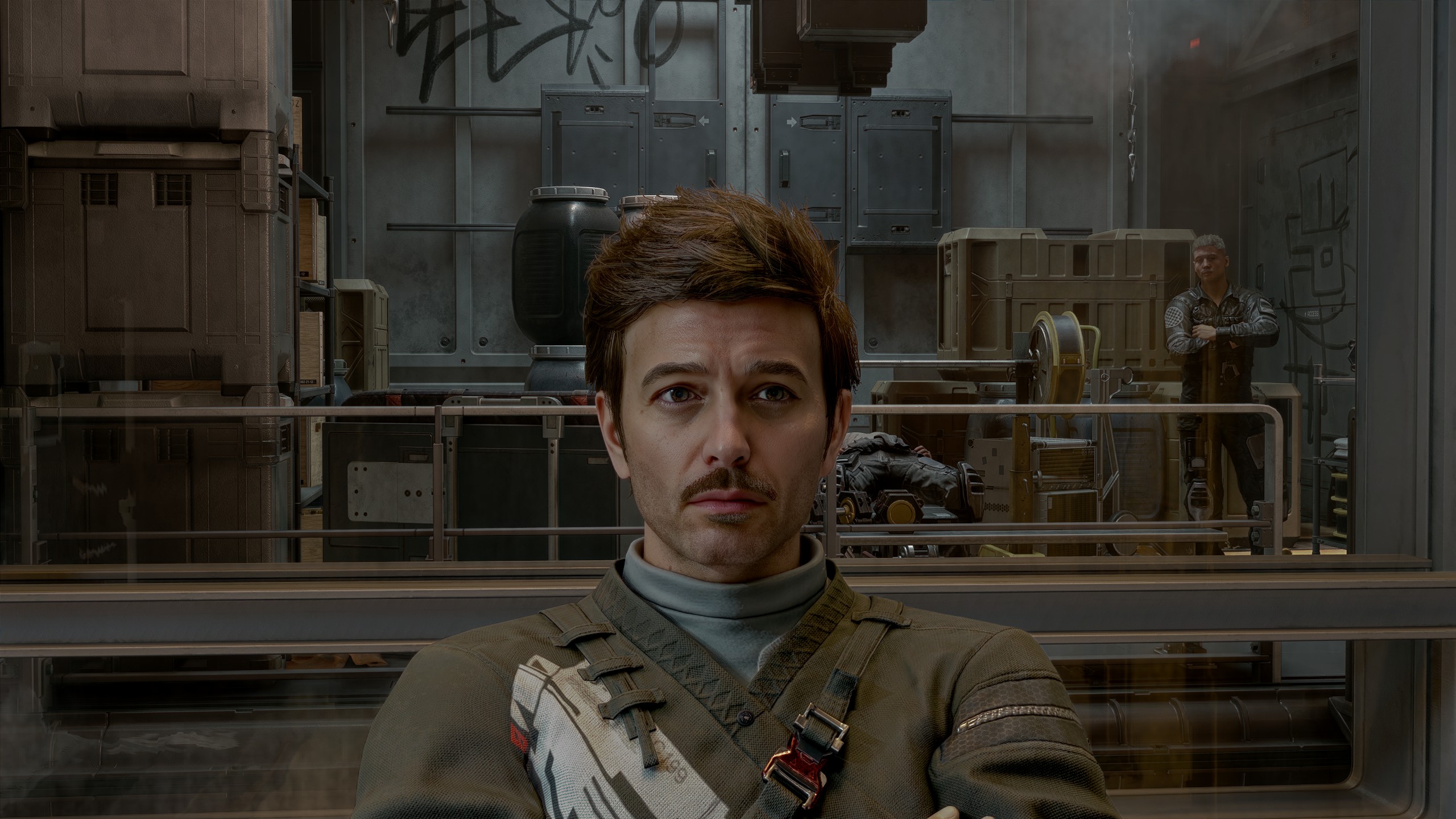
I find this example to lean more toward that AI-slopfication filter seen in the original demo. His face doesn't sit right on his body, the original shading isn't properly maintained. And that's kinda my entire issue with DLSS 5. The parts that are good, are more or less just a fancy ReShade filter. The "AI" enhancement is all just the shit that makes the final result worse.
For the next screenshot I turned back on colour filters and tweaked the sliders to try and maintain more of the game's original look, and see how much it affects rendering under those parameters.
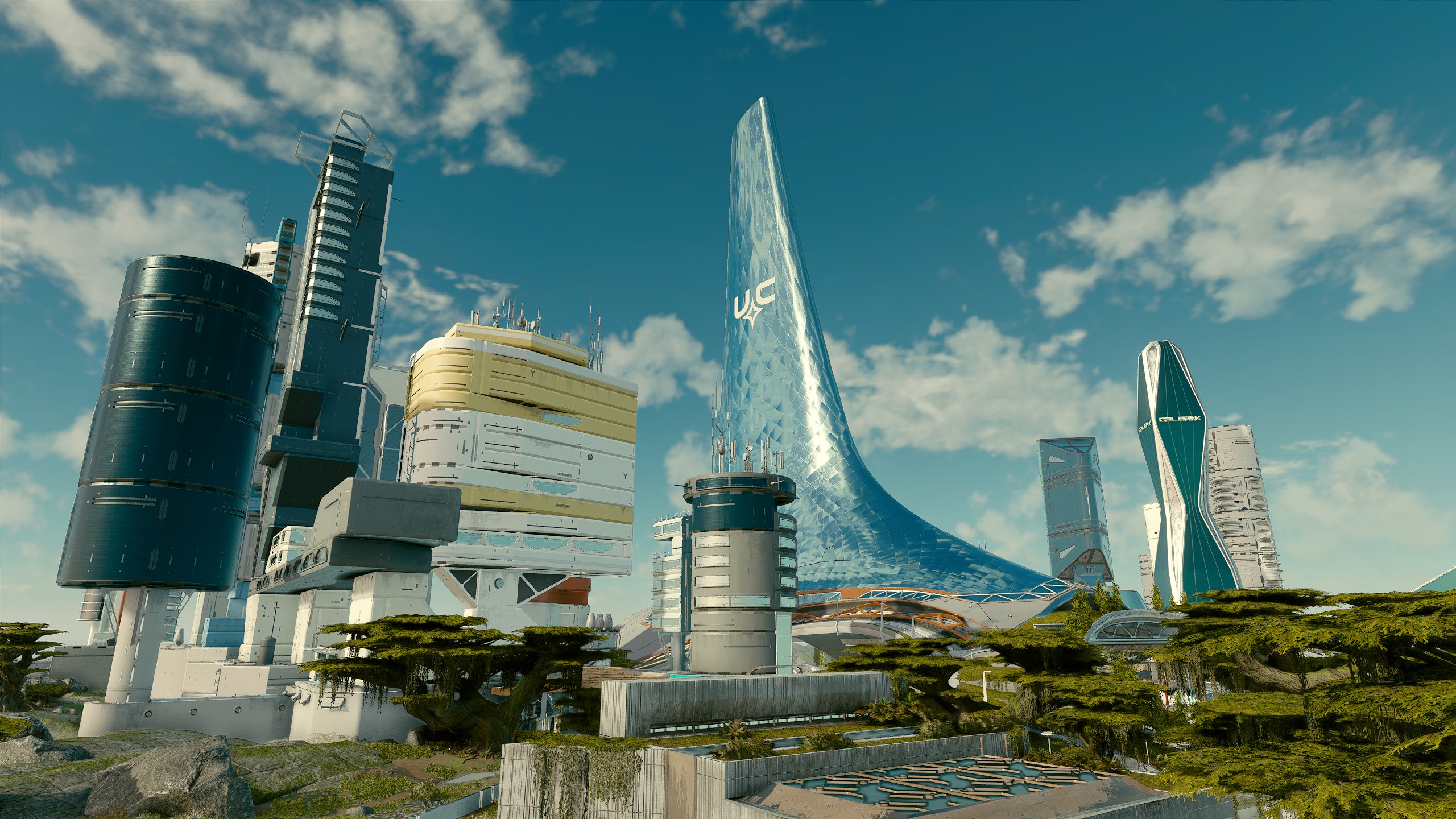
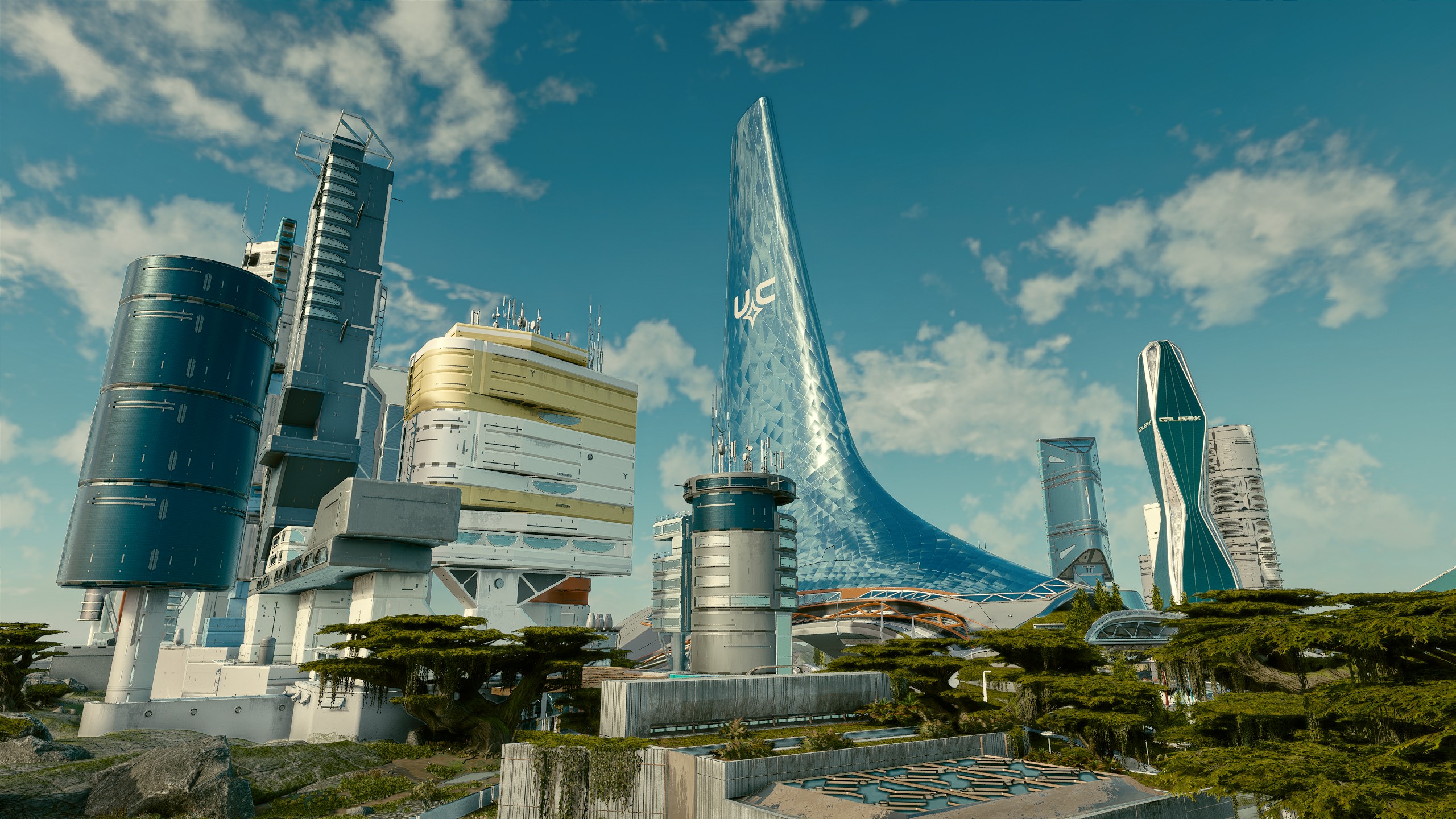
I'm fairly satisfied with this result. Makes the buildings look a bit less flat in the distance. Some of the windows show an odd darkening, but overall I'd say it's an improvement. Still not nearly enough of a change to warrant the performance hit. Though the hit is much lower in New Atlantis since performance is mostly CPU bound, I'm only losing about 10% for this frame.
Turned colour filters back off since I find them too strong in a lot of places, Akila included. Still using tweaked settings instead of the default set used for the initial screenshots.
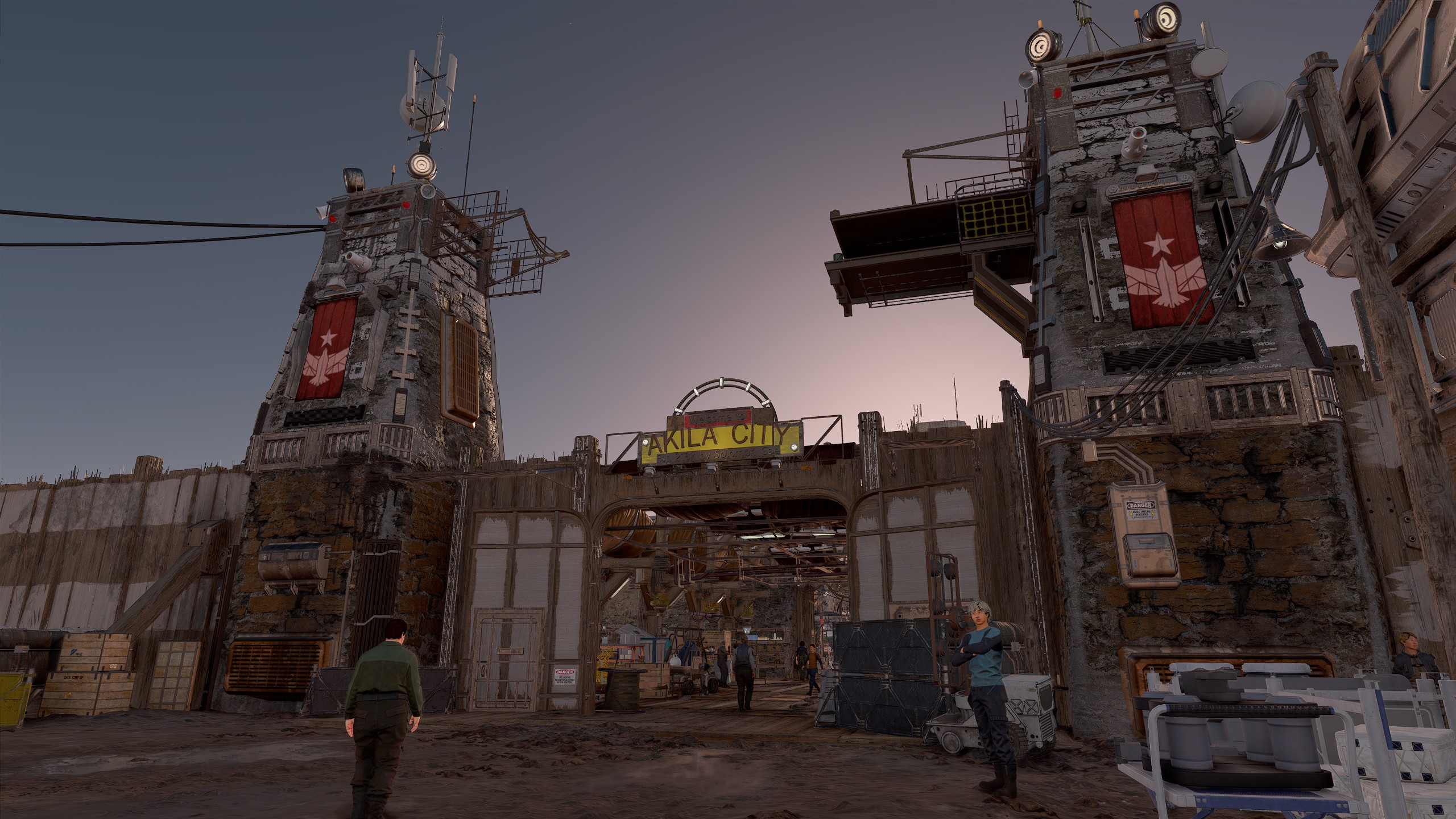
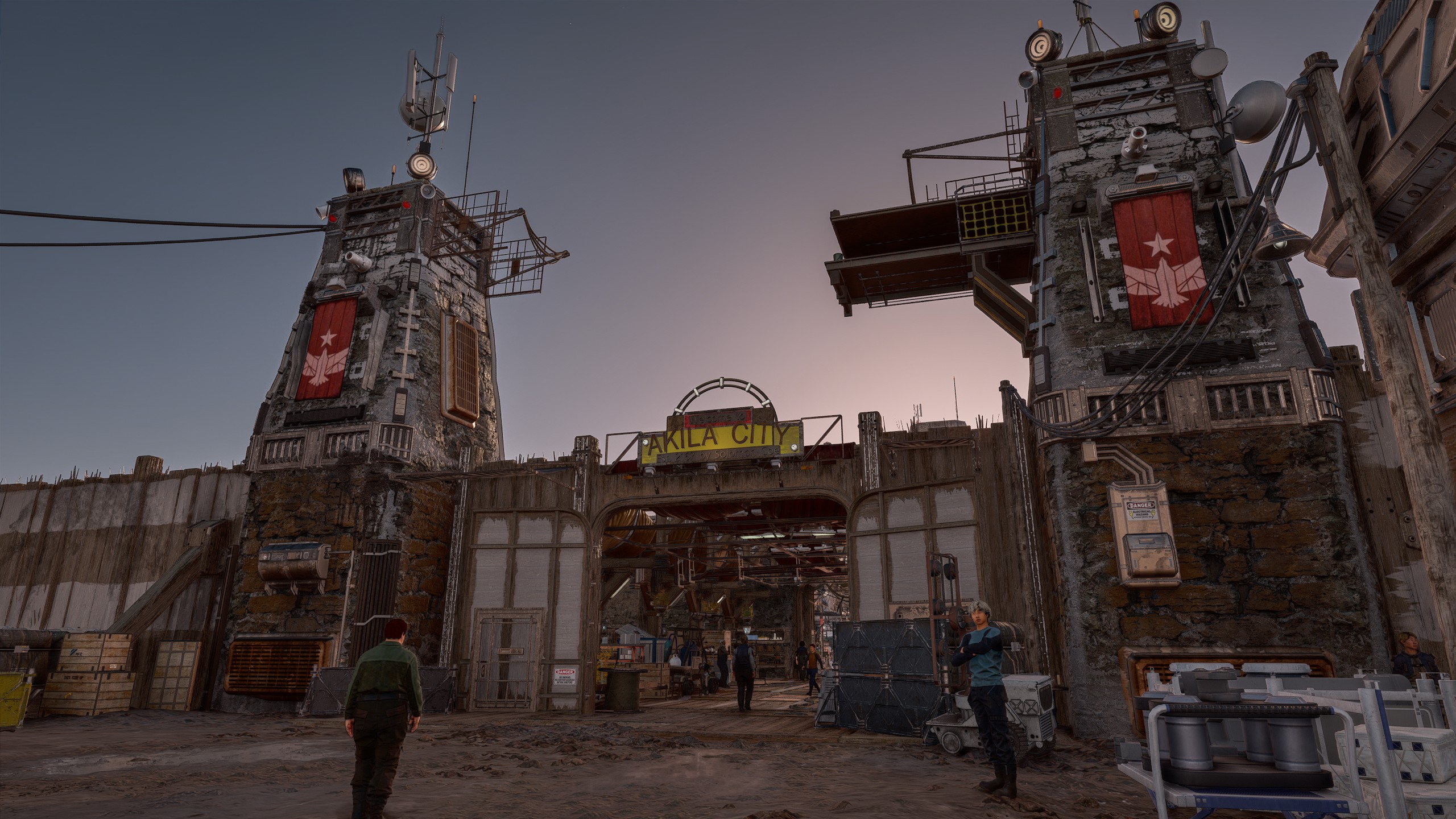
Another good result. Doesn't mess with how the game is supposed to look, and I'd say the shading beyond the gate is more realistic after the fact.
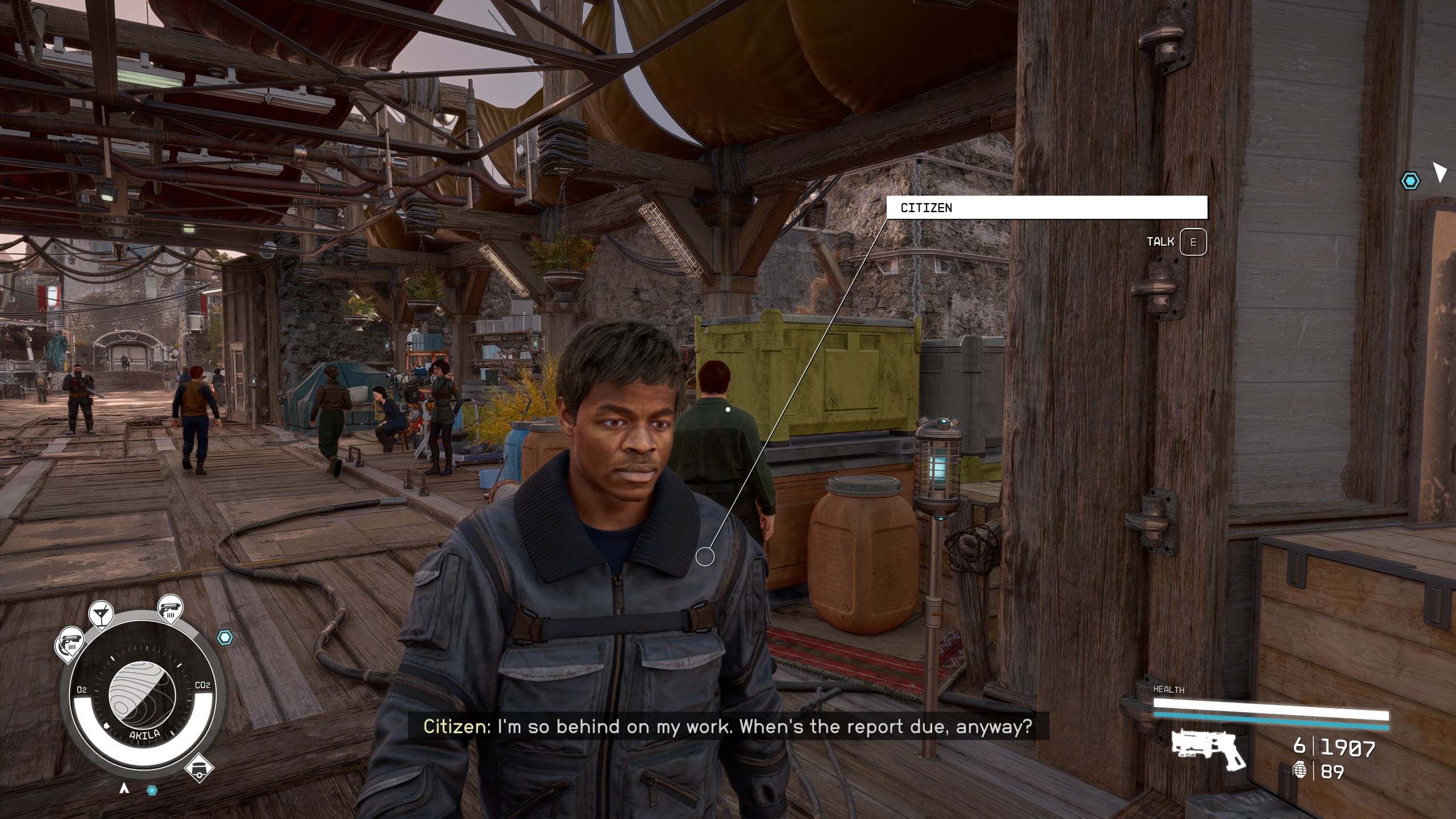 But seriously... who thinks this looks good?
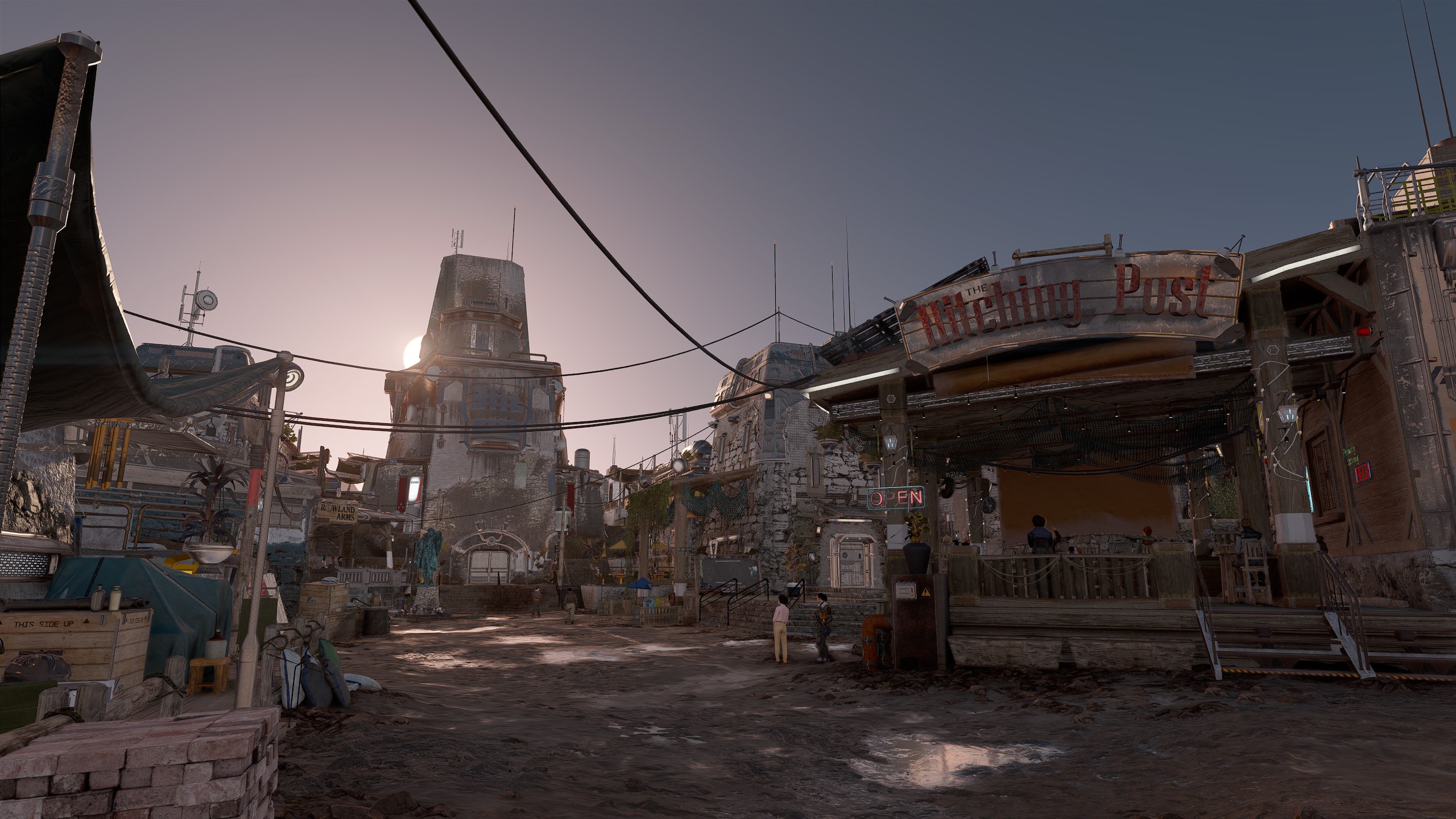
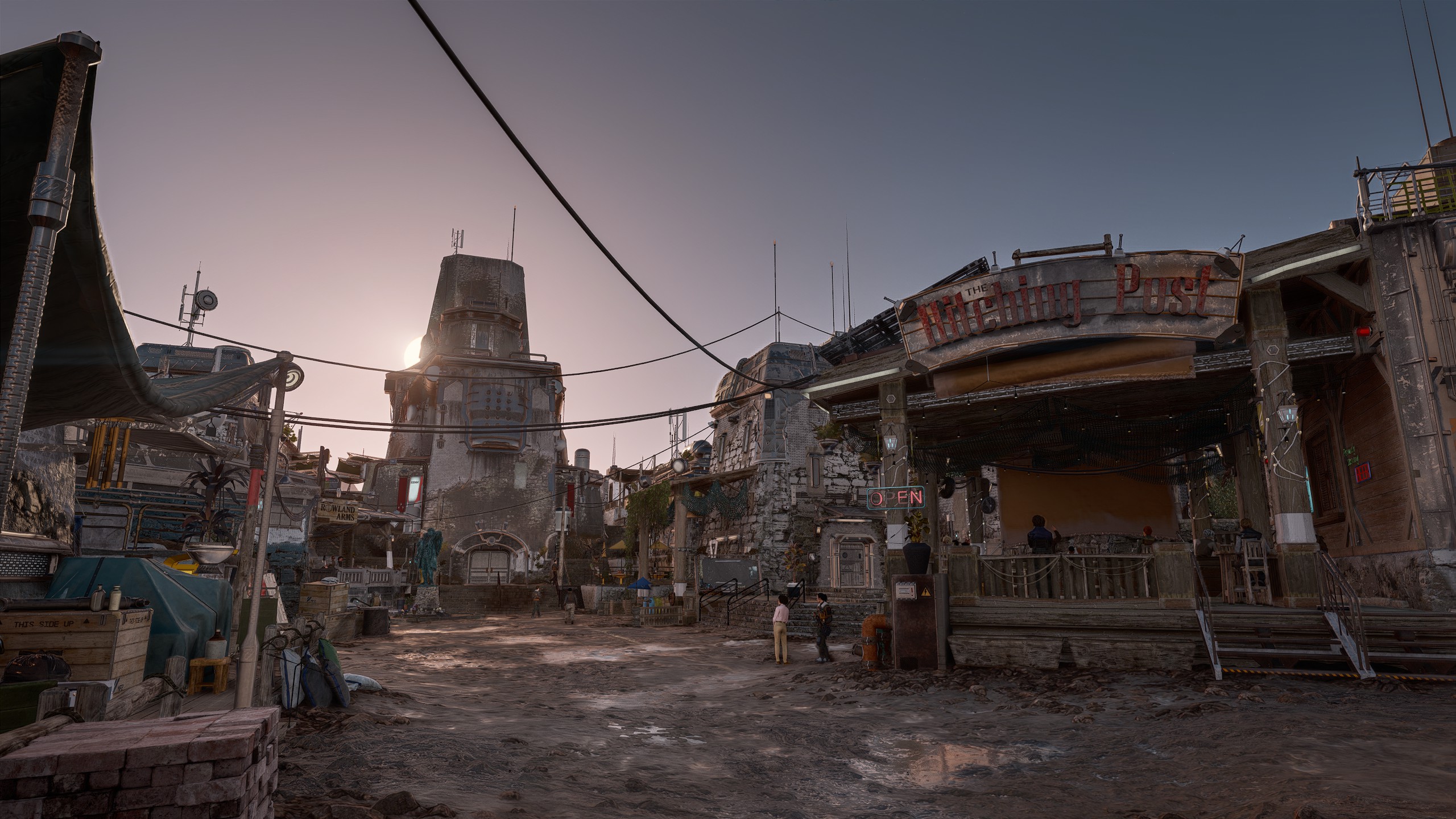
Another time where I think the scene generally does look better after the fact.
Screenshots from this point onward are using the mod Luma - Native HDR which I highly recommend for any other Starfield players on OLED monitors. I had mistakenly believed that HDR was incompatible with DLSS 5 due to an issue I had with frame generation. There is a bit of compression to the colours here since I'm not taking or uploading HDR images, but the look of these files is a good enough representation of what I see in game.
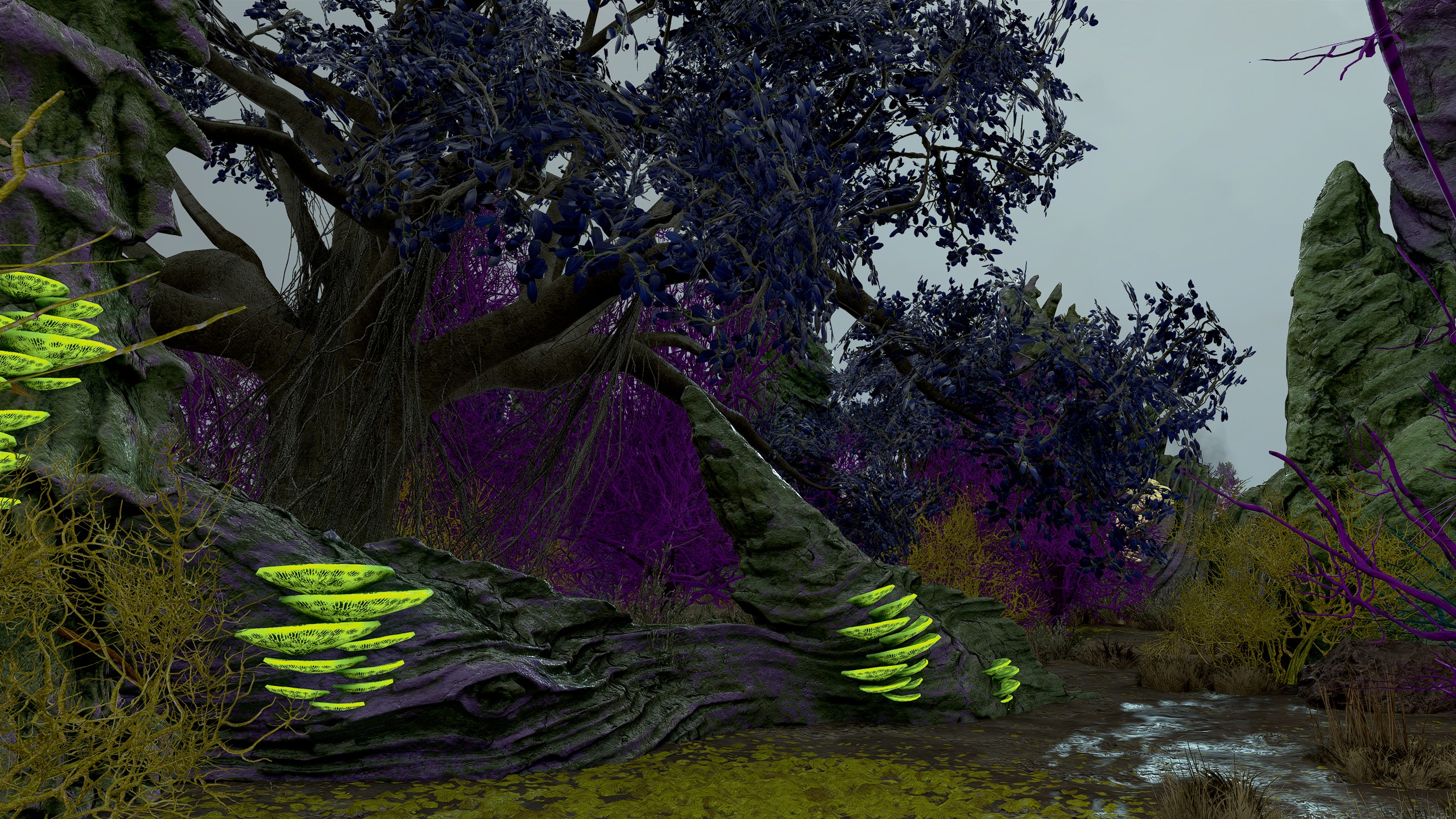
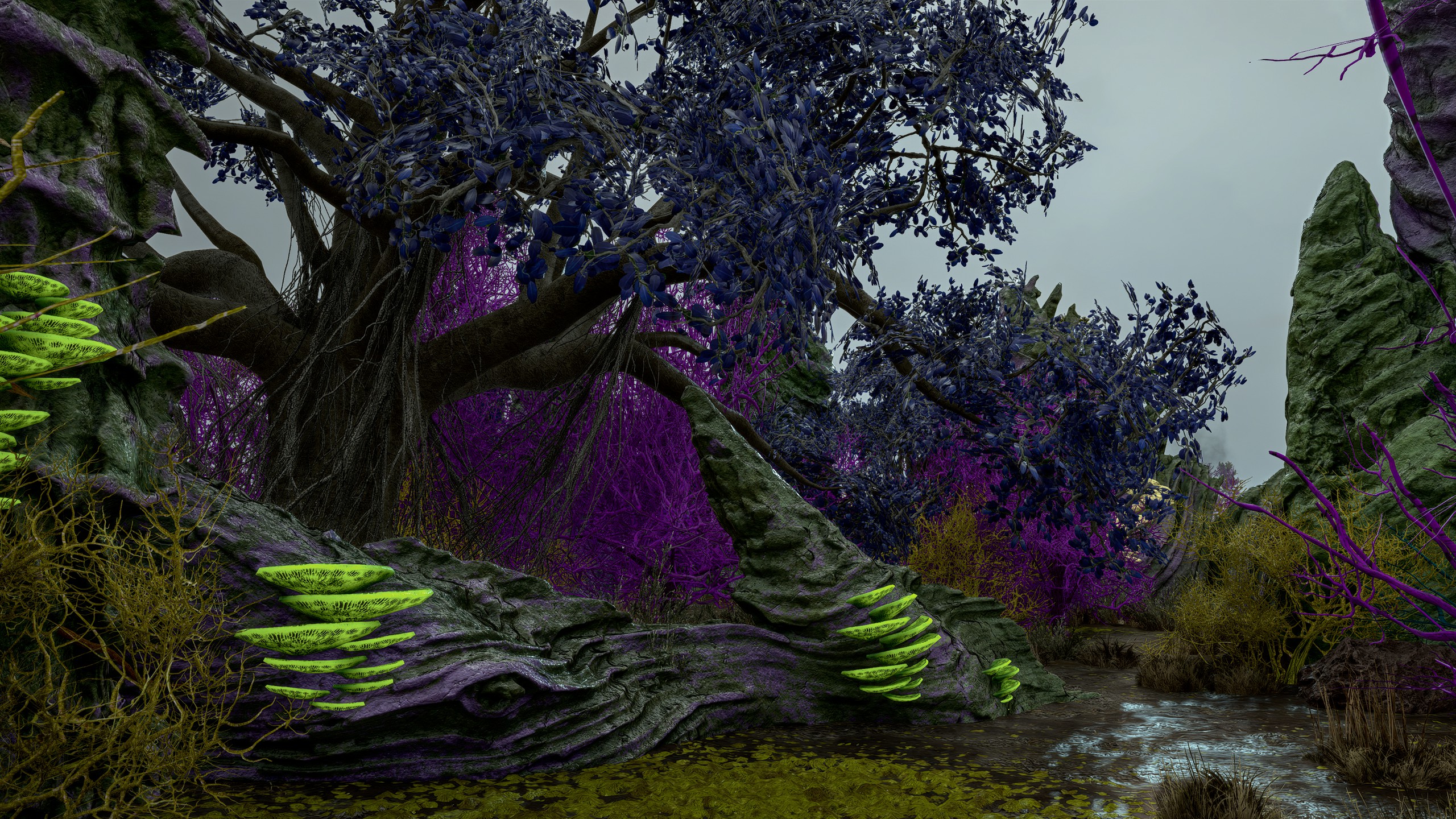
Here the green shelf mushrooms should be emissive and not be shaded as much as they are, but I think the overall shading is an improvement.
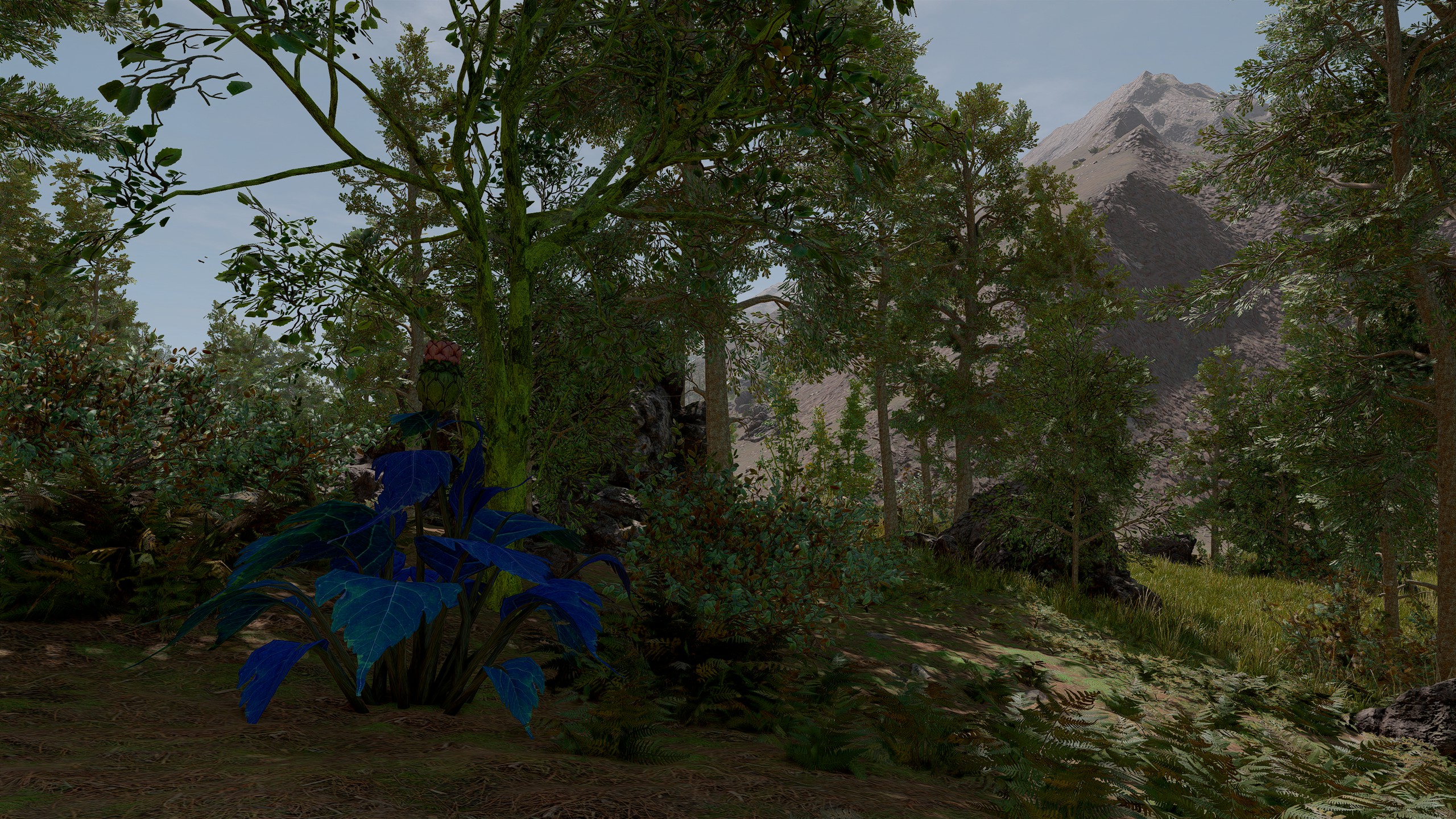
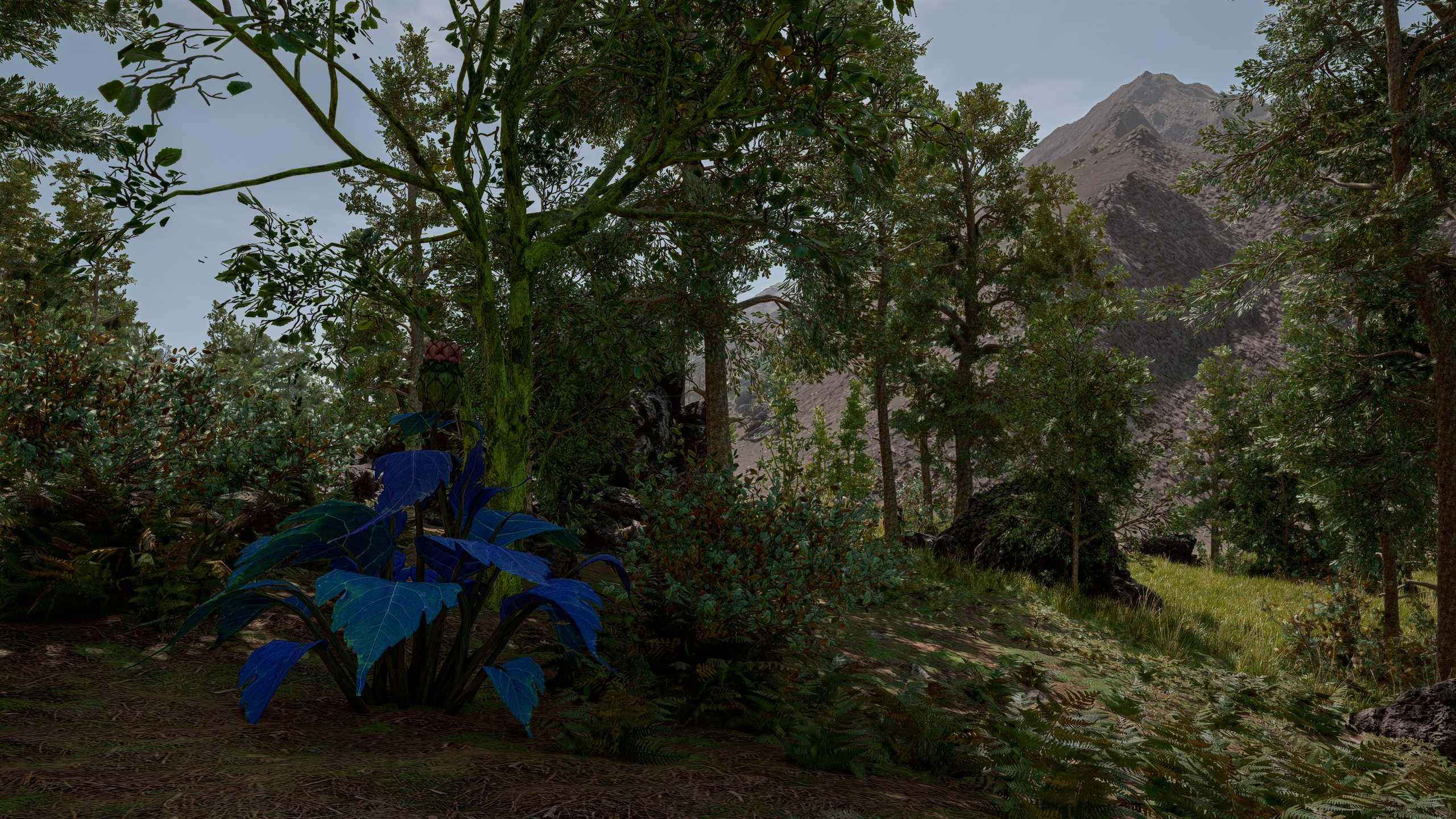
I find the darkening it applies to the tip of the mountain in the background unnatural, it stands out too much after the fact.
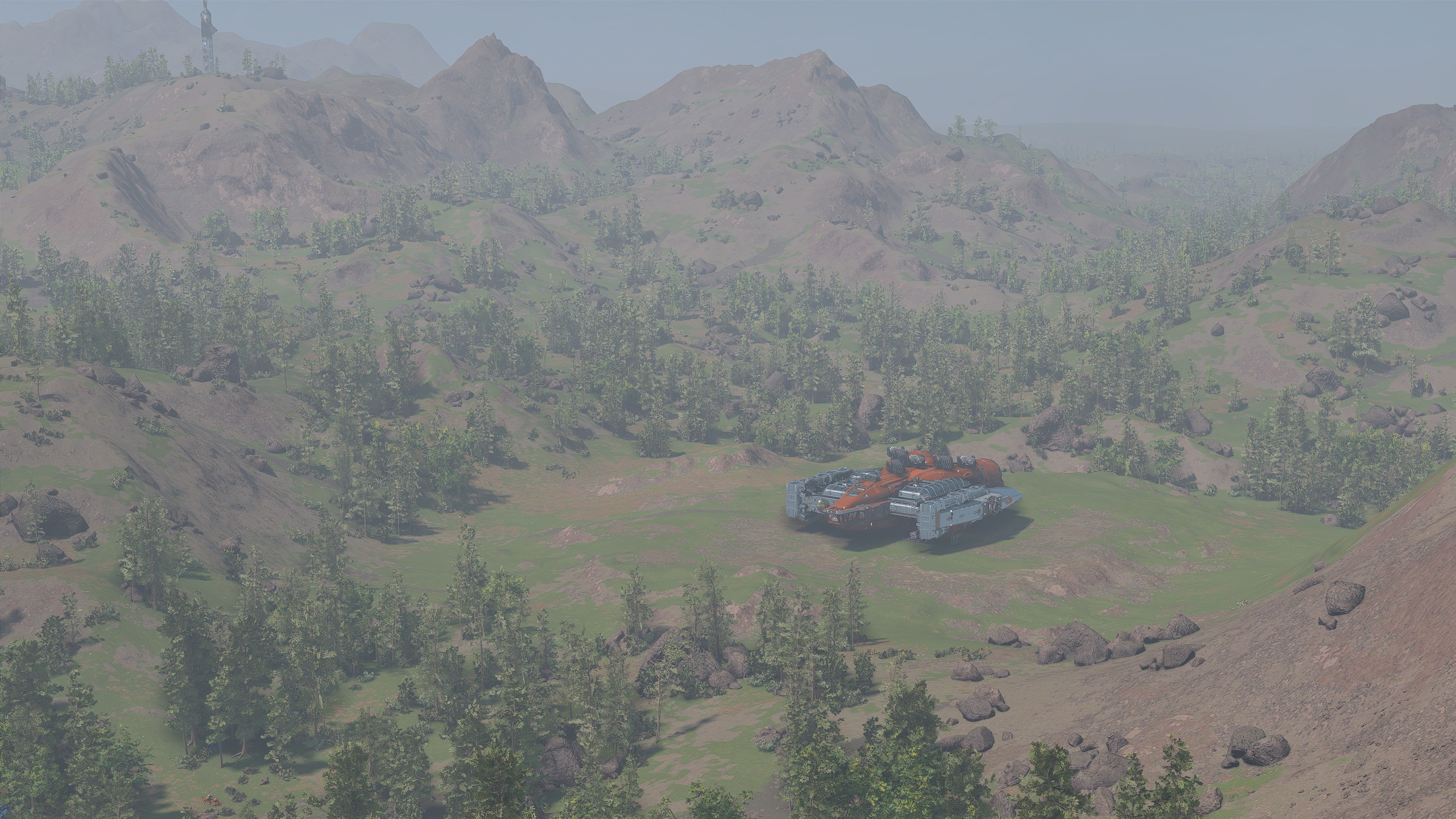
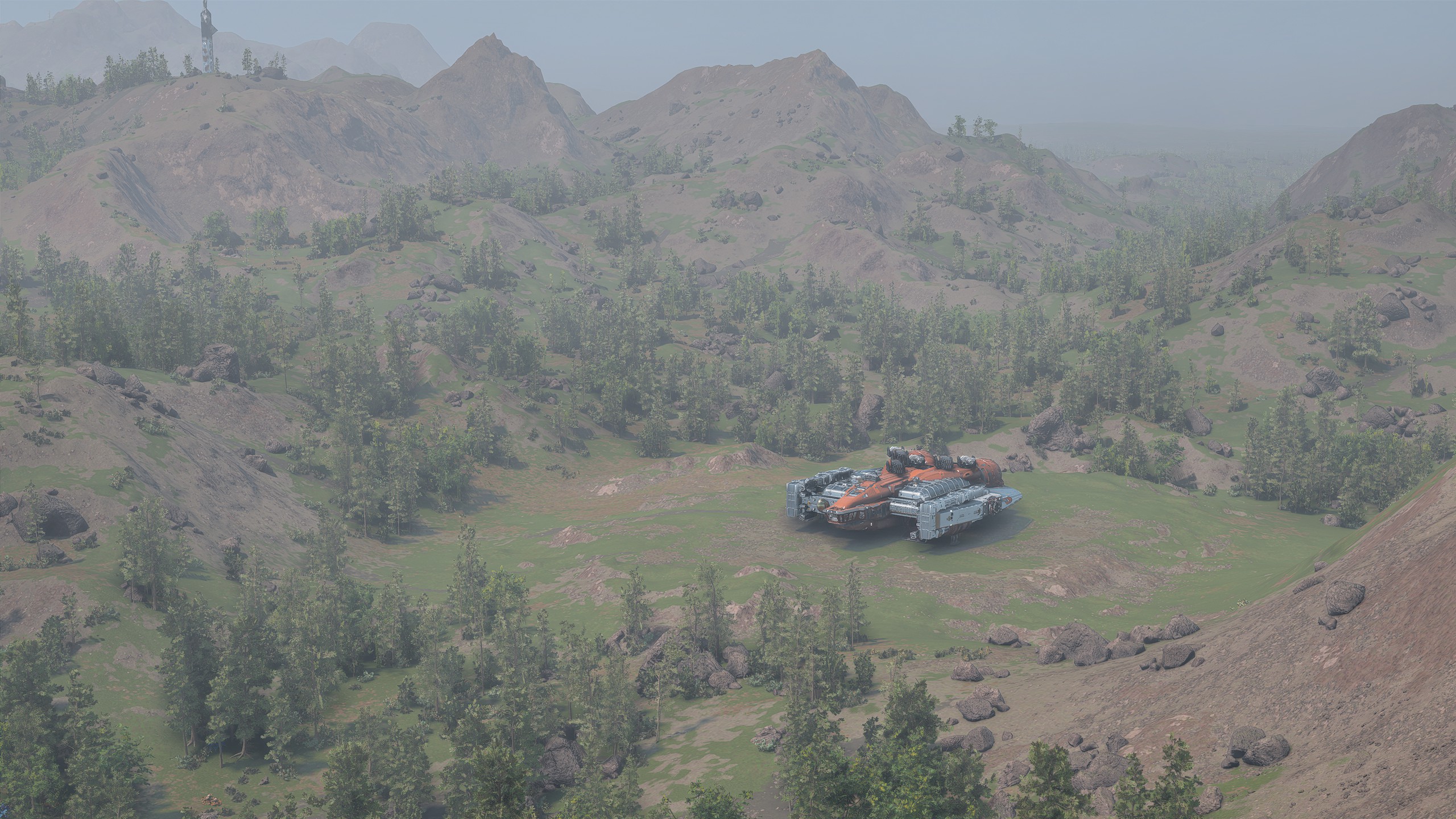
I think it has issues with fog/volumetric effects. it makes details on my ship stand out more than they should, and makes the shadow beneath it look very weird. I don't like this one.
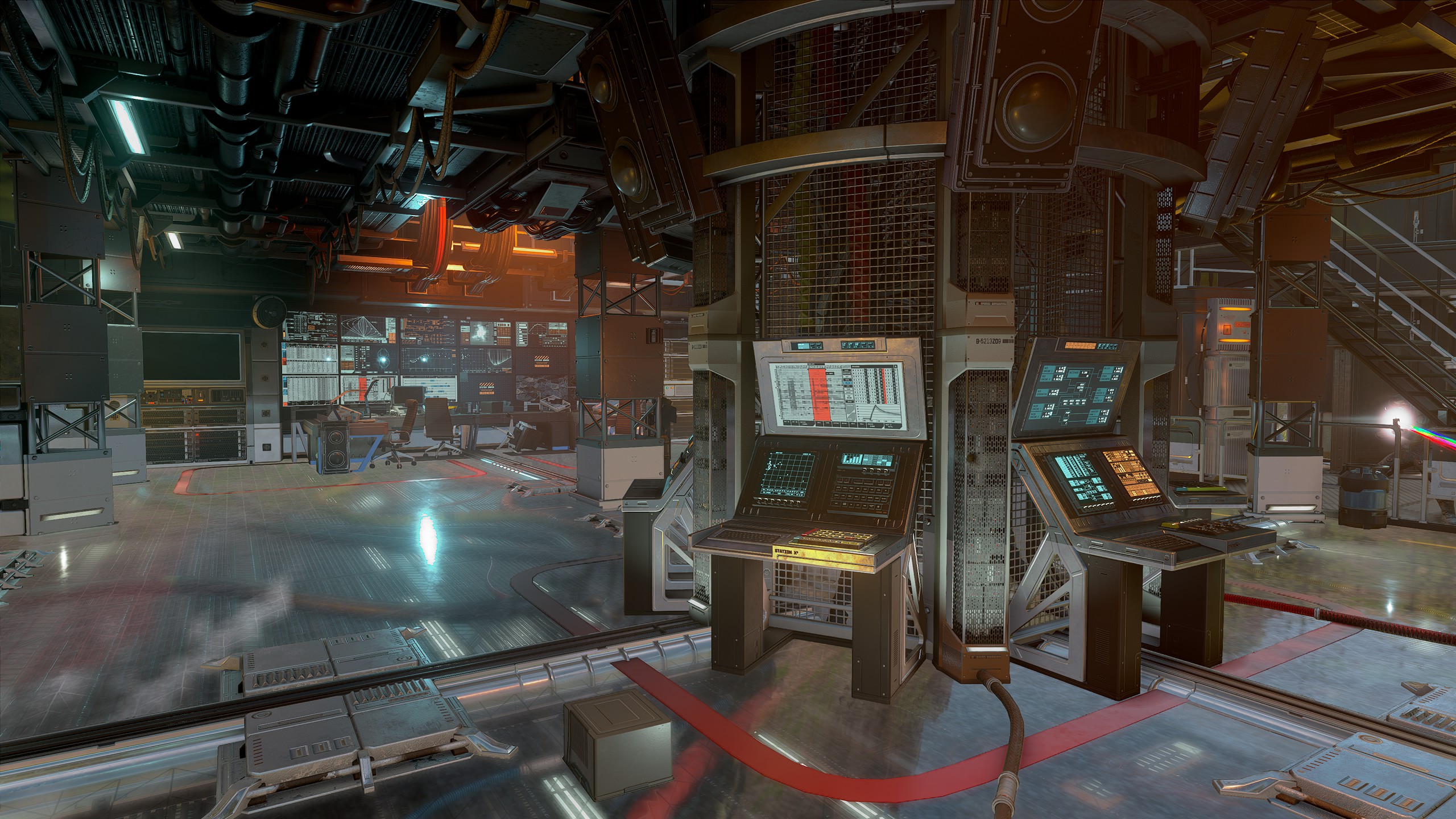
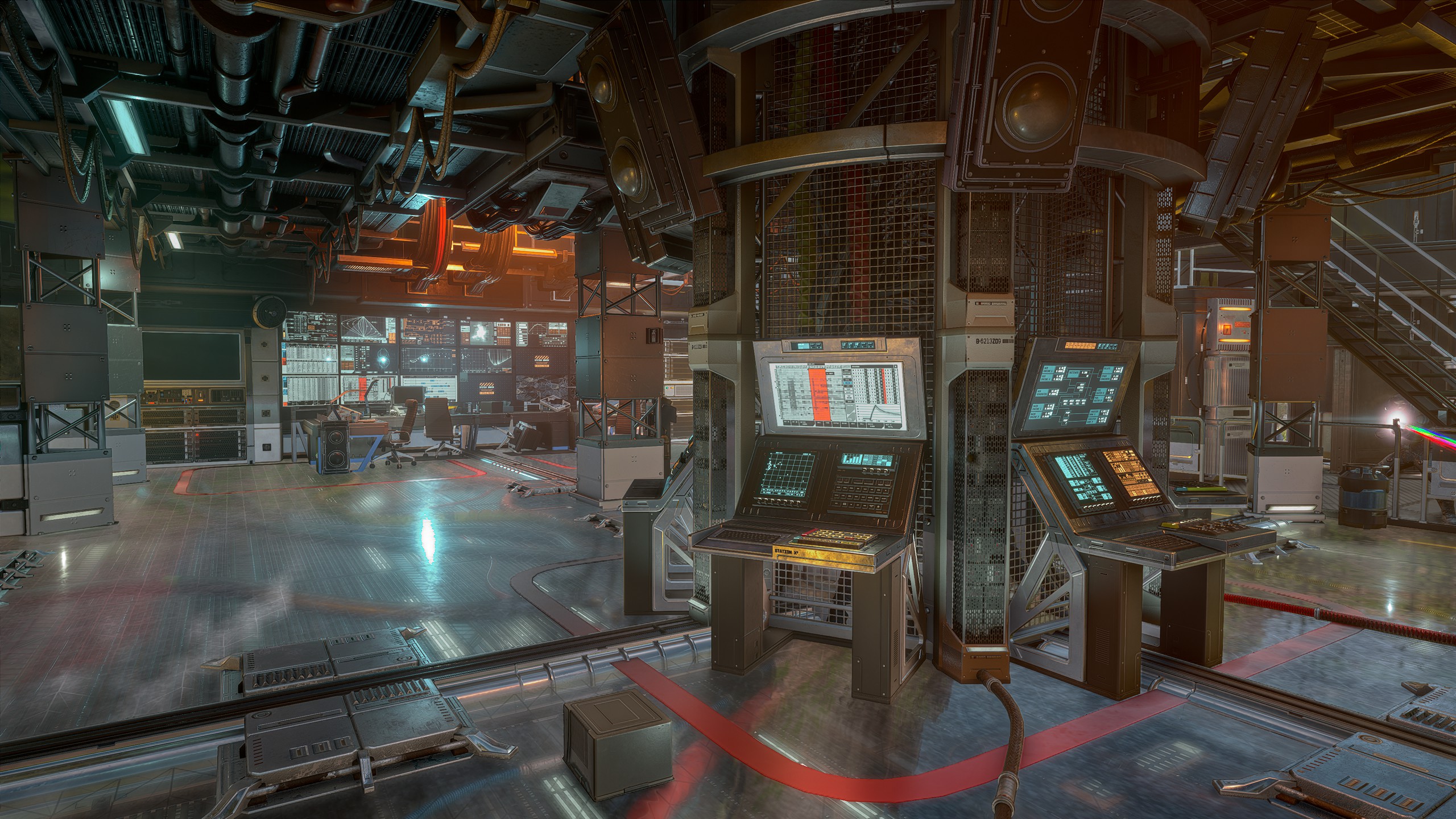
I honestly can't say that I like either of these better than the other, they're just different.
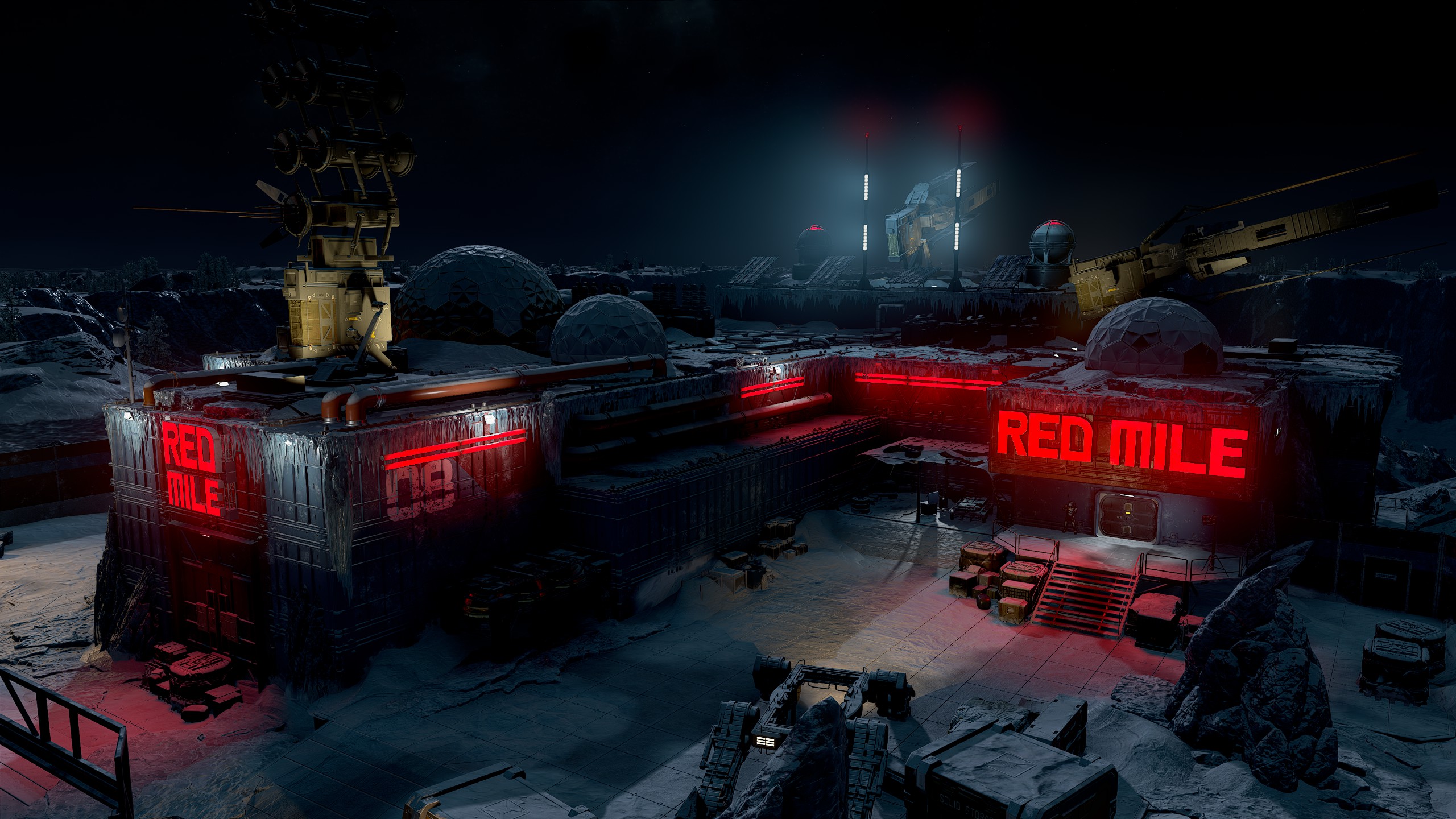
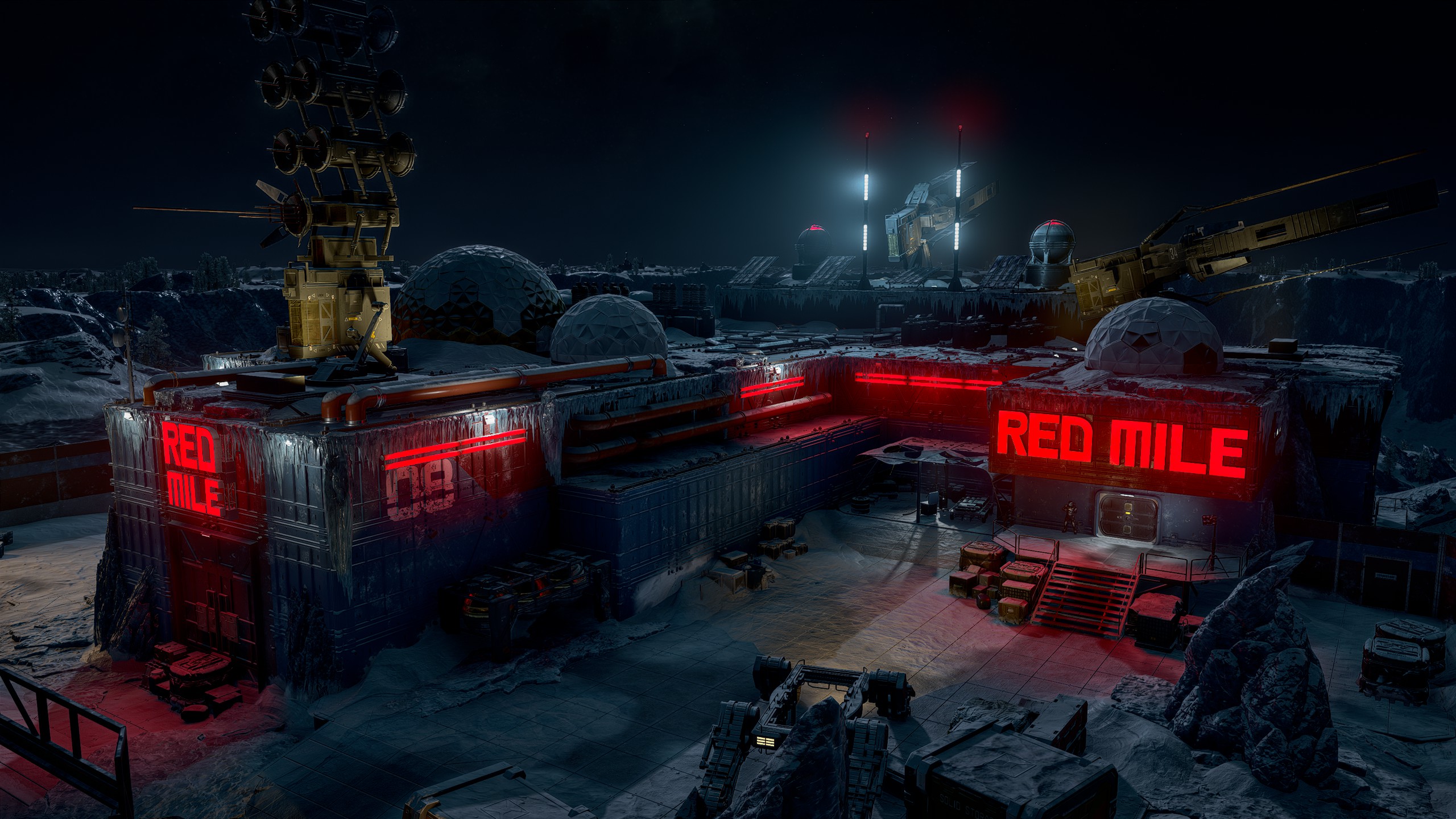
Quite a good result here. Lighting feels more accurate to what it should, and no issues are glaringly obvious to my eye.
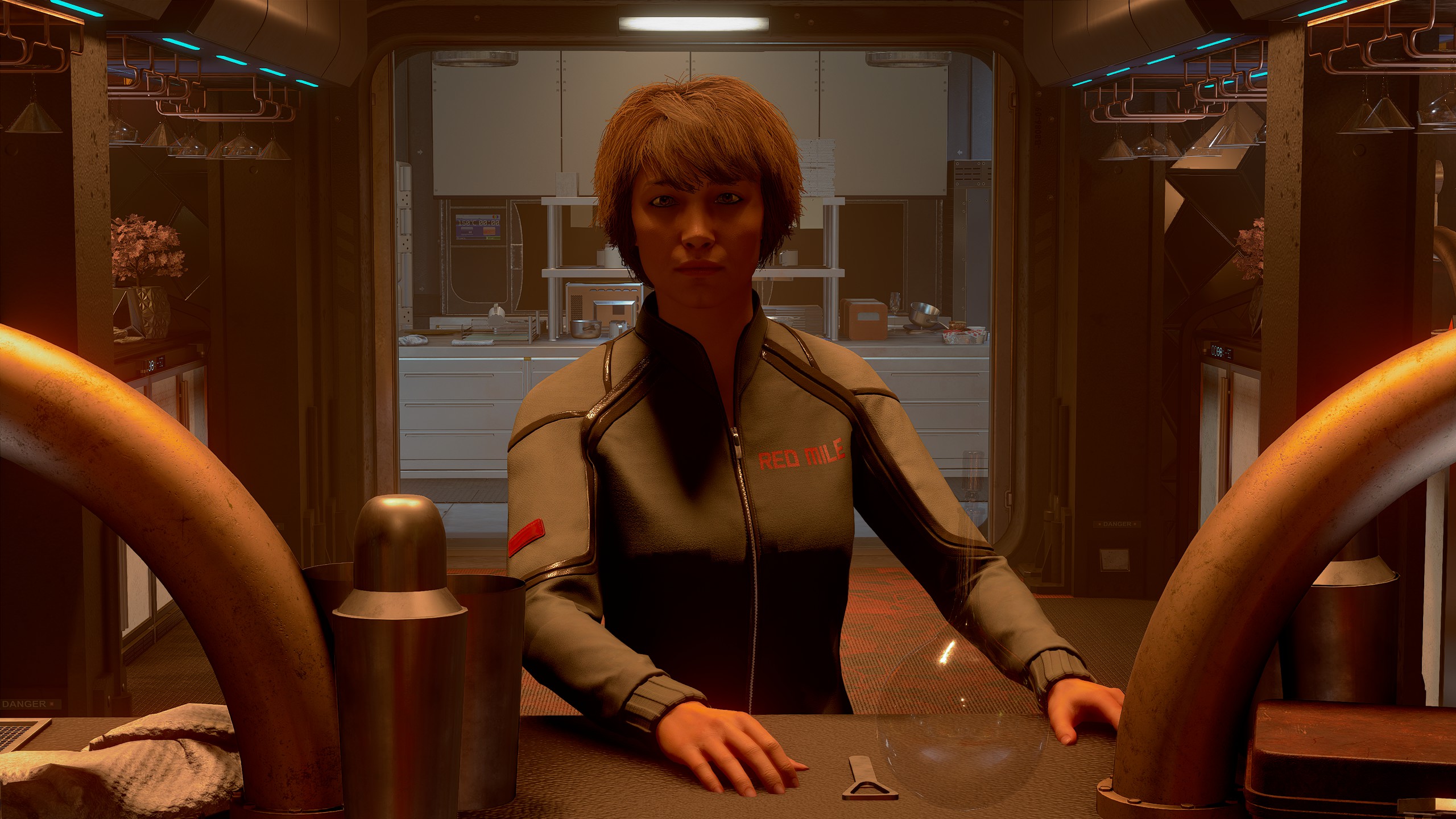
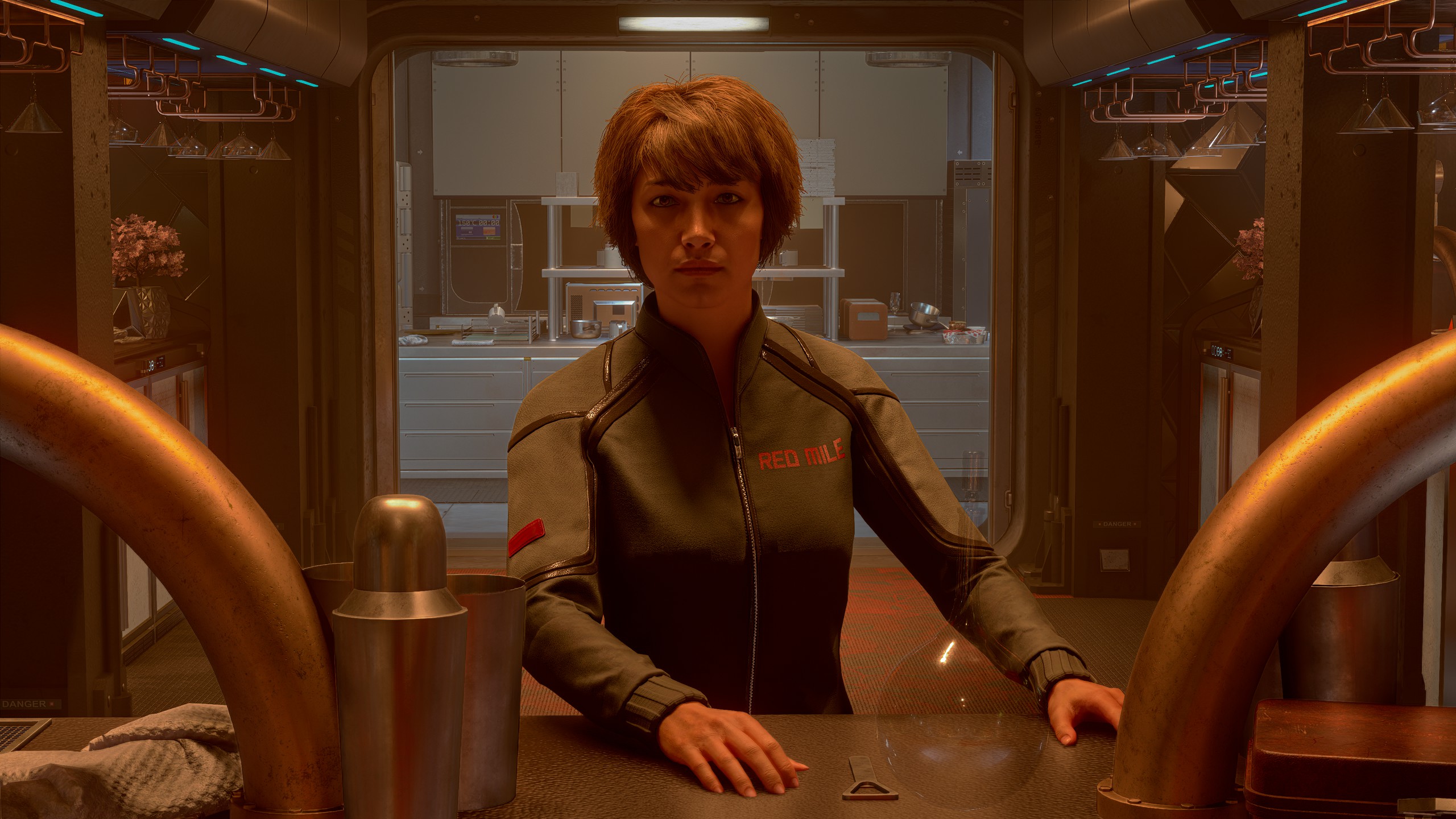
Might be the best result I've had for "normal" faces. Still a bit uncanny, but this one at least feels like it fits into the environment and less photoshopped on. I think I'd still prefer it to not pay special attention to the face.
Note that the below screenshots utilize the Neon Vertigo overhaul mod.
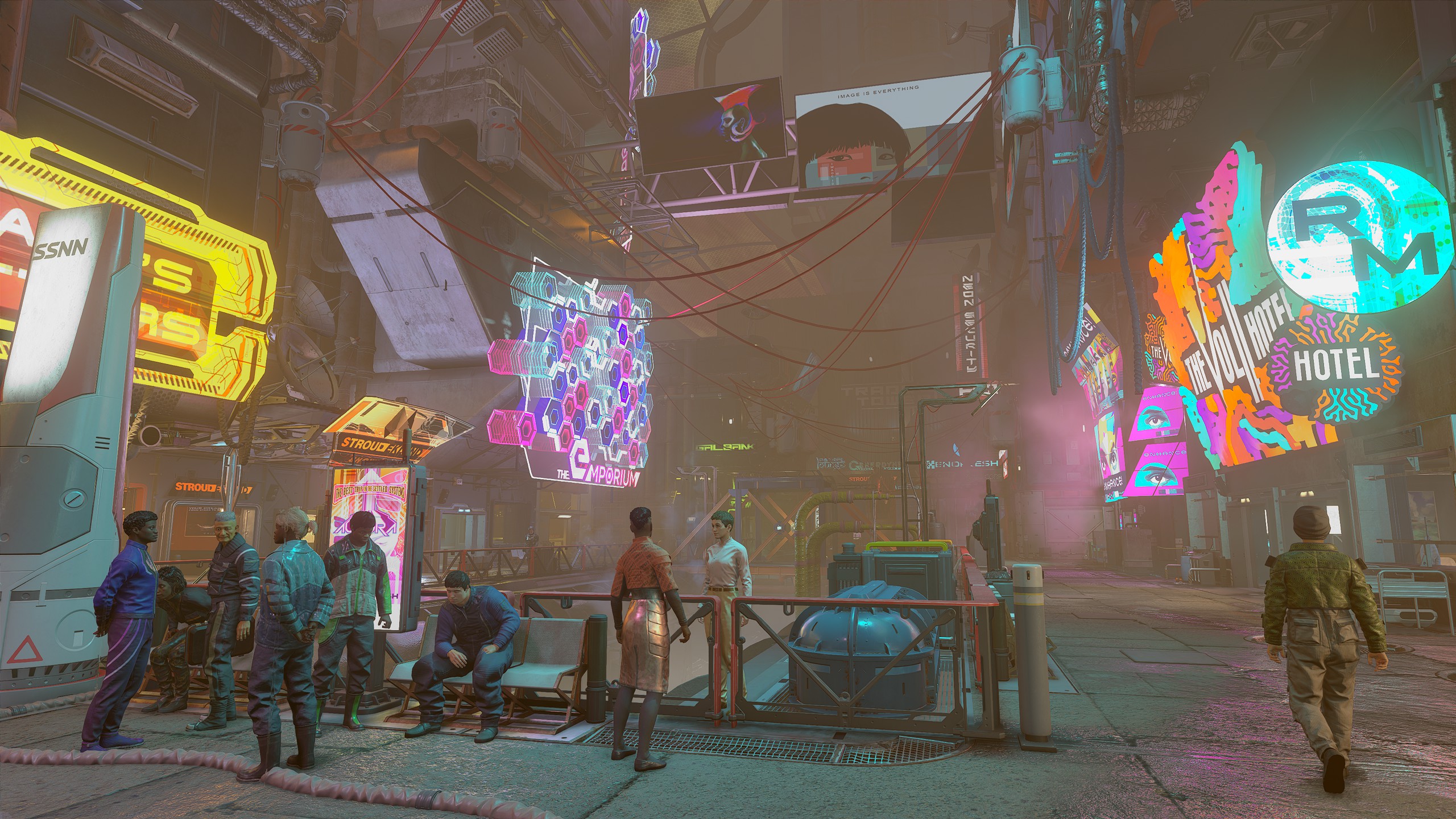
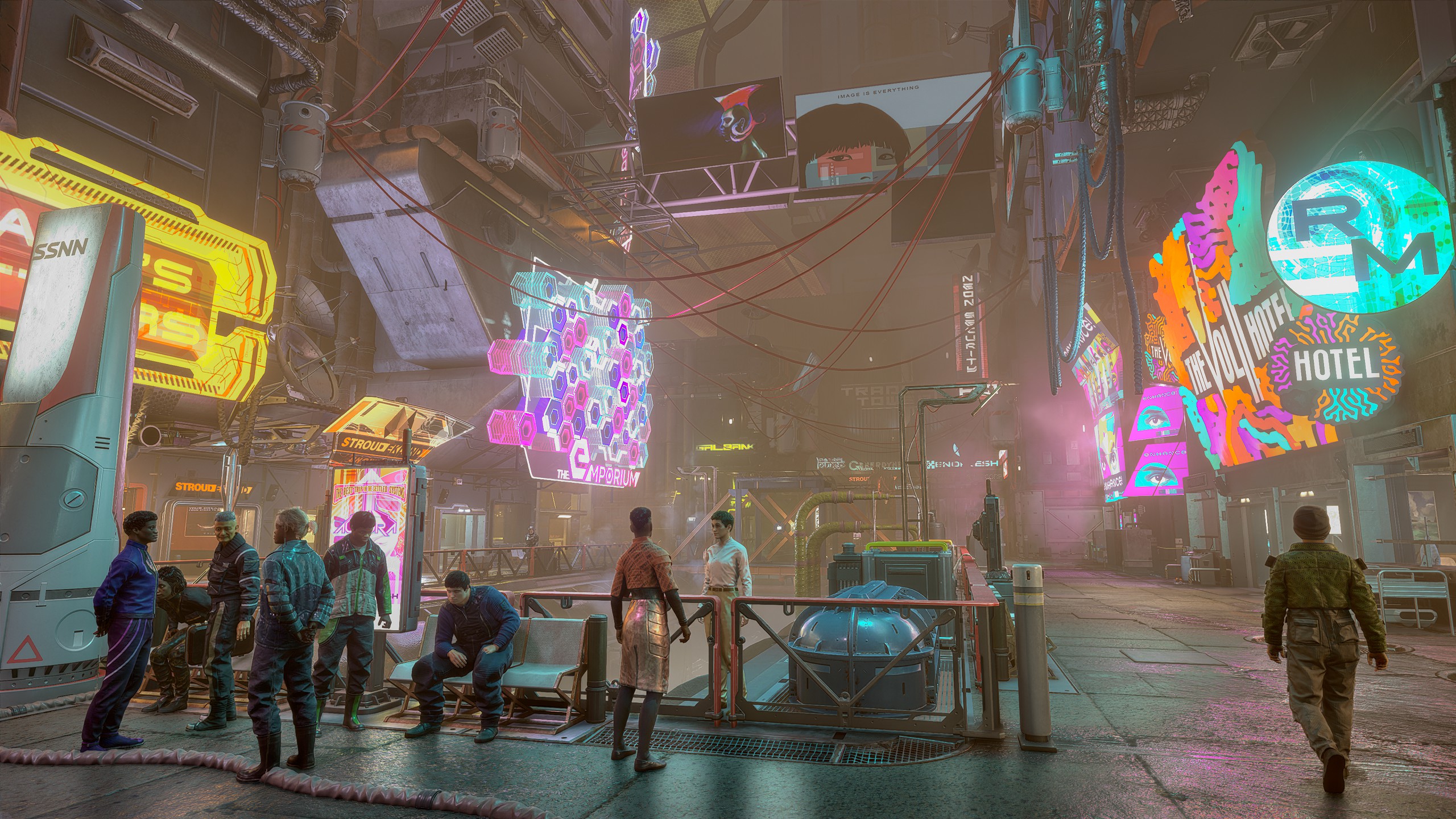
I find the shadowing/reflection occlusion on the closer crowd of NPCs to look quite good, but it's still not really aware of the fog/mist present in the scene, and accentuates details that should be obscured.
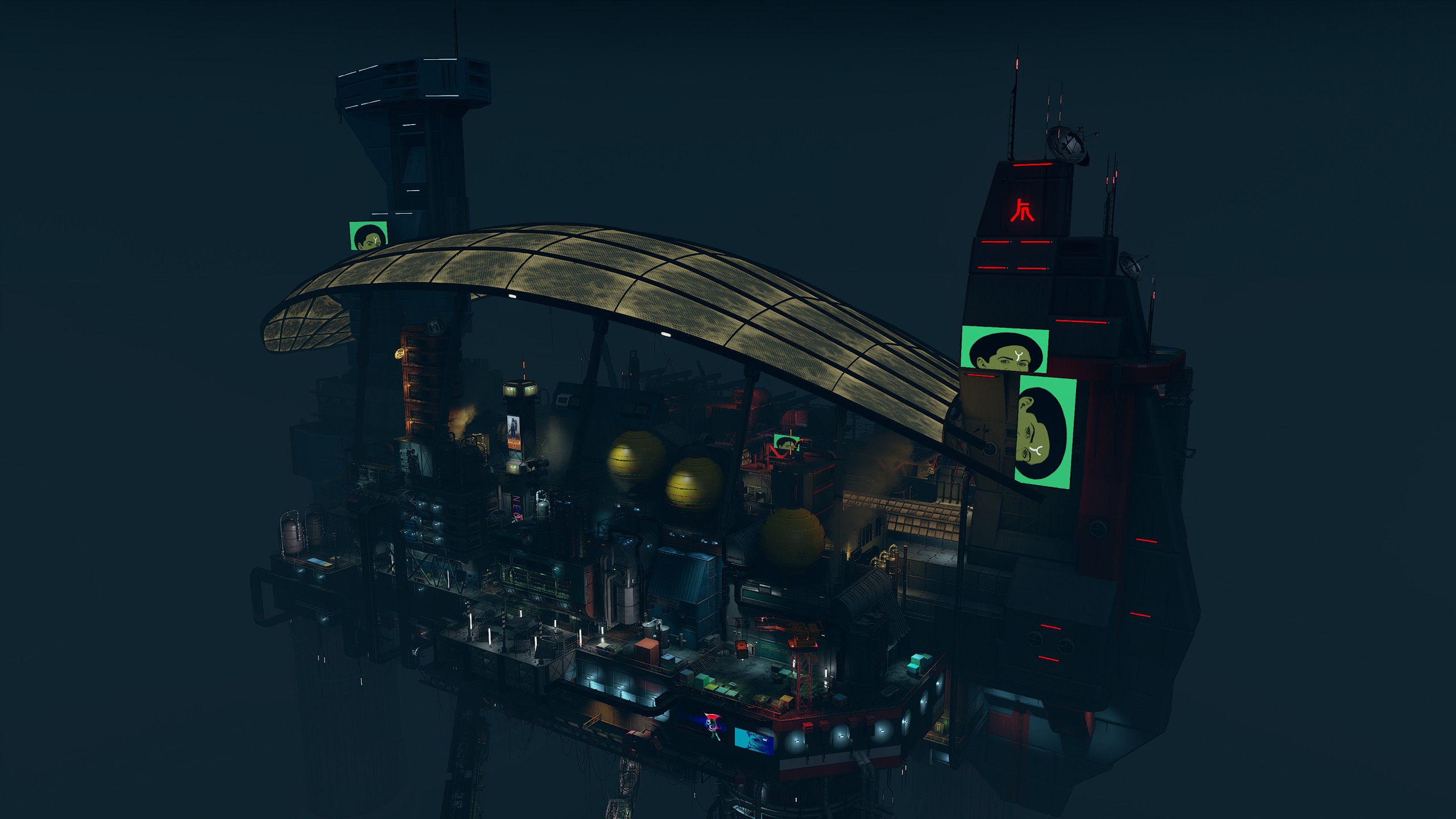
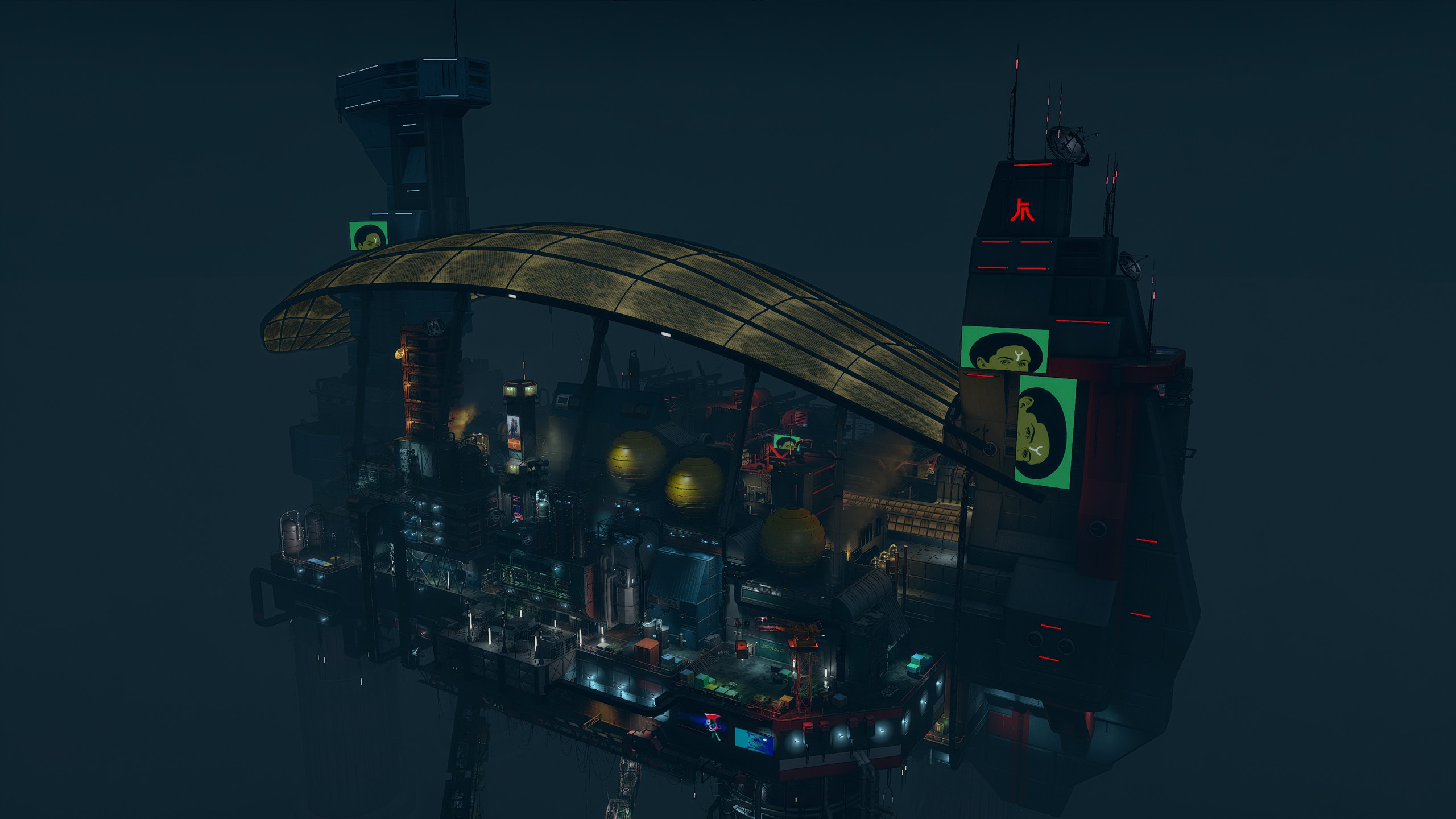
Here I find it suffers from two common issues, lack of emission awareness, and diminishing returns at a distance. The glowing roof of Neon should be much brighter than it ends up. Maybe later versions or dedicated game integrations will fix this, but as-is, this example falls flat.
For these screenshots, I swapped Neon Vertigo for Seamless Neon.
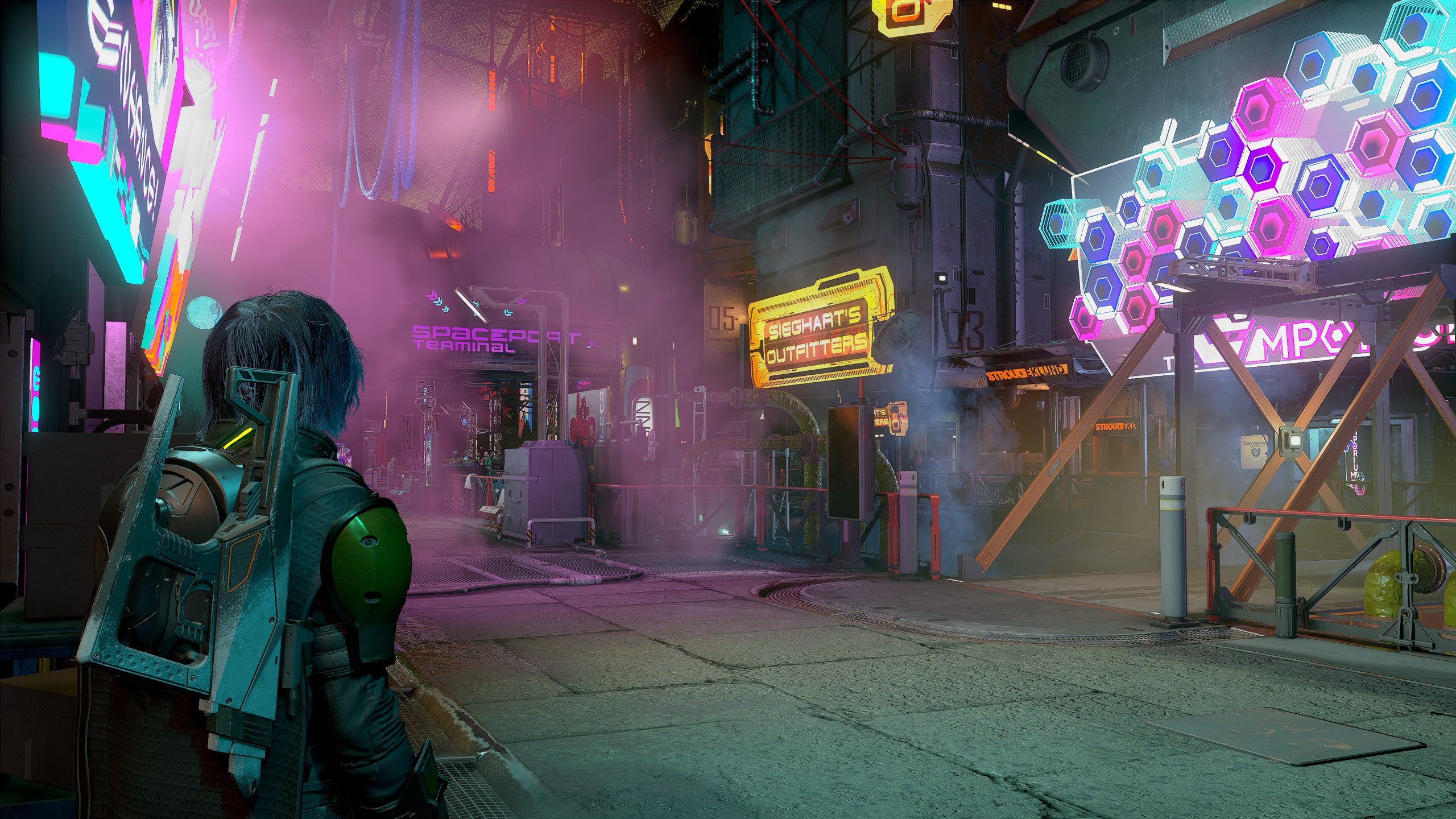
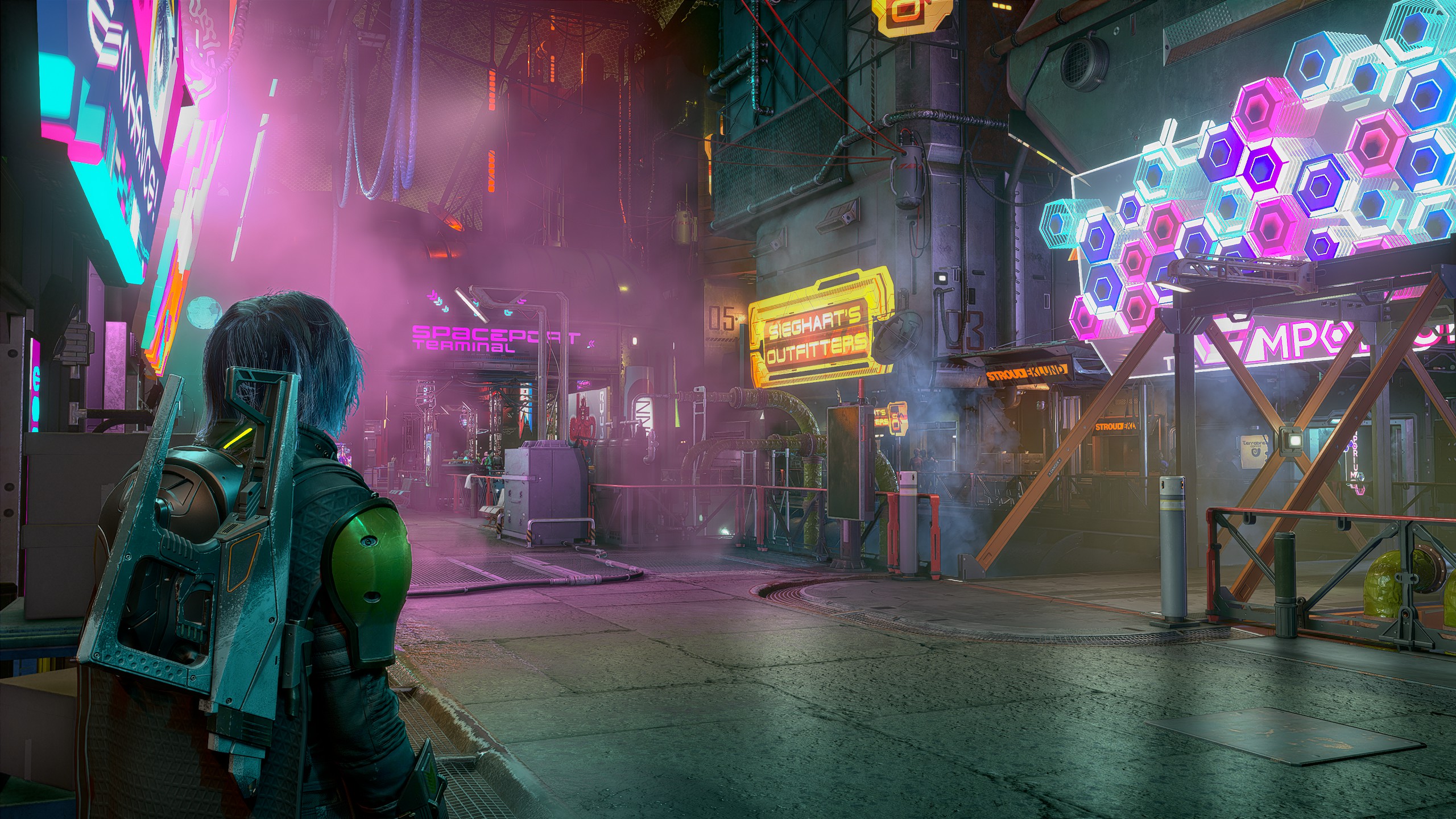
There's a very strange artificial appearance to this image moreso than in other examples. There's also that fake fake "shine" added to the image which looks strange in this example.
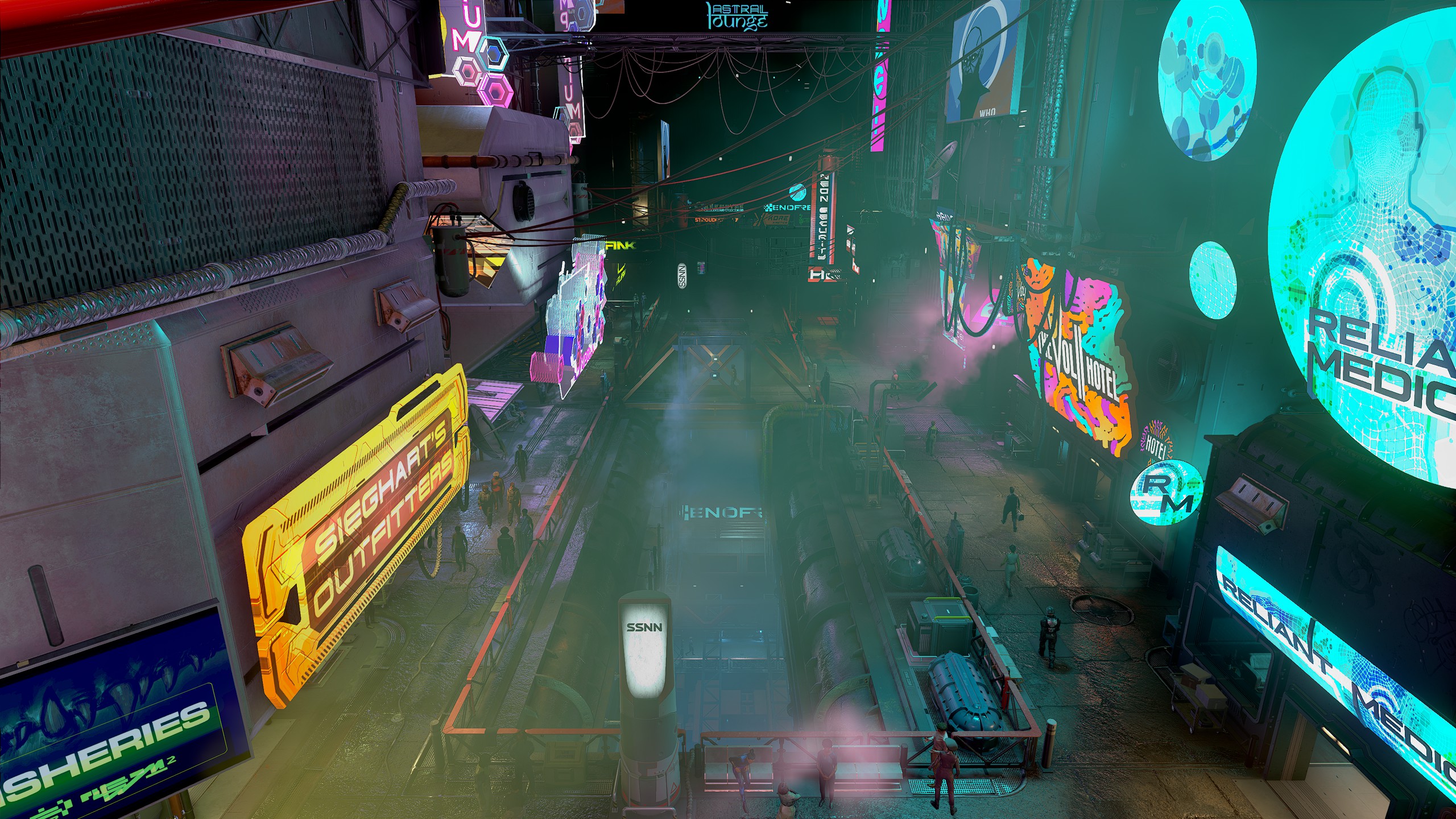
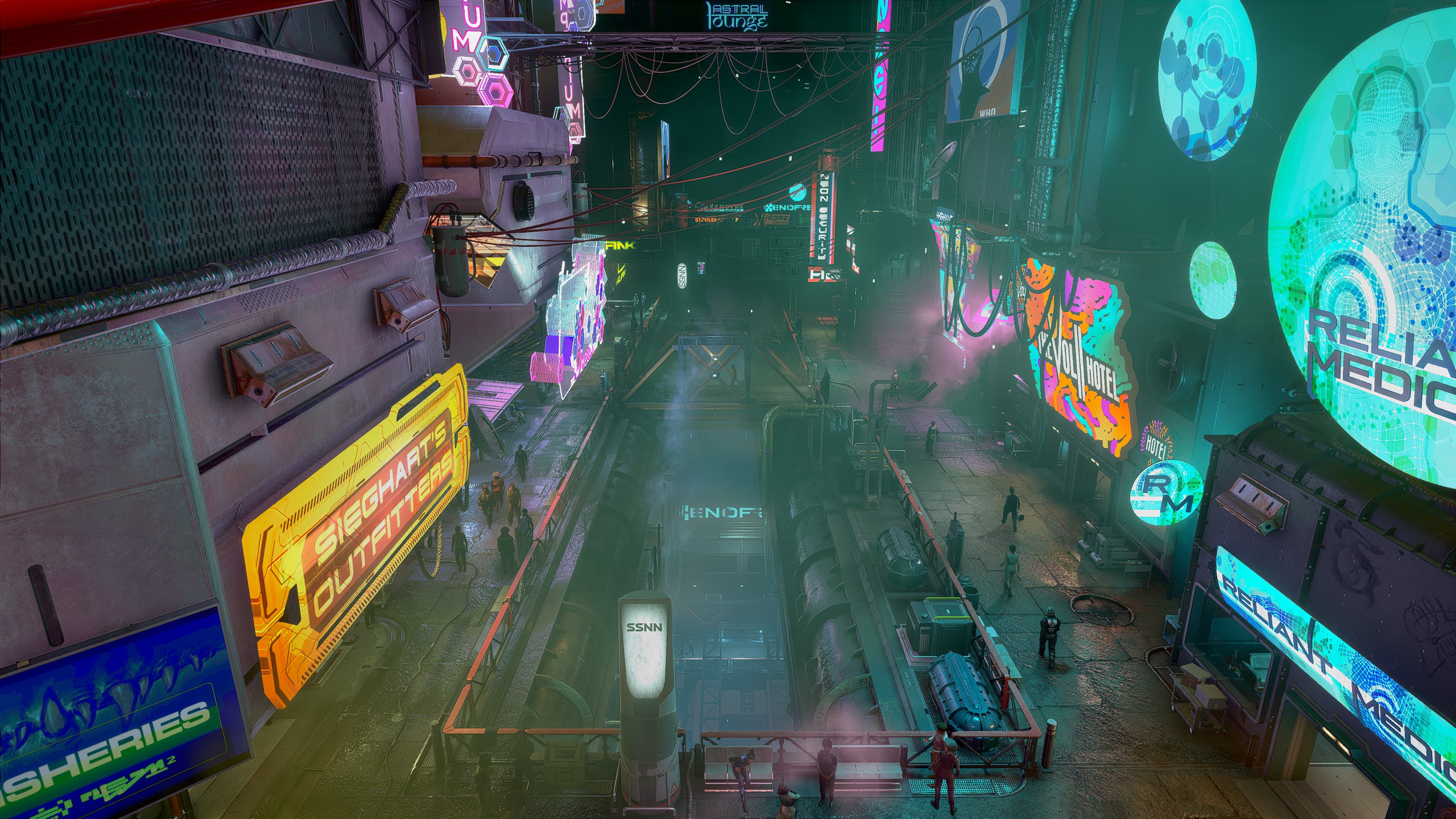
Fairly standard result.
And finally, onto the Va'ruun home planet, with the Dazra Uncut mod.
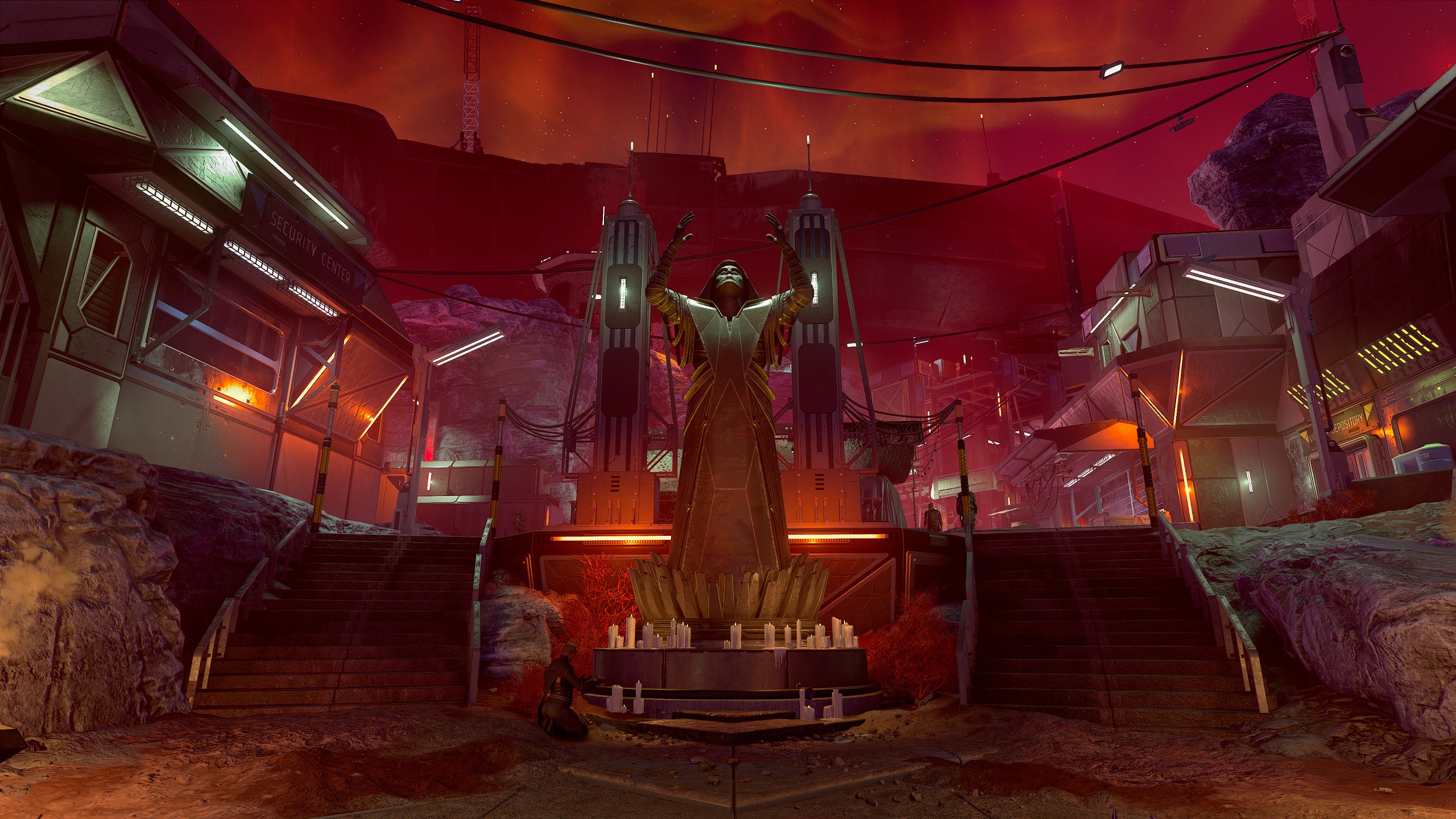
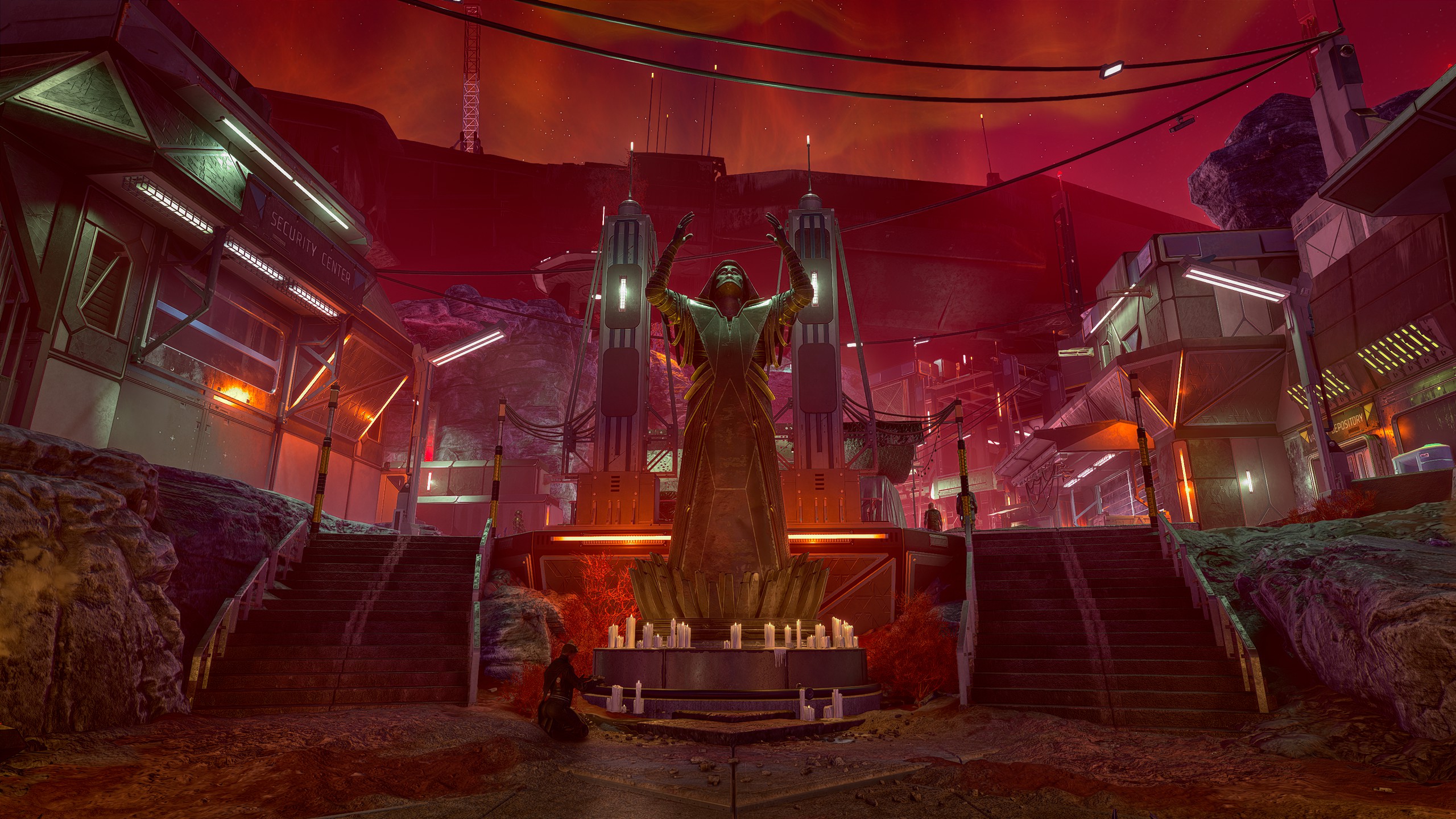
Here it seems to remove the light coming from off screen elements in the bottom left and right.
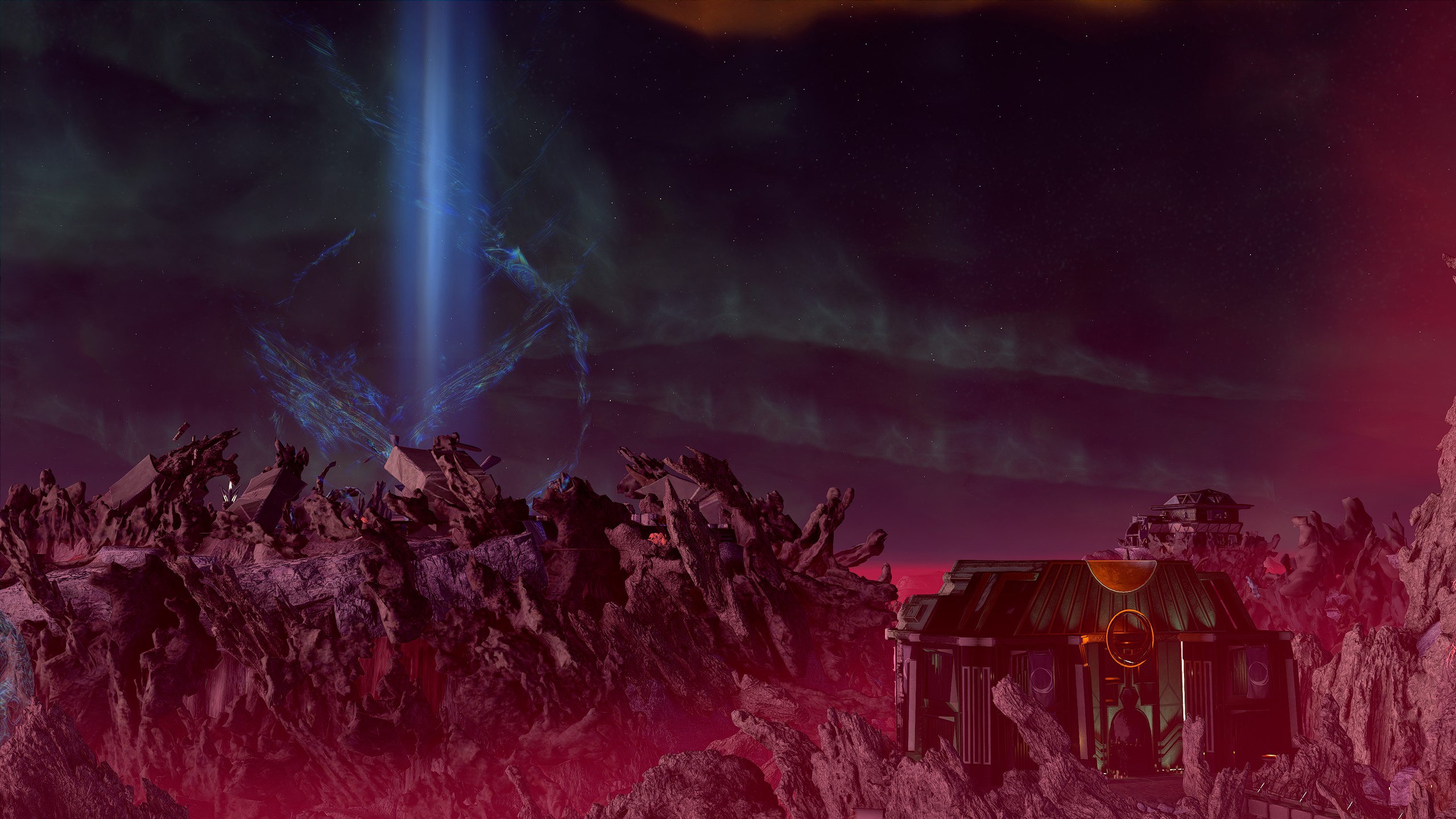
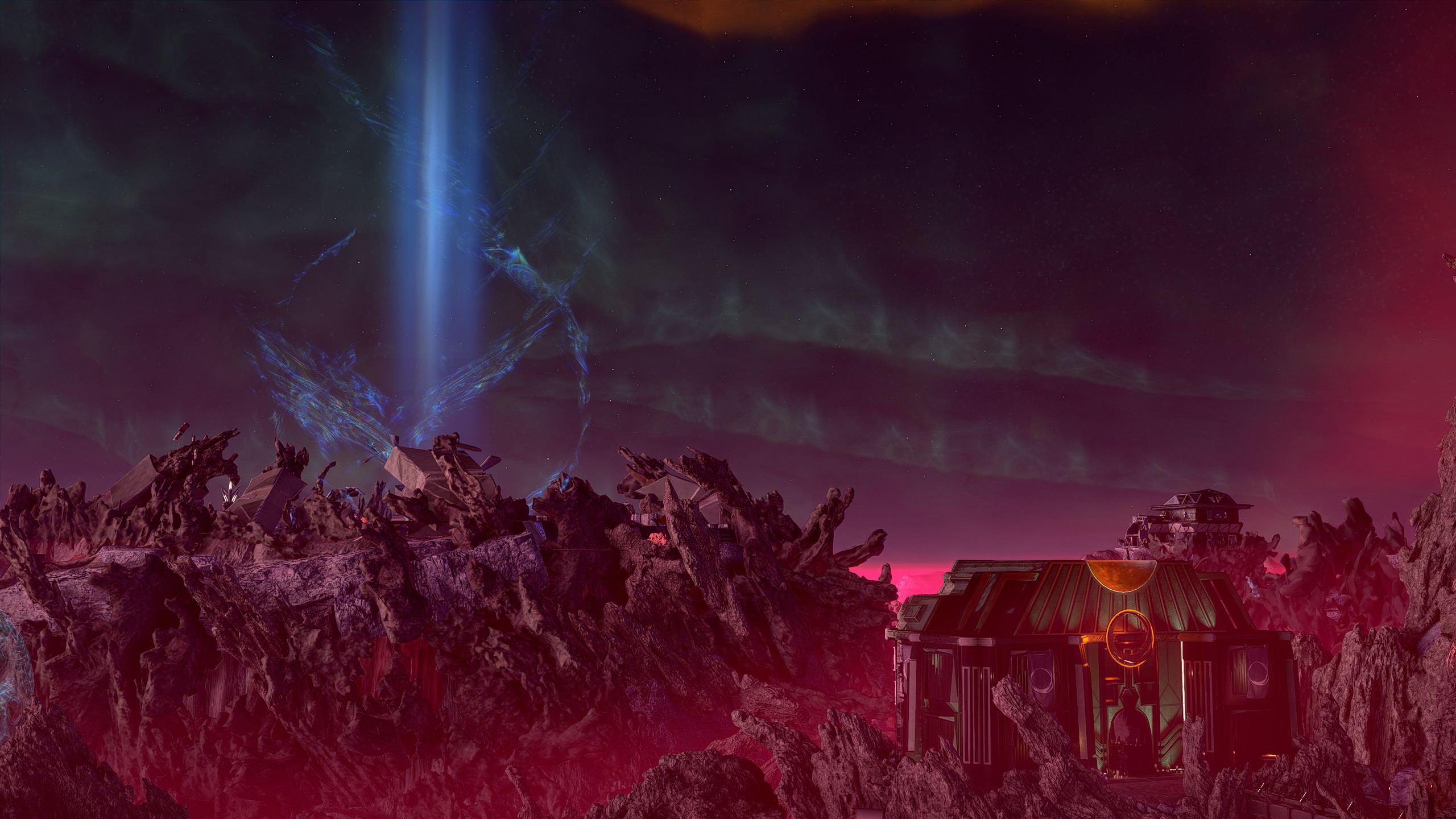
Makes some lighting on distance rocks a bit more cohesive, but also overly brightens the pink haze in the far distance.
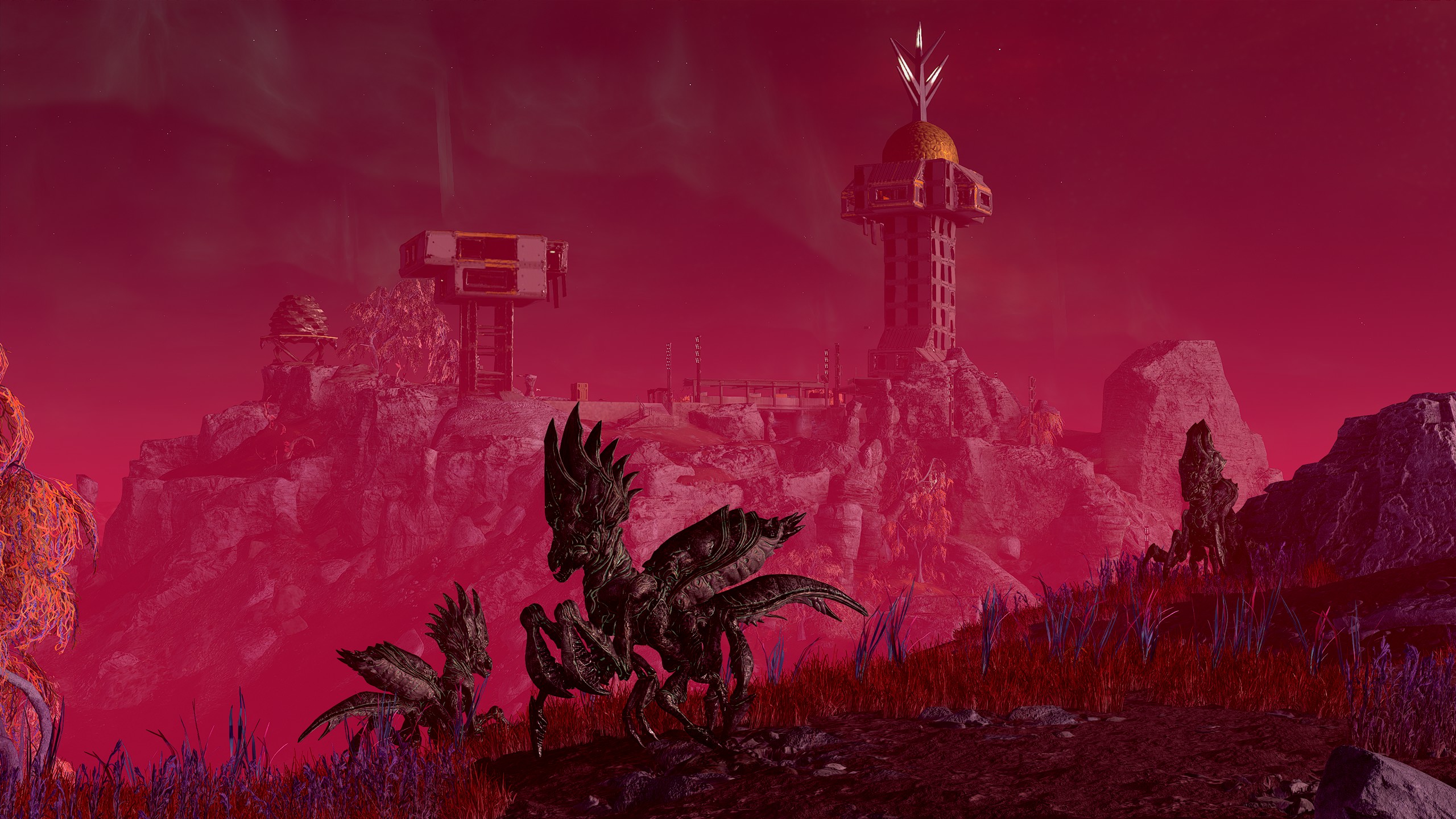
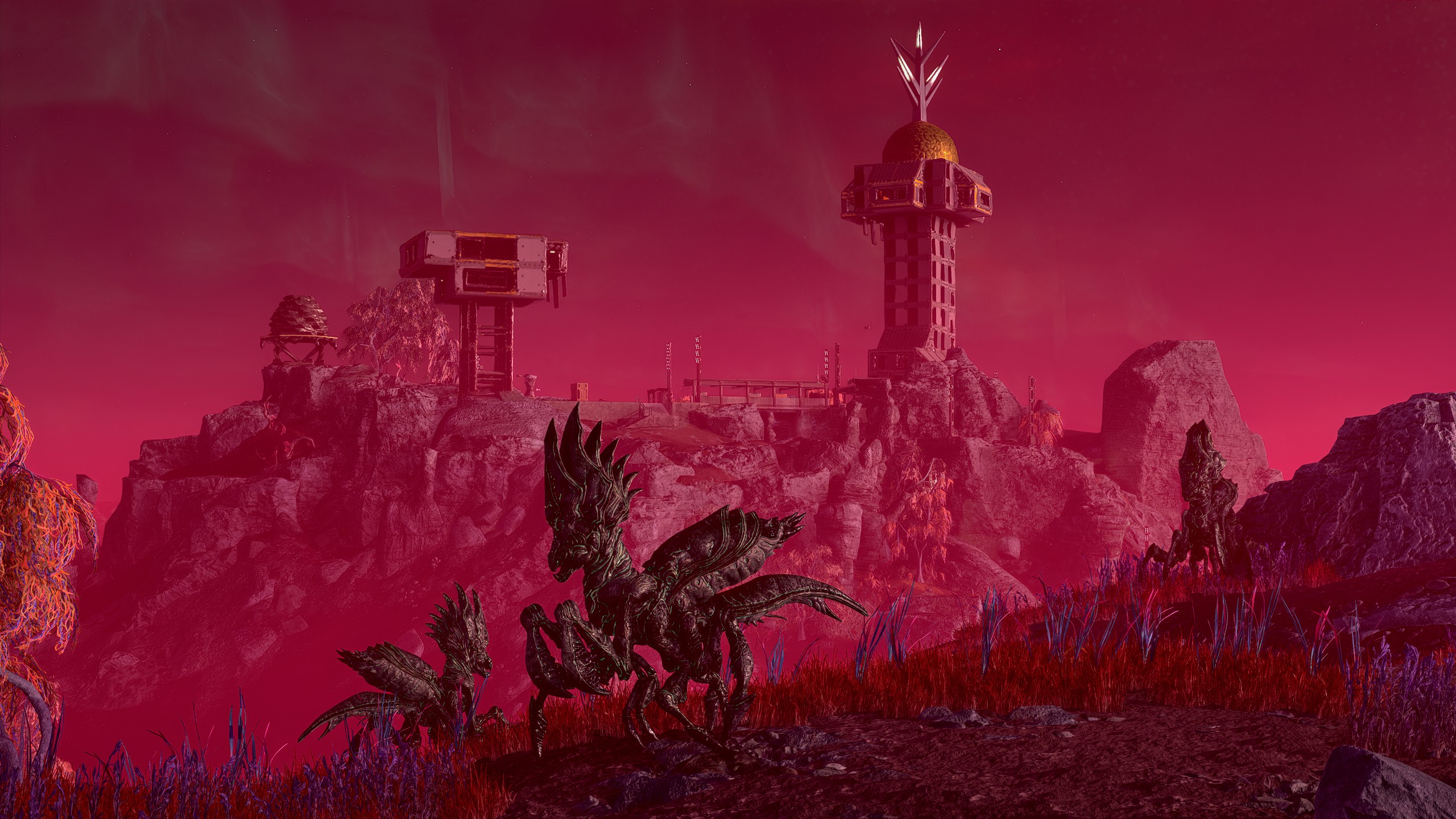
Again here it darkens the distant buildings and makes them stand out a lot more against the sky than they do originally. It also seems to put more of the haze over the close elements, which causes the sense of distance and scale to collapse.
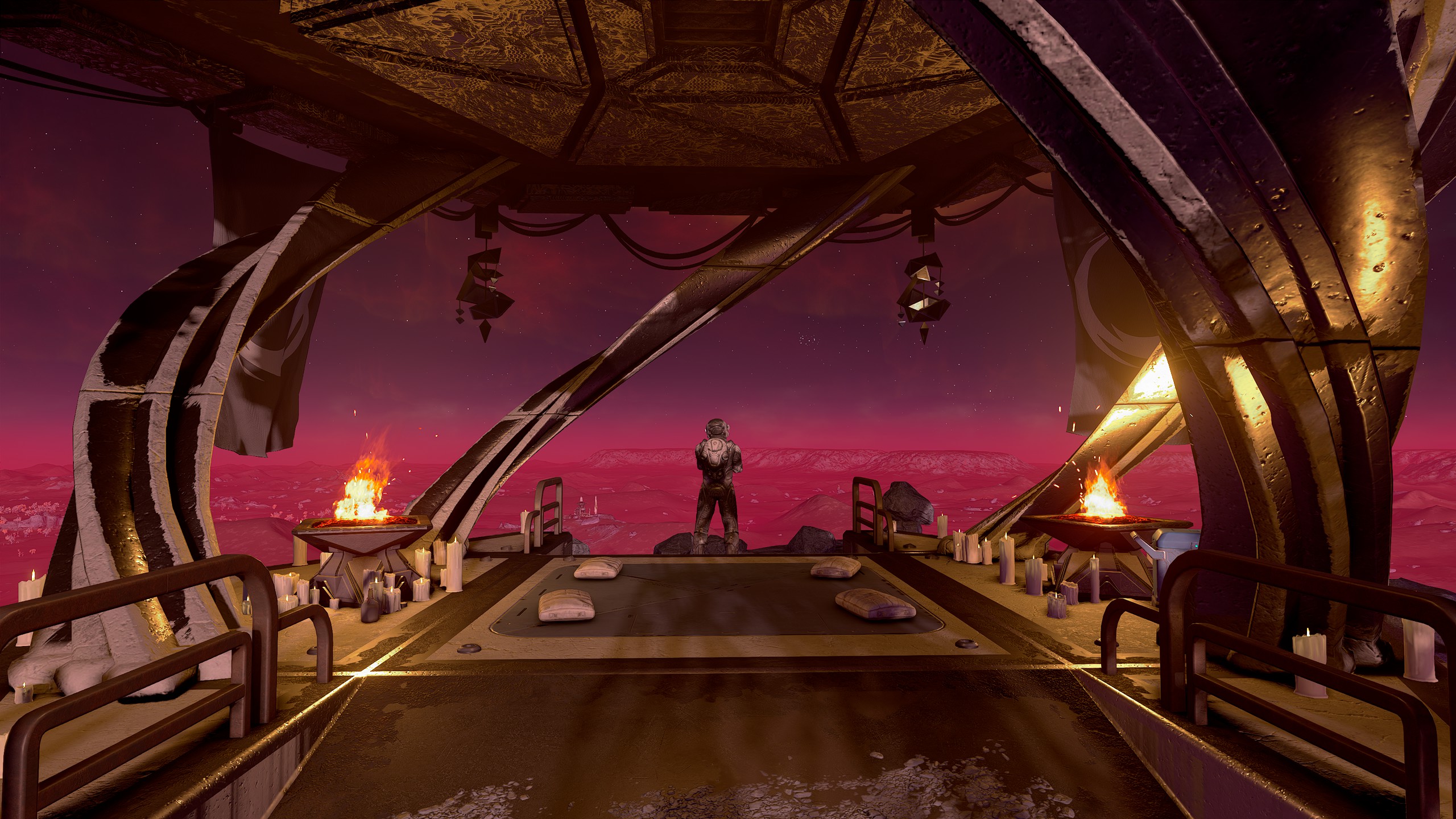
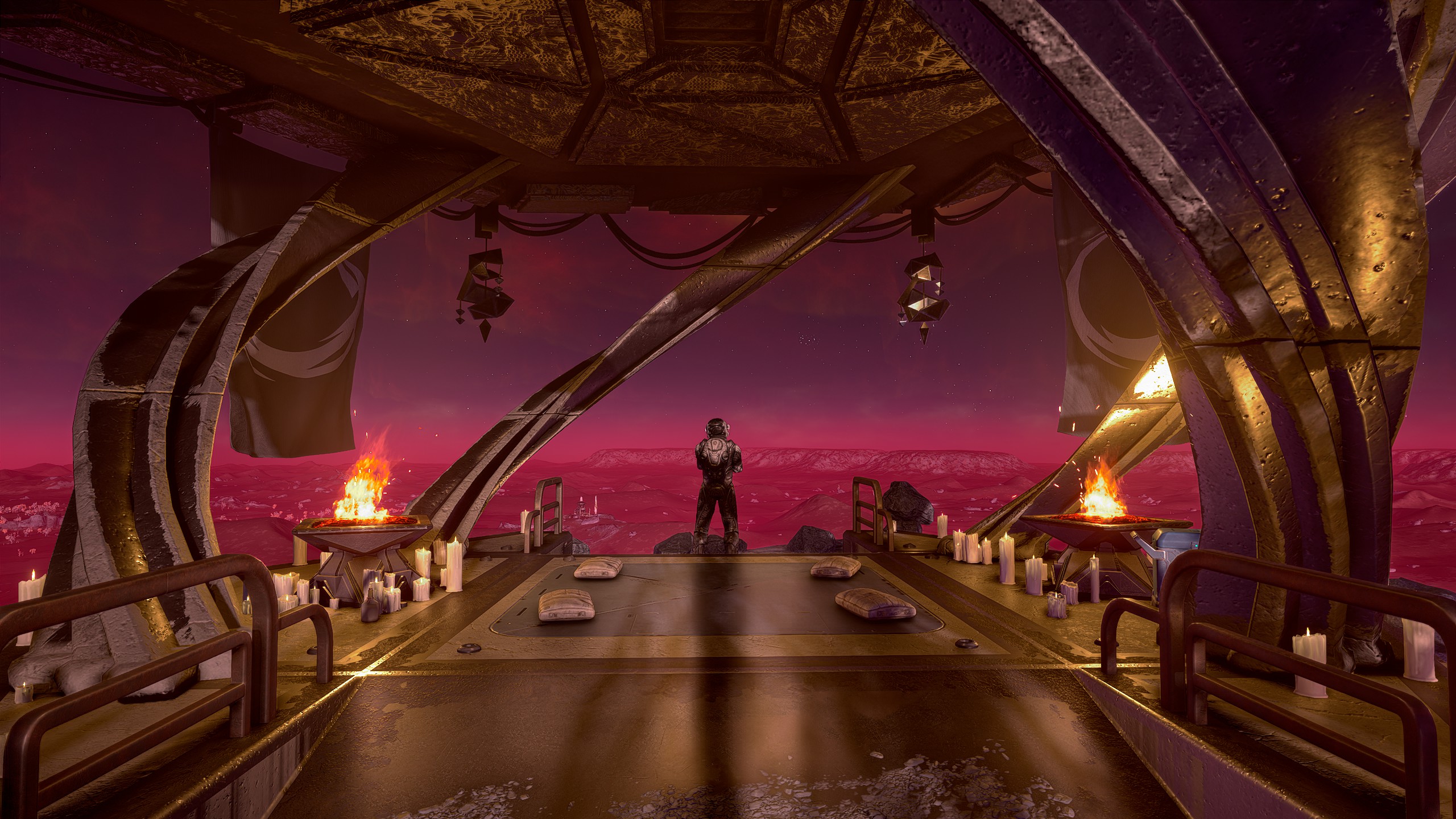
The fake reflection/shine in this example just looks awful. After the camera stops moving the effect builds on itself until it reaches this.
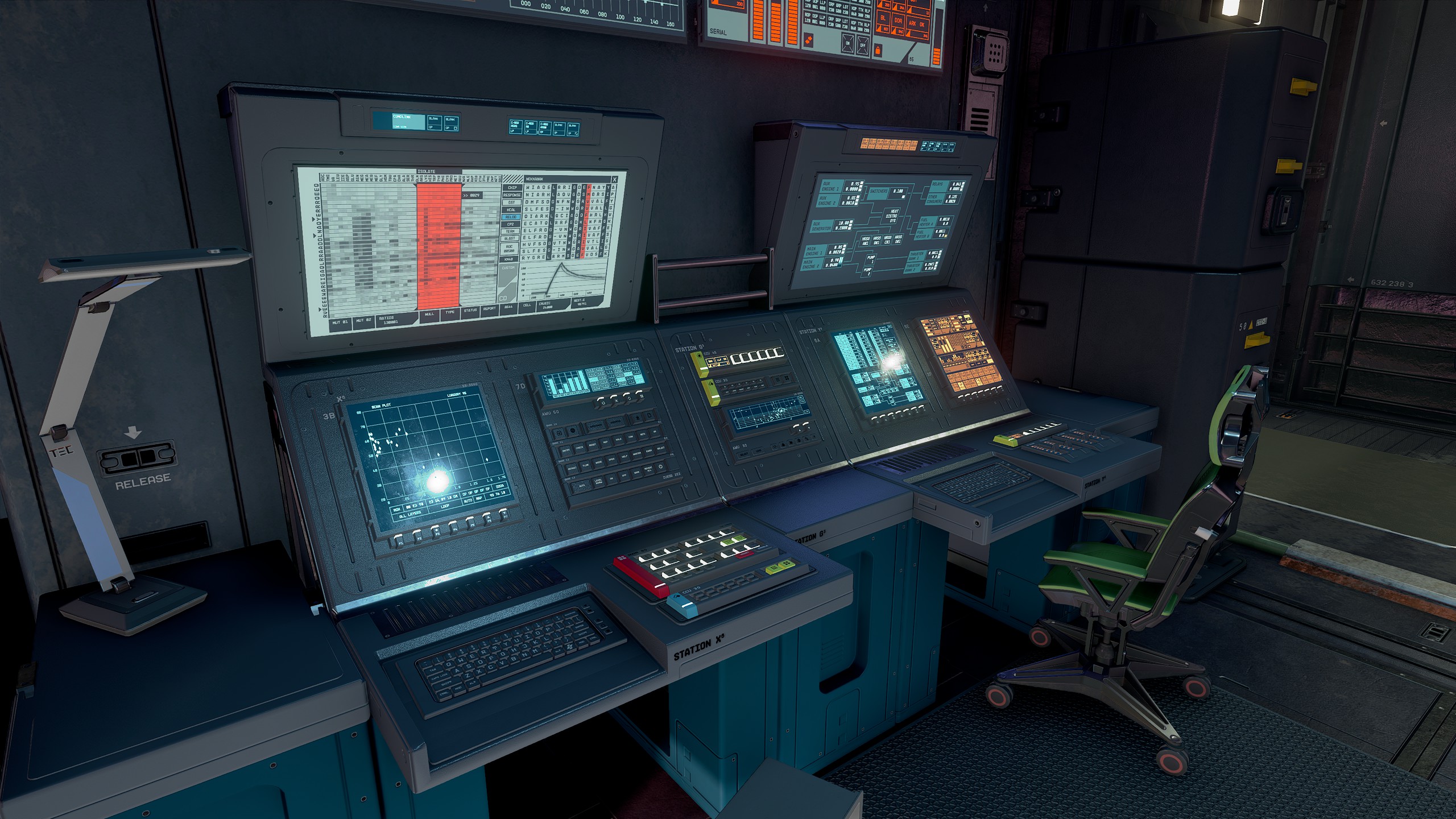
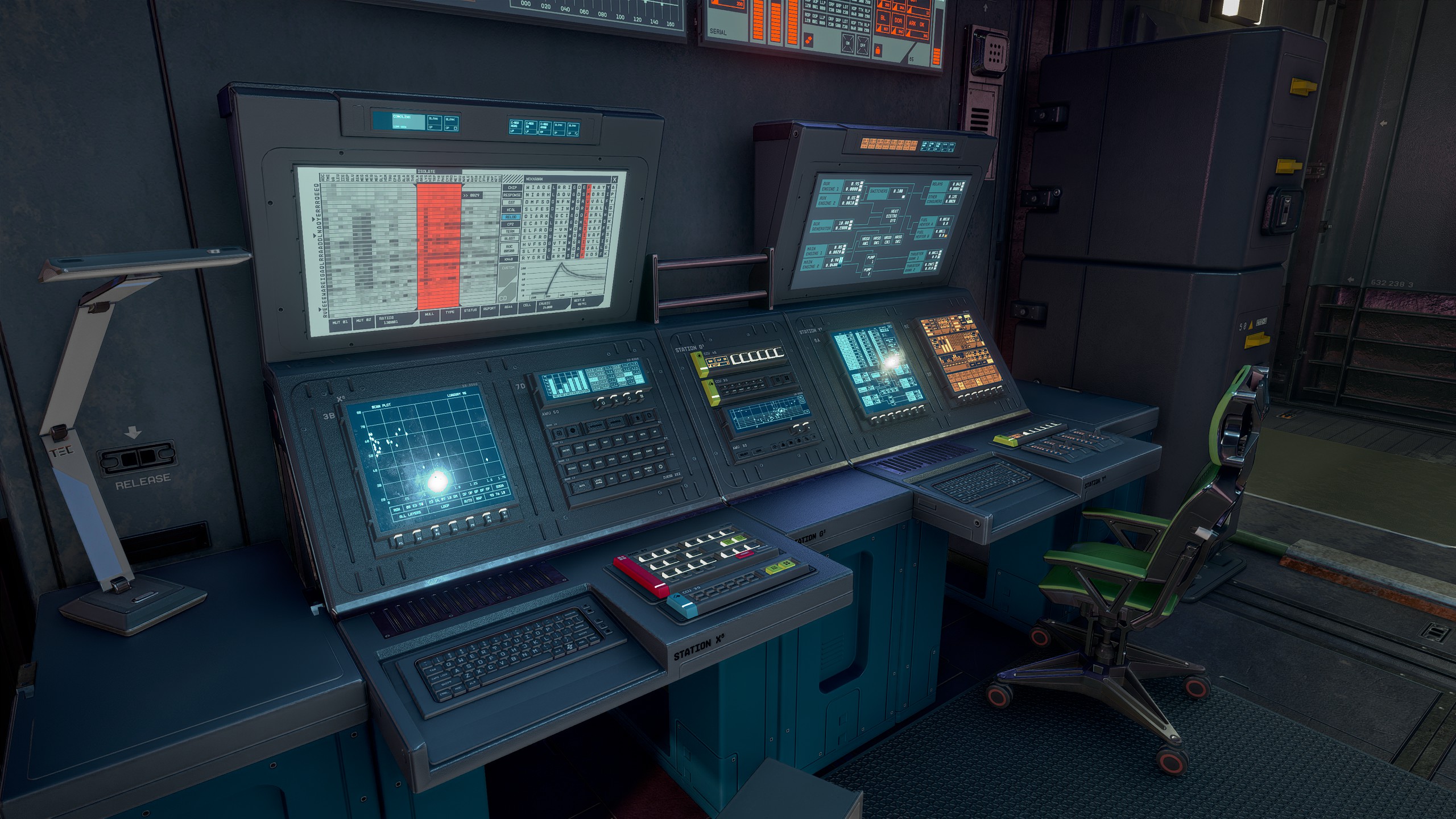
I'm only including this one because the lighting just seems to make way more sense after DLSS 5 is applied. Shadowing and highlights appear where it feels natural, where the original game just looks a bit odd.
One general result I tend to see from DLSS 5 is that it makes dark areas a bit less dark. This tends to look better in Starfield, largely because the game wasn't designed to be as dark as it is, I just don't like how the default colour filters flatten the image so much. For that reason, this might skew results a bit in DLSS 5's favour.
Now since DX11 support has been added since I started messing around... Fallout 4! Important mods here are RenoDX for HDR, po3's Photo Mode, and the Upscaling mod. My only other mods are UI and bug fixes.
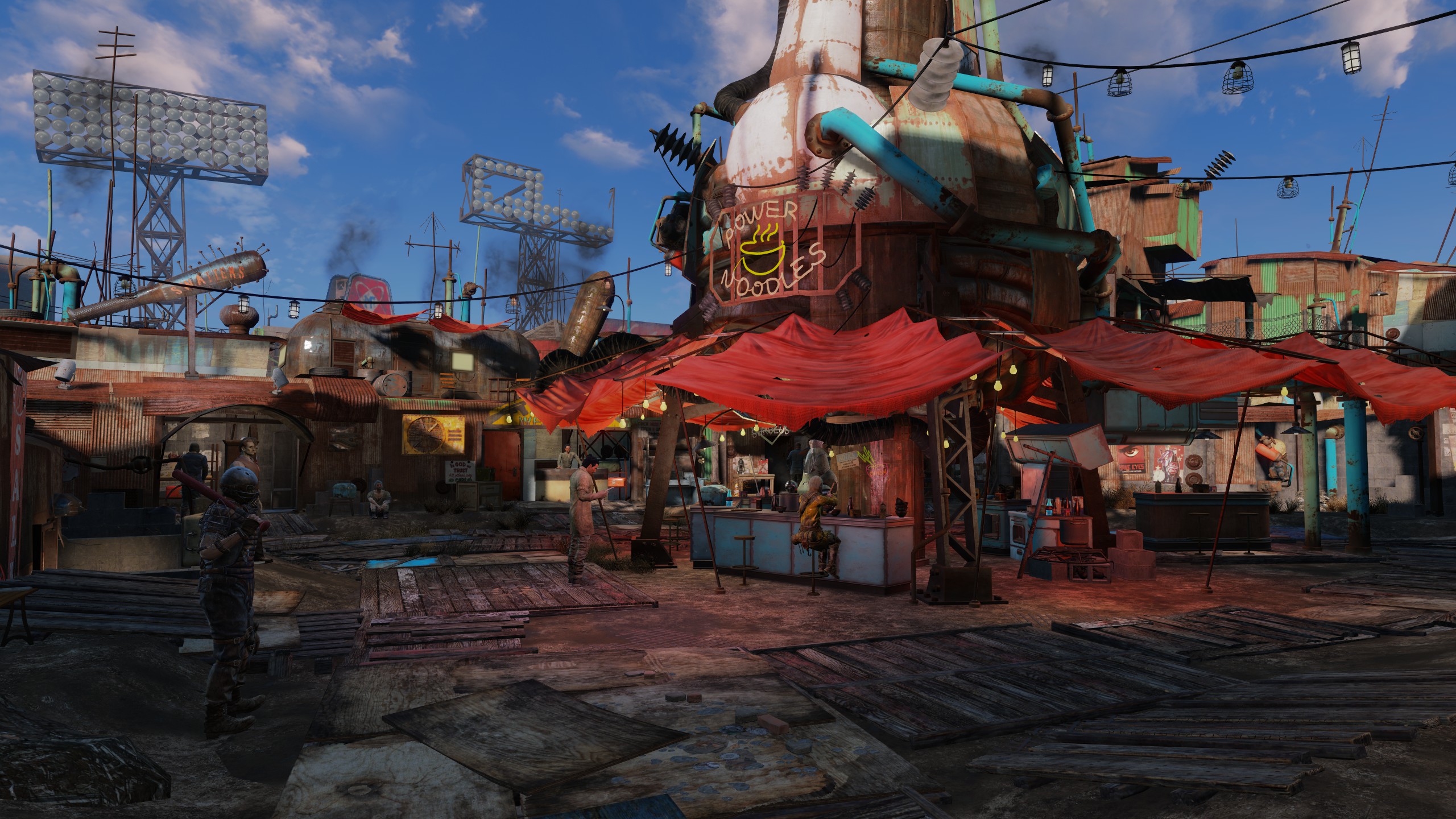
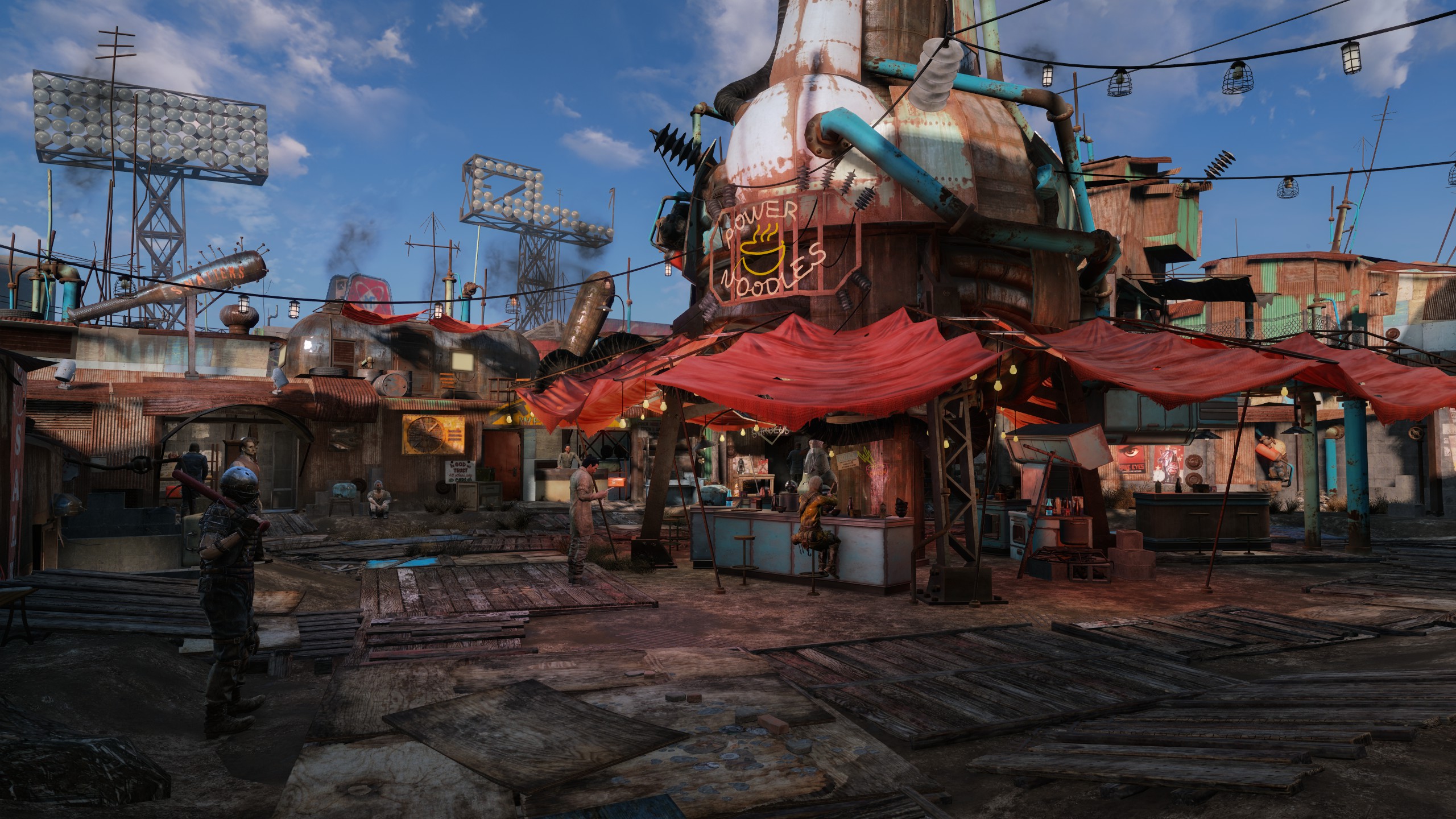
Somewhat counter-intuitively, less of an effect is had on the more dated graphics.
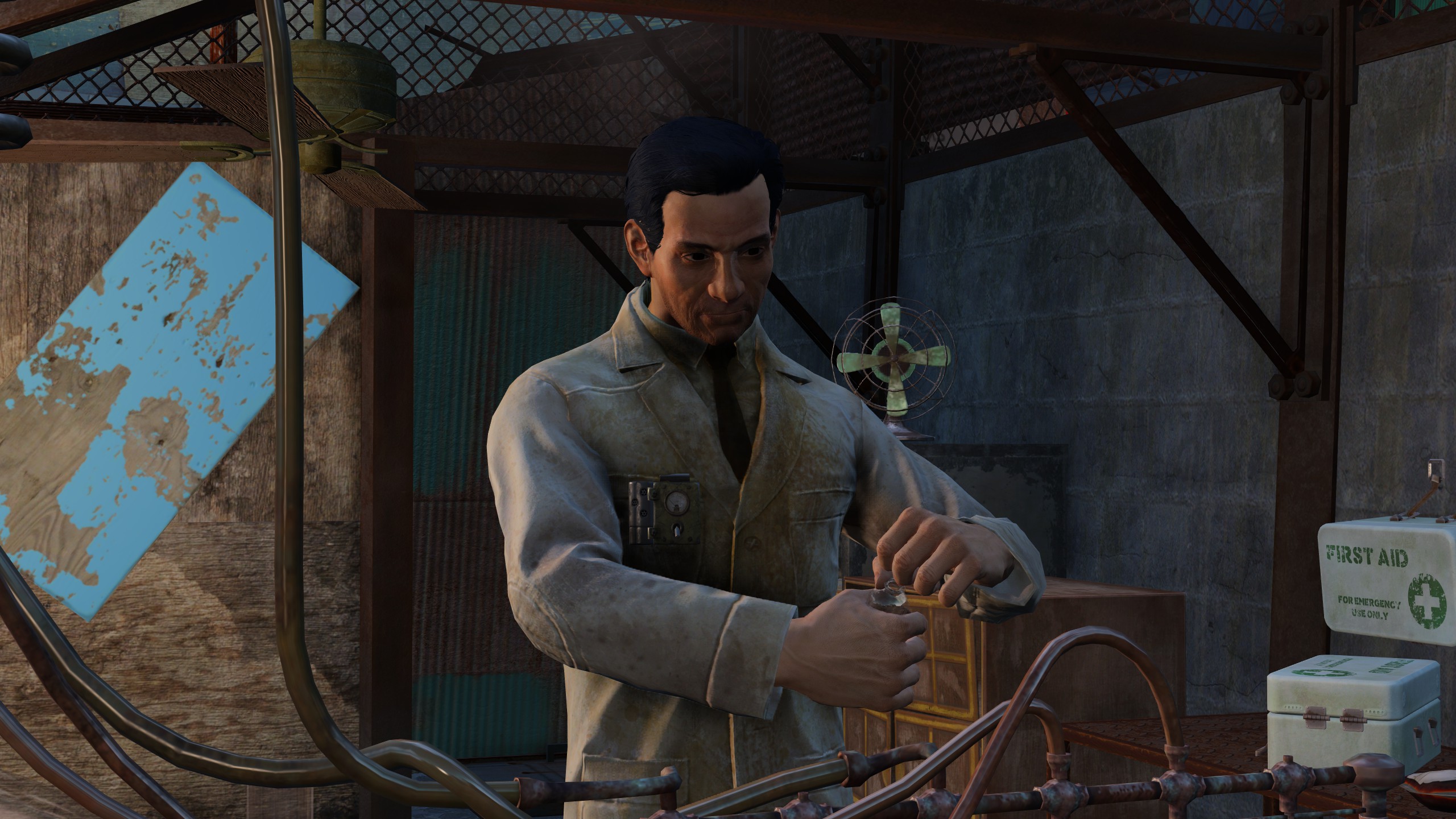
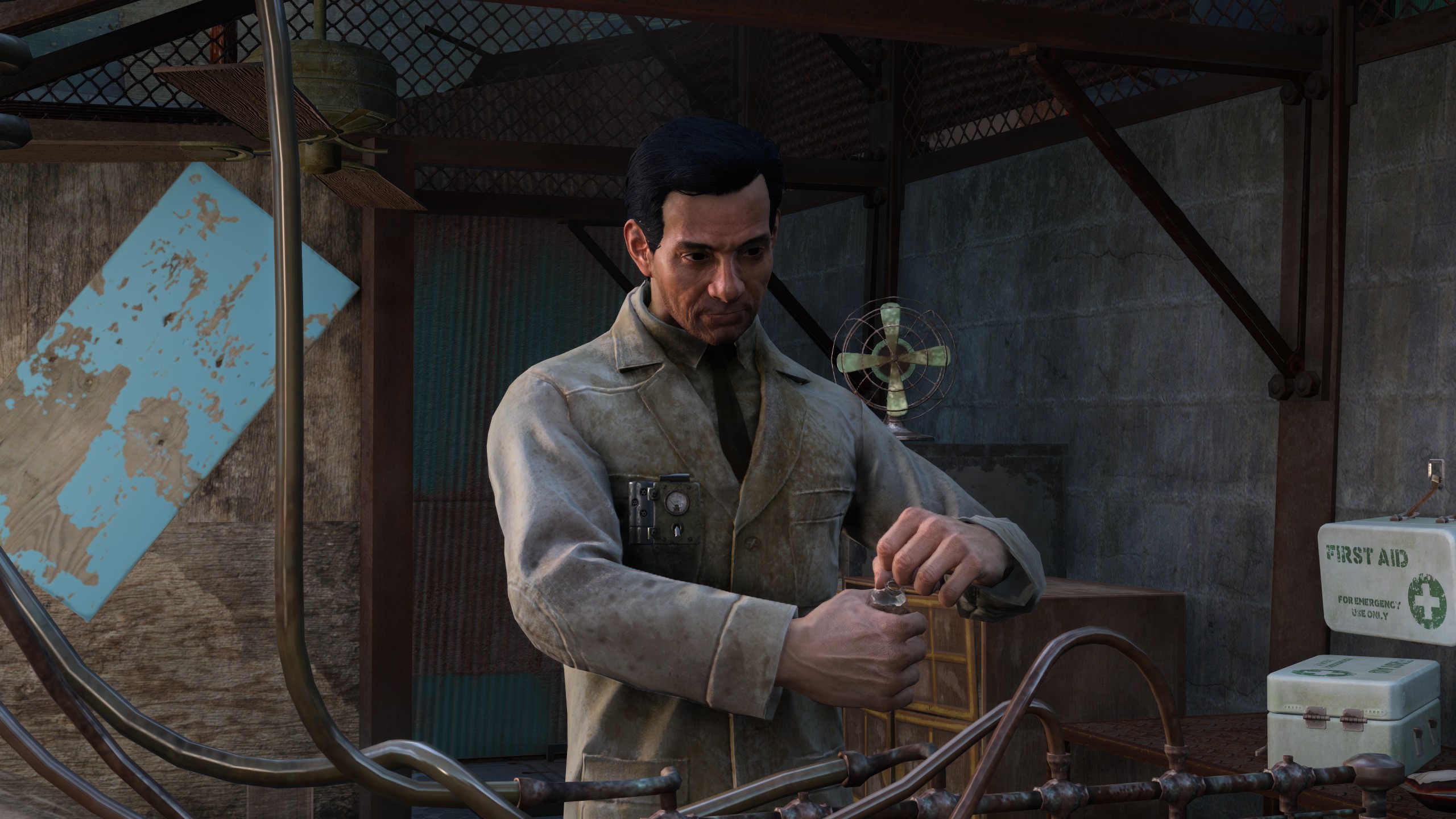
Faces are still a bit scary, though the simpler the lighting, the better it seems to be able to match it, though it does make Sun a lot paler.
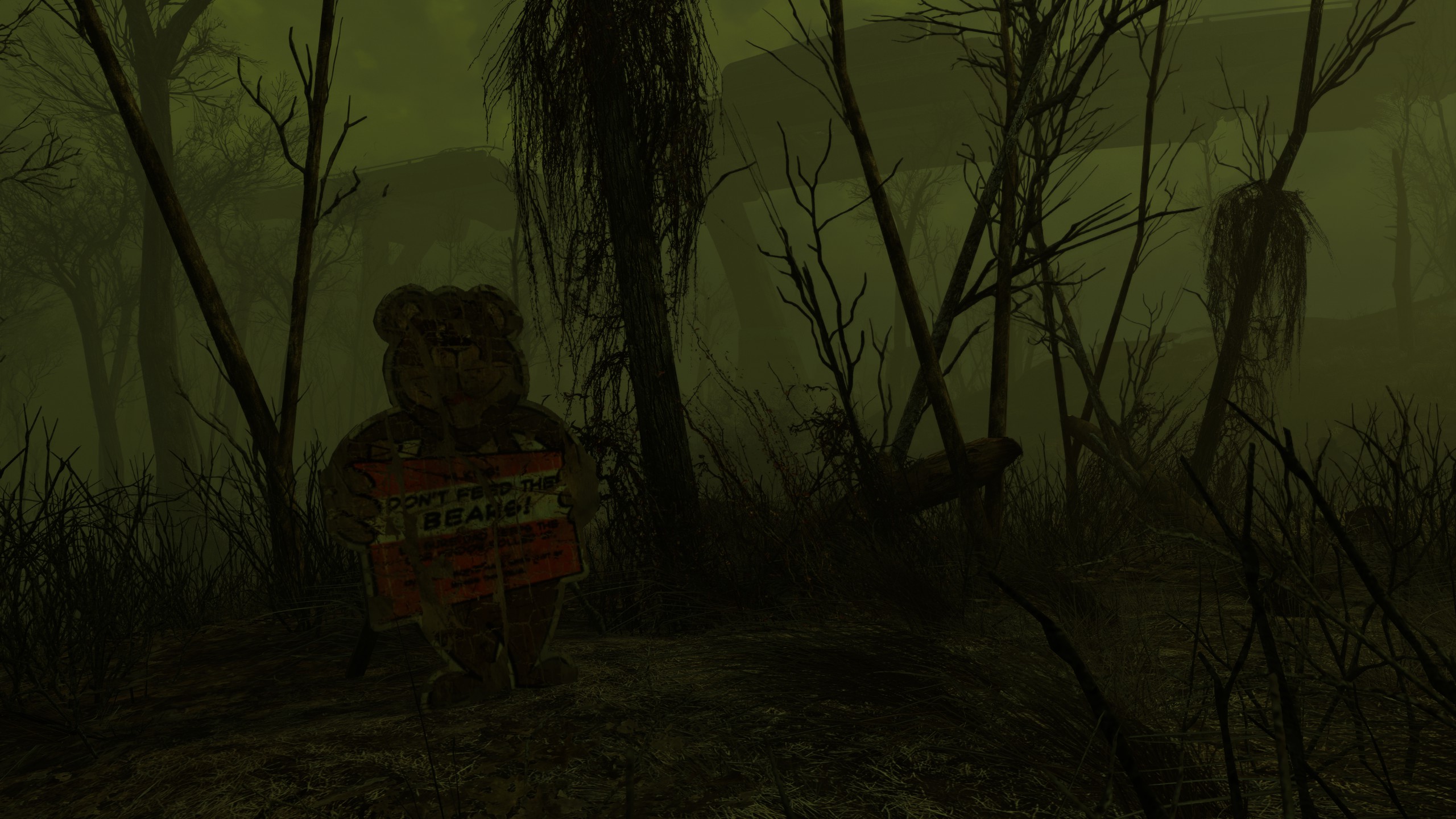
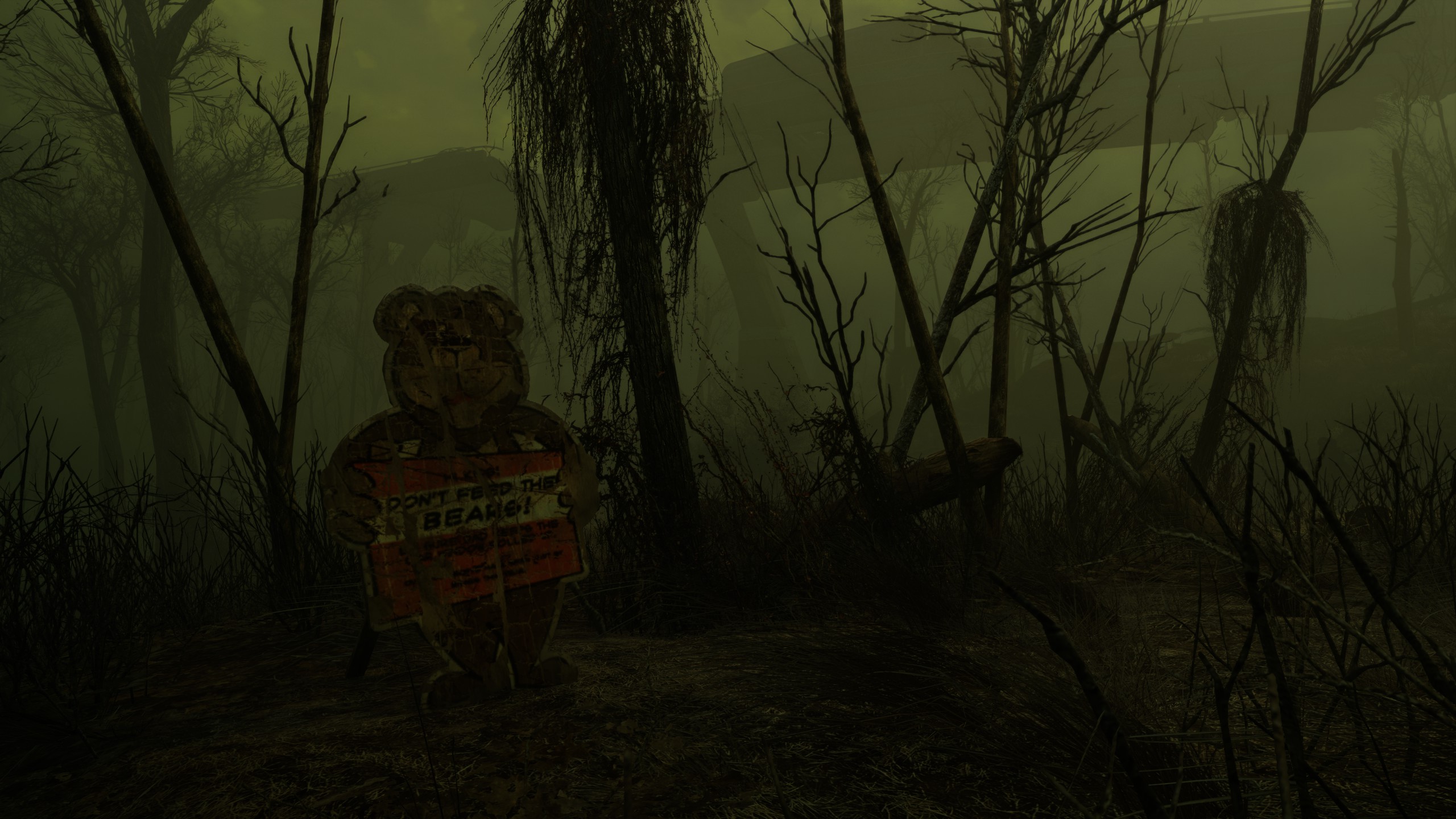
In this example, a lot of the intentional green tinge from the current weather is lost, and nothing of value is gained.
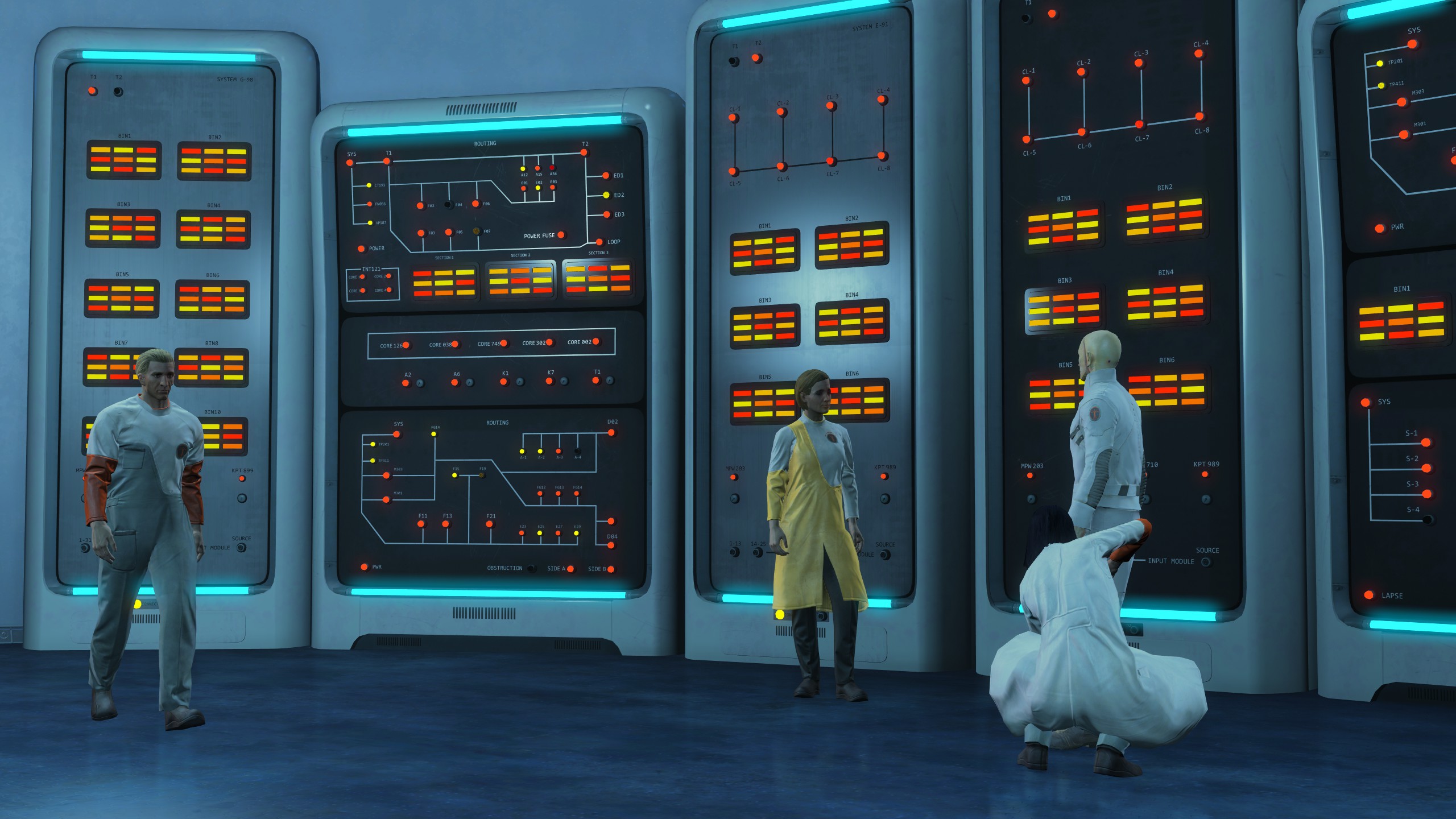
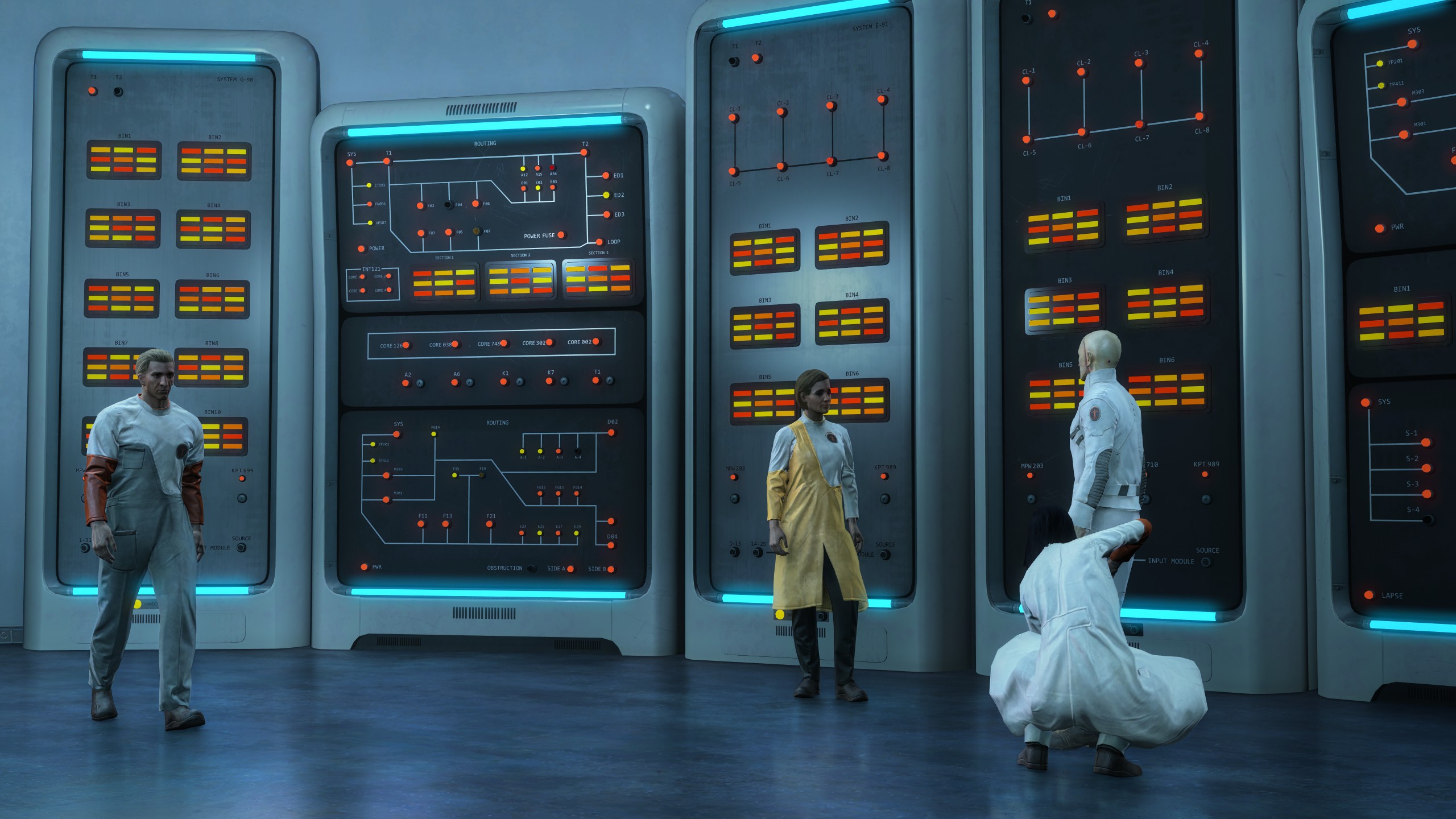
Again, not much of note changes.
You need to already have a good baseline for better shading to be able to kick it towards photorealism. With how sparsely detailed a lot of the areas in Fallout 4 are (at least compared to Starfield) there simply aren't enough things for the scene to ever be believable. It'll always feel fake. We're already able to use high enough resolution textures and enough high poly models to make a scene believable. Better shaders are what game developers should be working on, features like this to not facilitate actual graphics development. Upscaling and frame generation already arguably lead to less effort being spent on optimization, why would an ai "beautify" filter not do the same for graphics development?
I would say this is a good improvement over the initial showcase. At the very least, it doesn't seem to fuck with scene backgrounds in the same way the initial demo does. It's still ridiculously costly towards performance and the results don't make up for it. The most convincing result for faces is my highly stylized character, and I think that may be because it can't do the same processing it does to other faces. There's also a fairly large amount of flicker which I obviously can't demonstrate in static screenshots. I'm still largely against it as a concept, regardless of its quality. Using it during cutscenes and in photo modes where performance isn't an issue and there are direct controls in the hands of developers/users is perhaps the best use case. I don't want it to be the expectation that you'll play with this on at all times like how upscalers currently are.
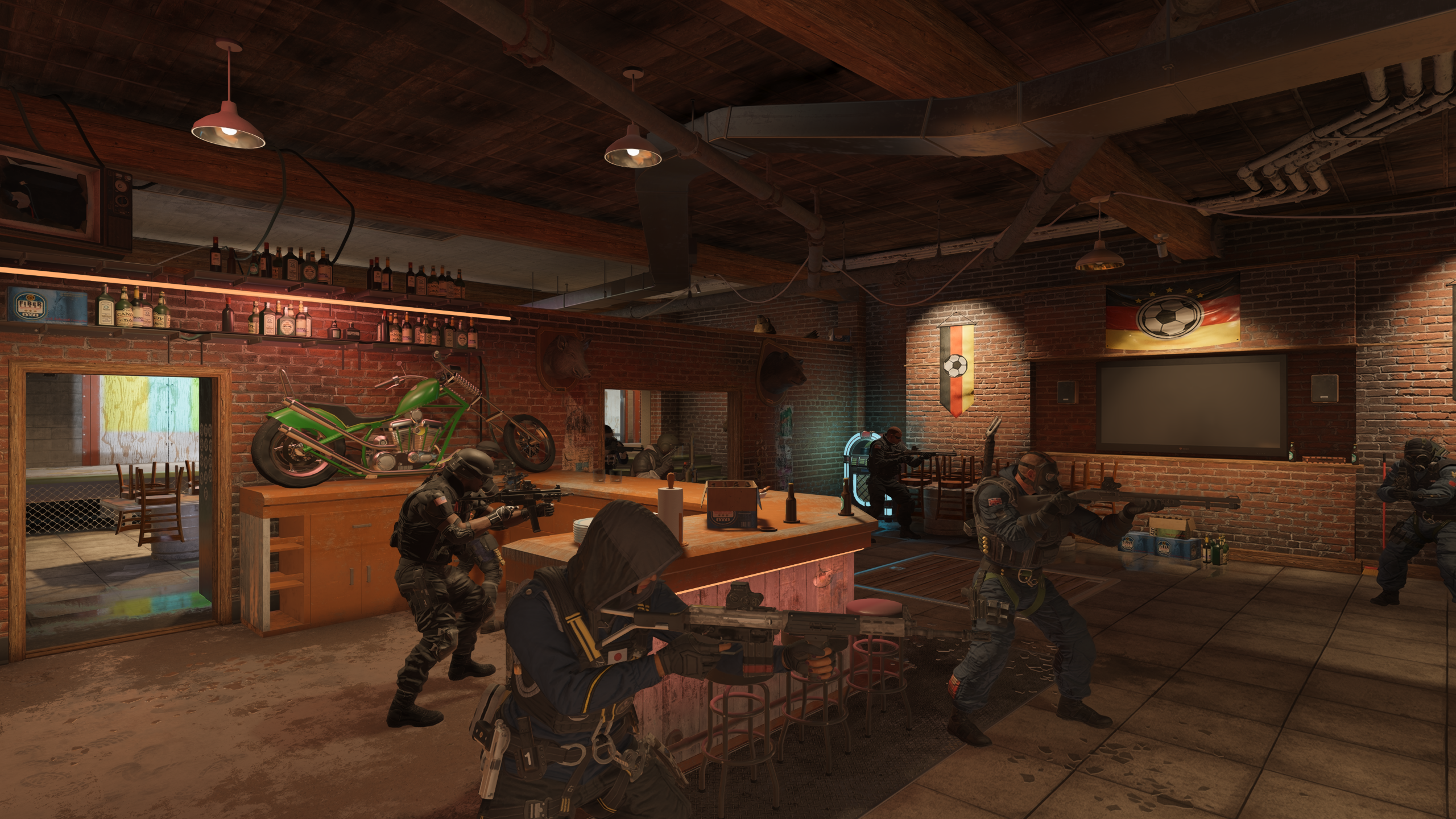
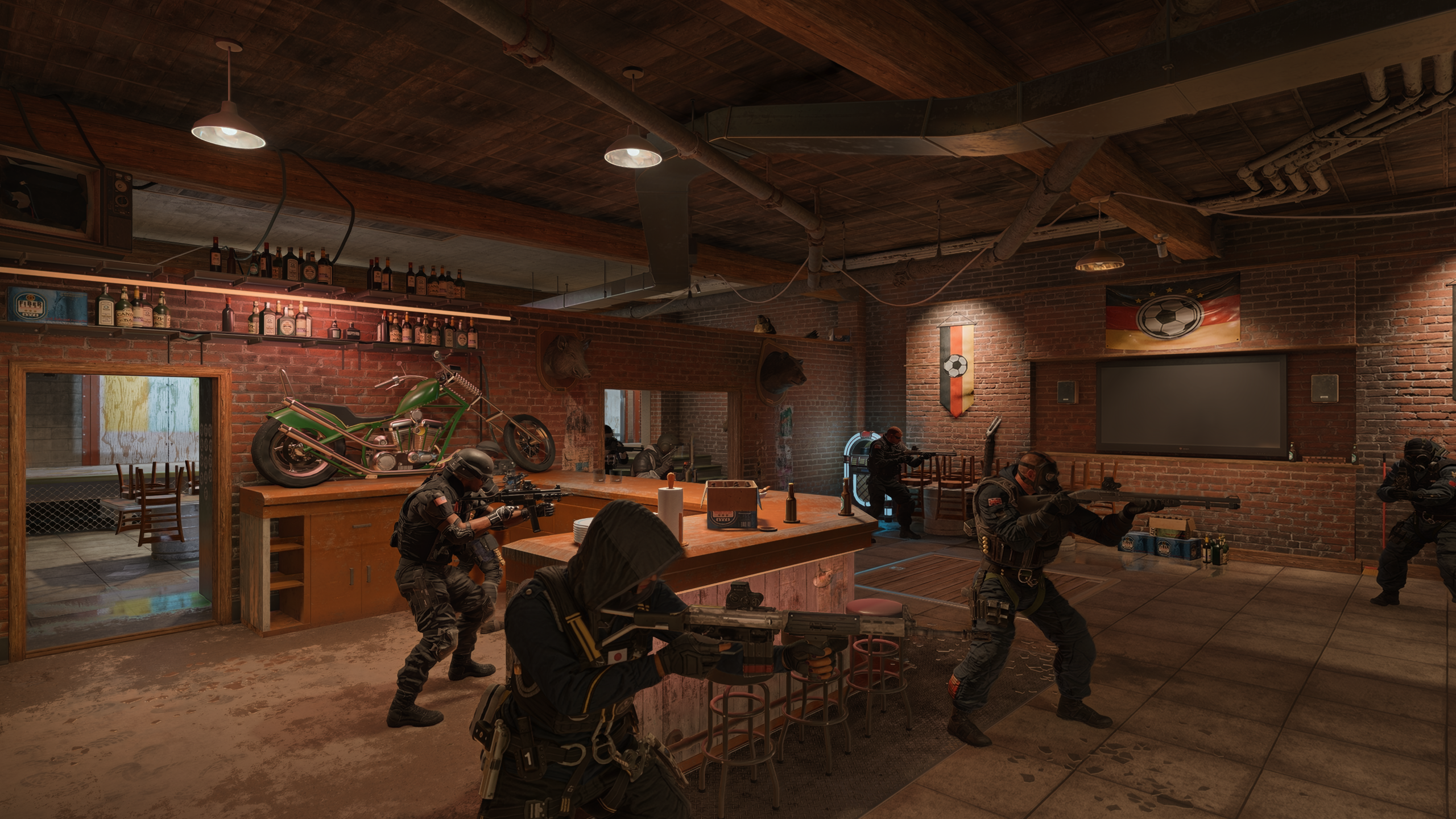
Bonus pic time, managed to get it working in Rainbow Six Siege. Naturally, I have a lot of versions of siege installed, so here's all the main menus I could be bothered to screenshot. (I would go in to the locker and look at ops there but DLSS doesn't work in that menu.) I think siege applies and explicit brightening to operators for visibility which DLSS 5 either doesn't get access to, or just decides it looks wrong and darkens them back to scene brightness.
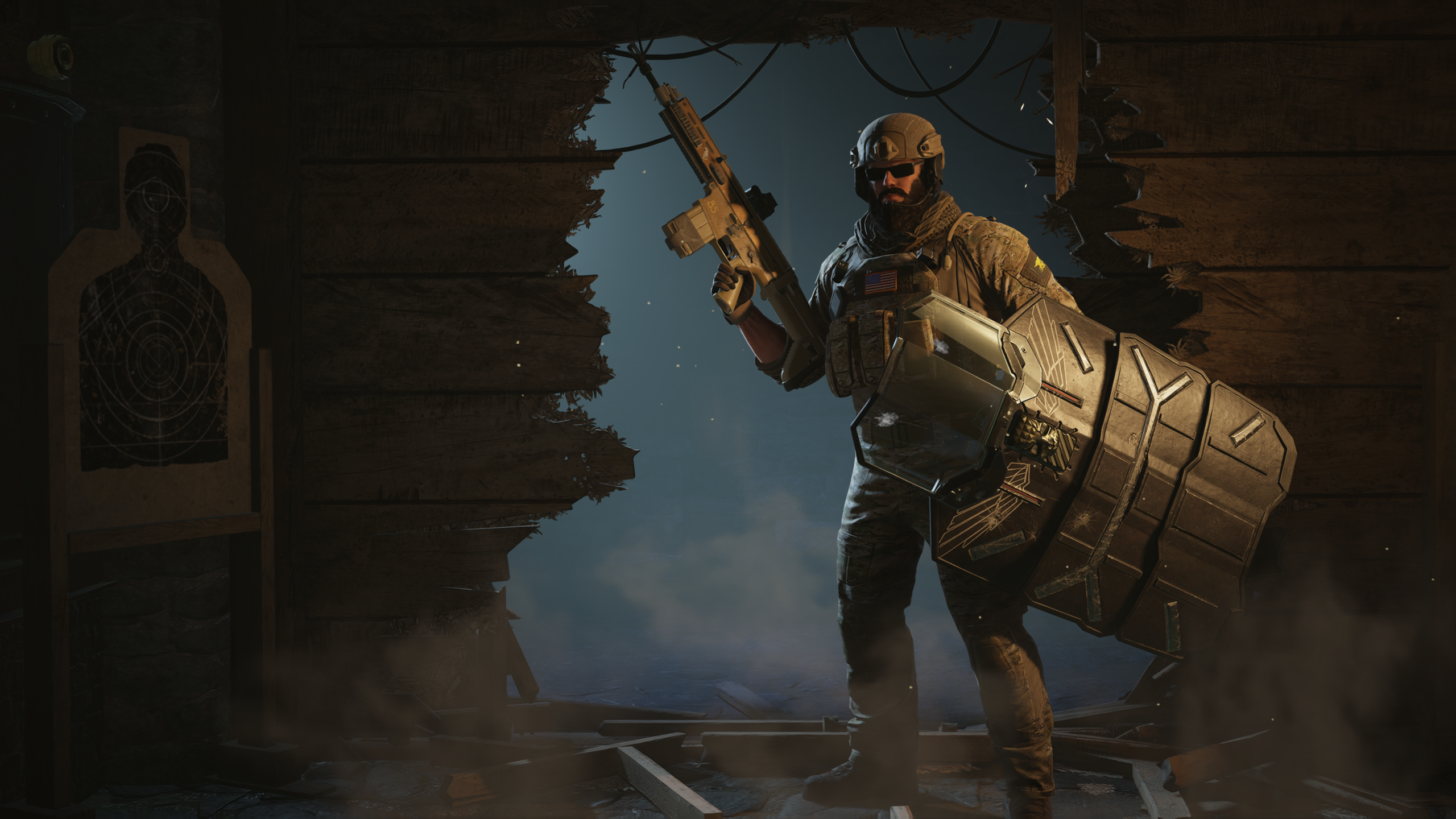
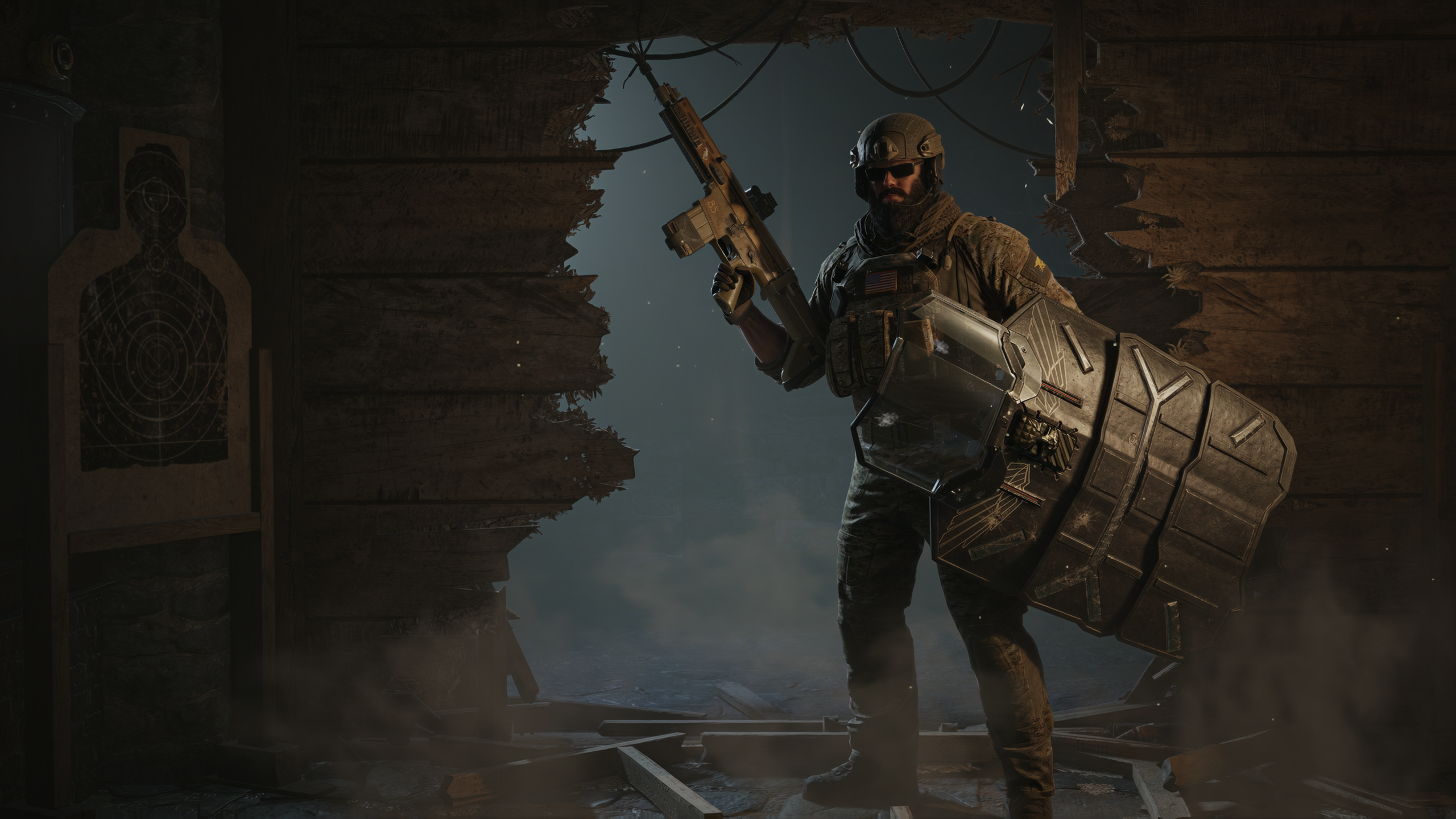
Funny that it affects the main menu background on Y10S2+, which is just a .webm video.
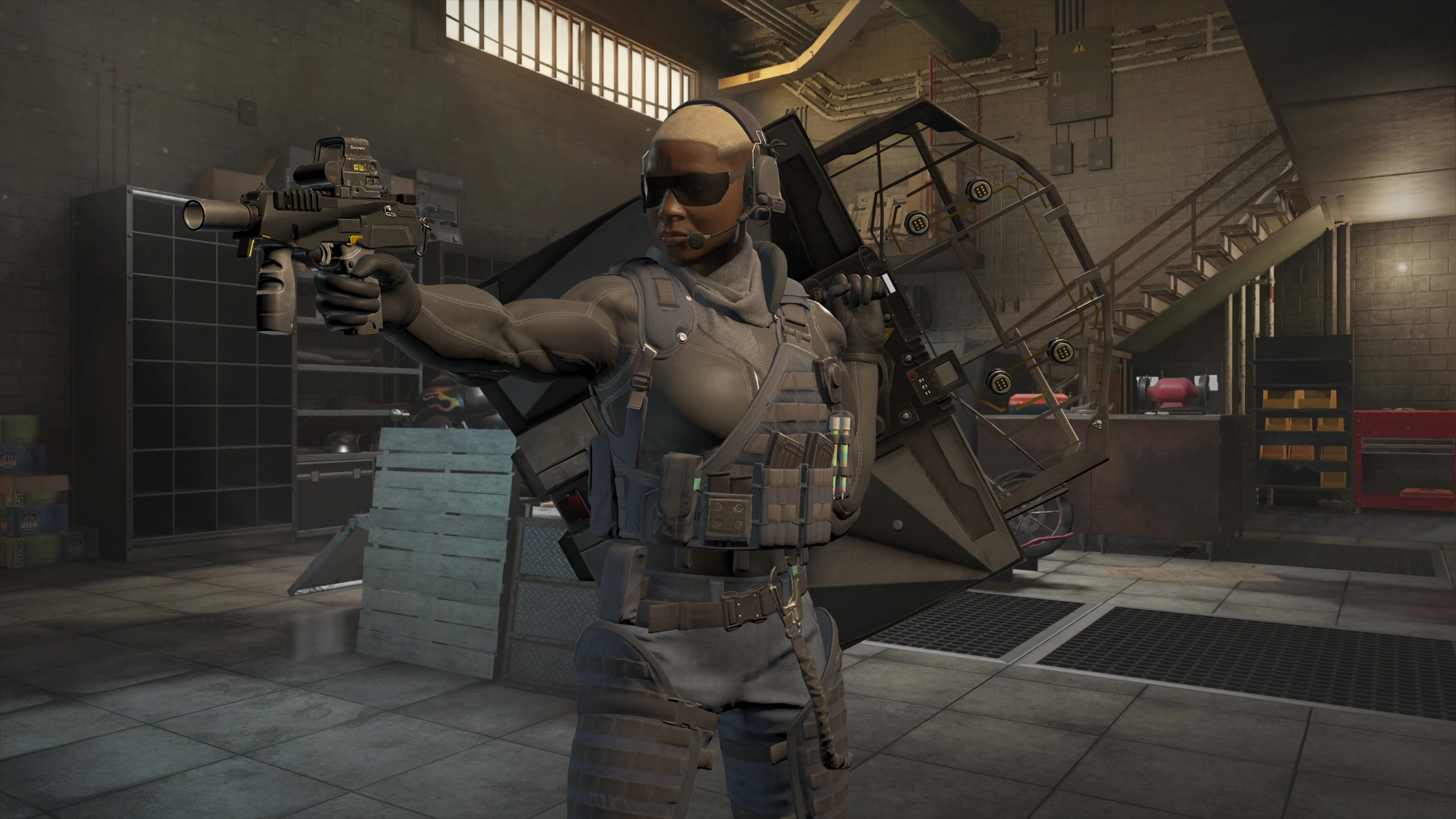
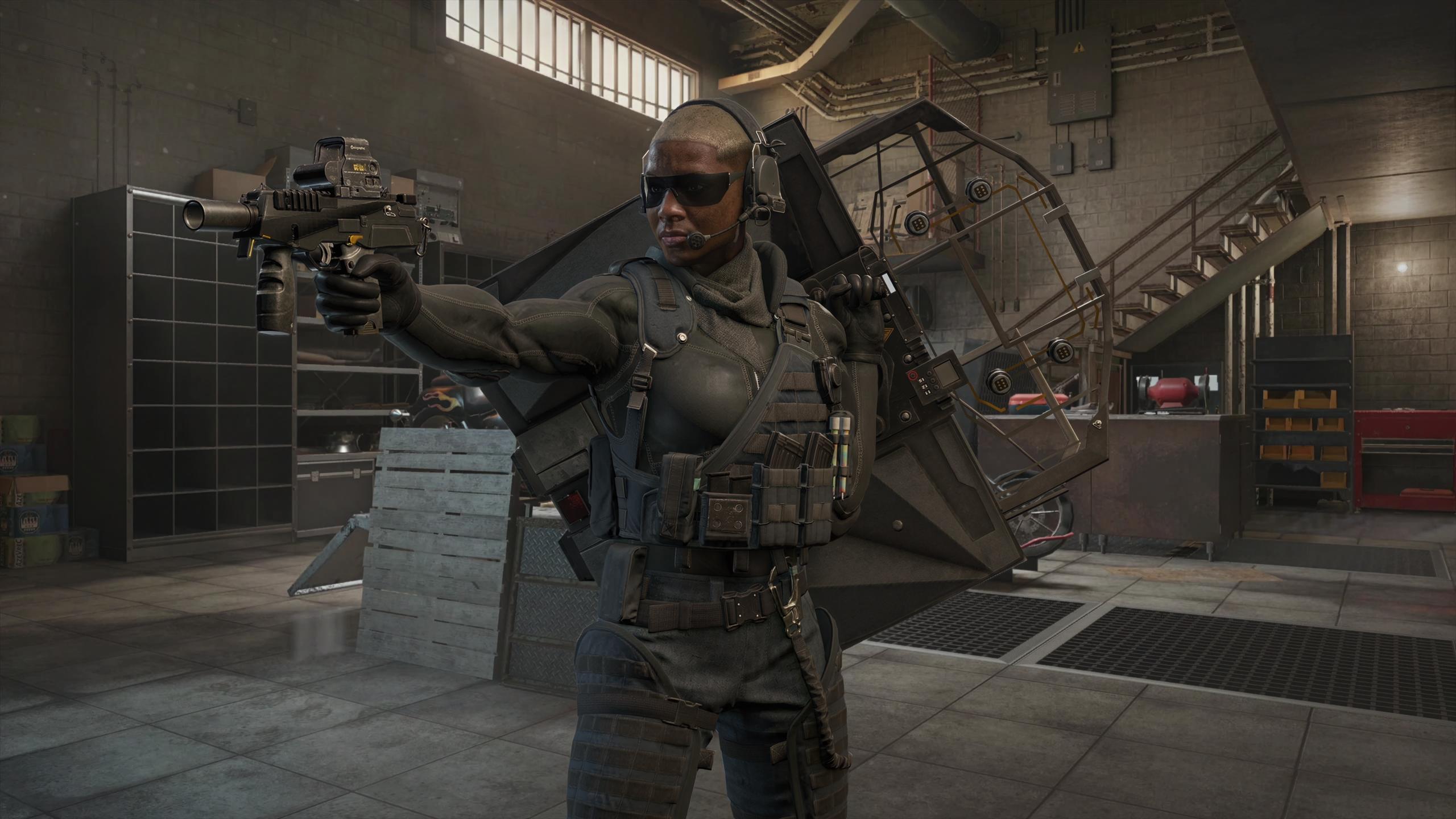
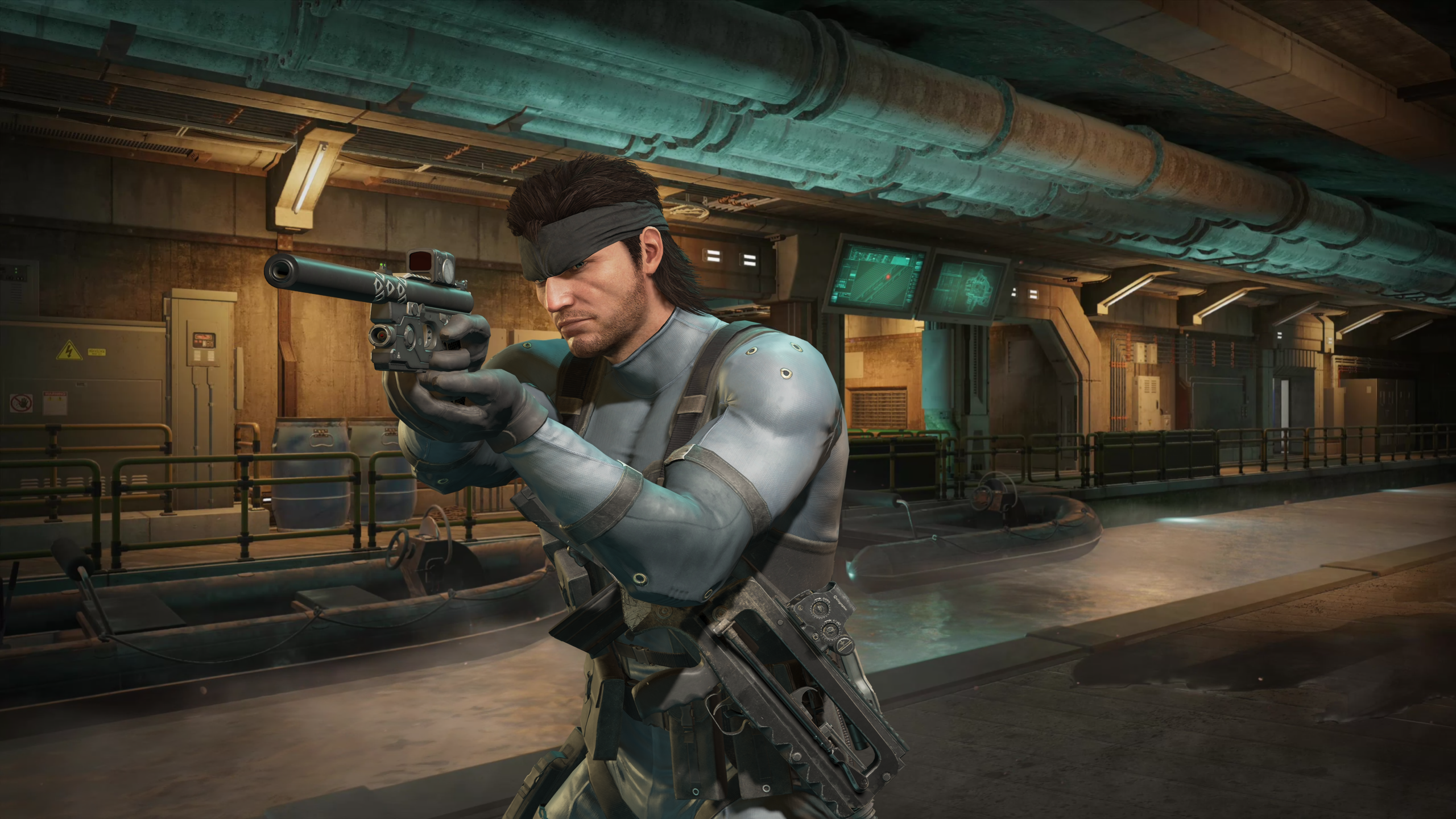
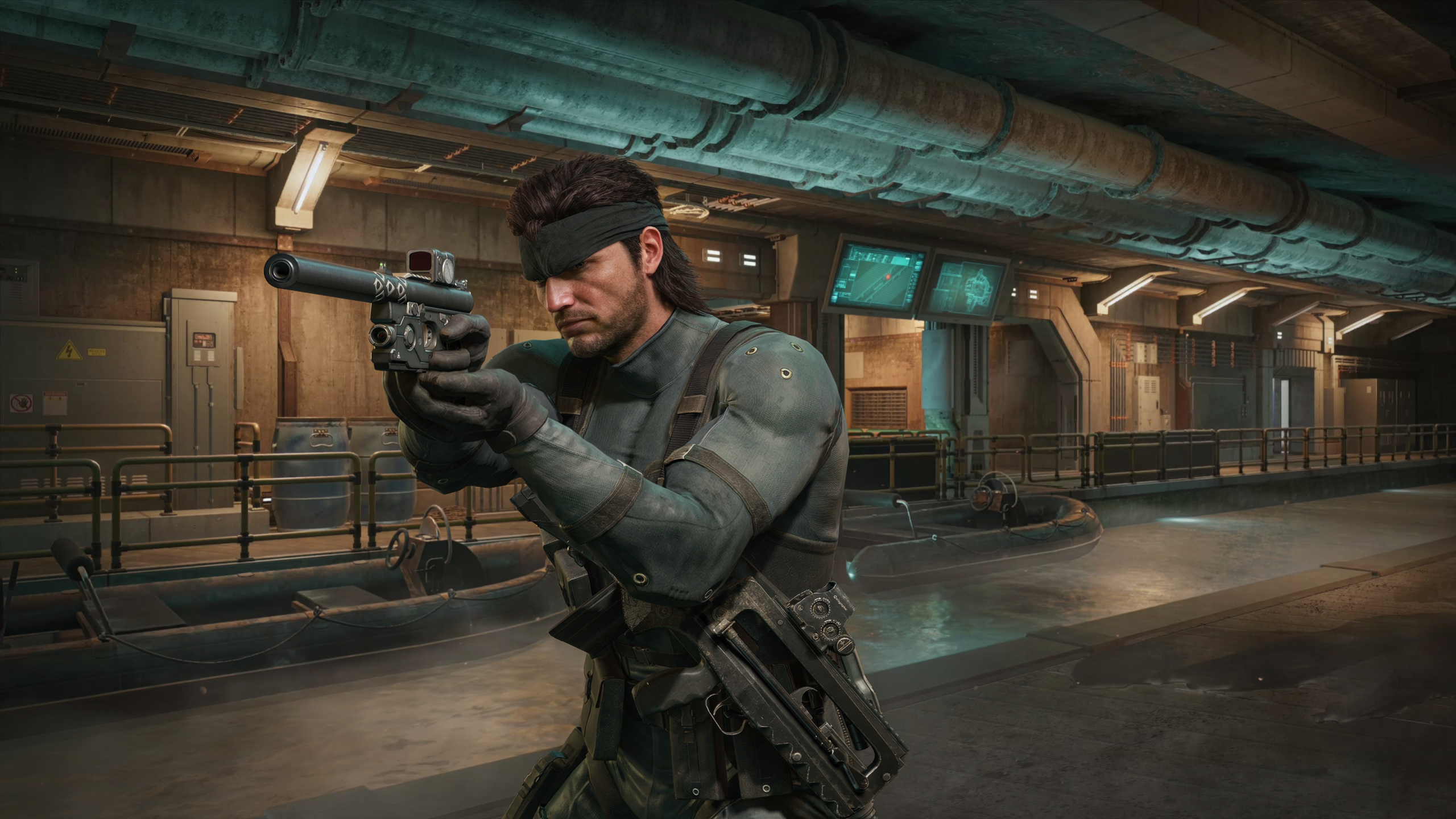
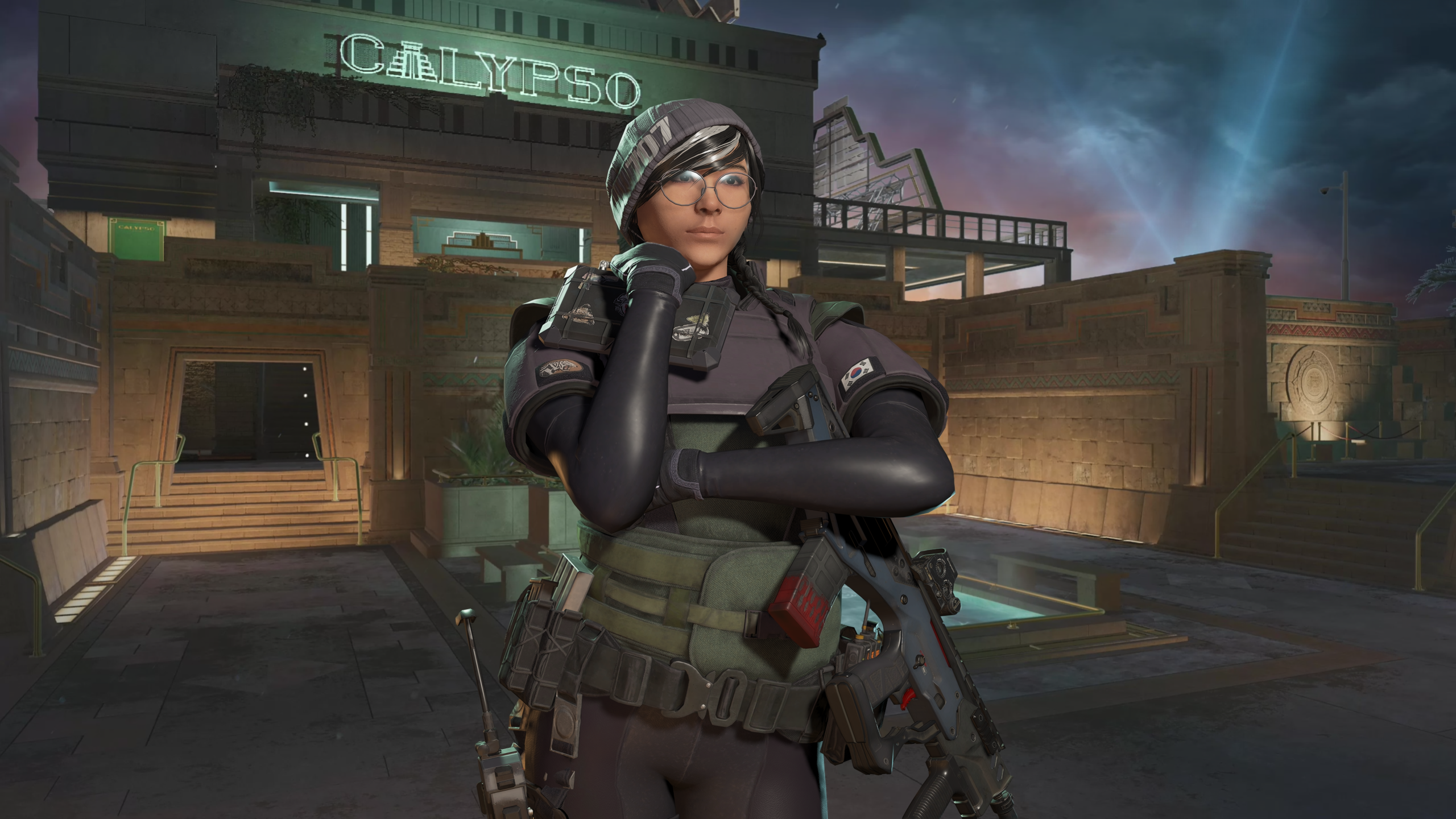
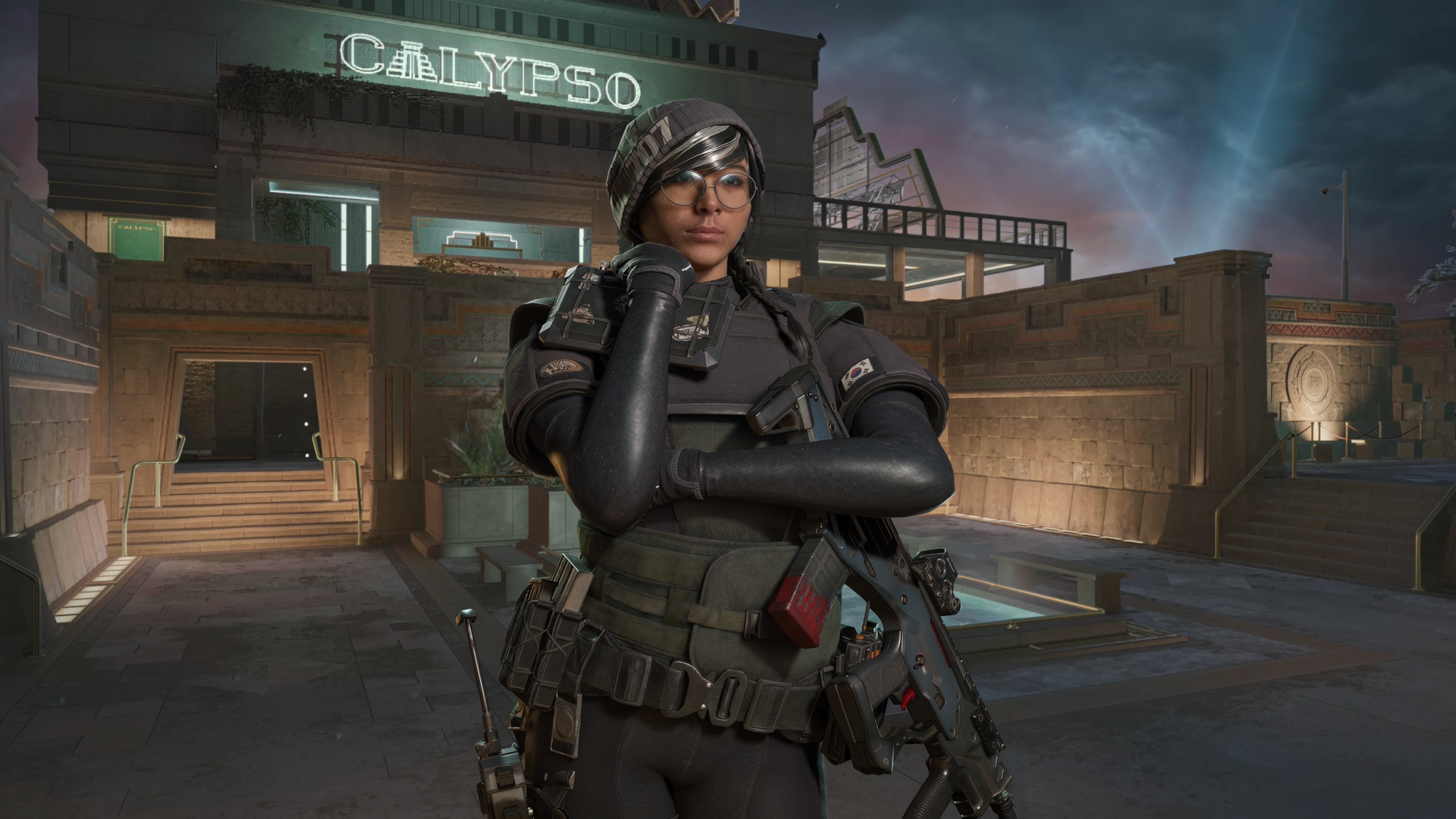
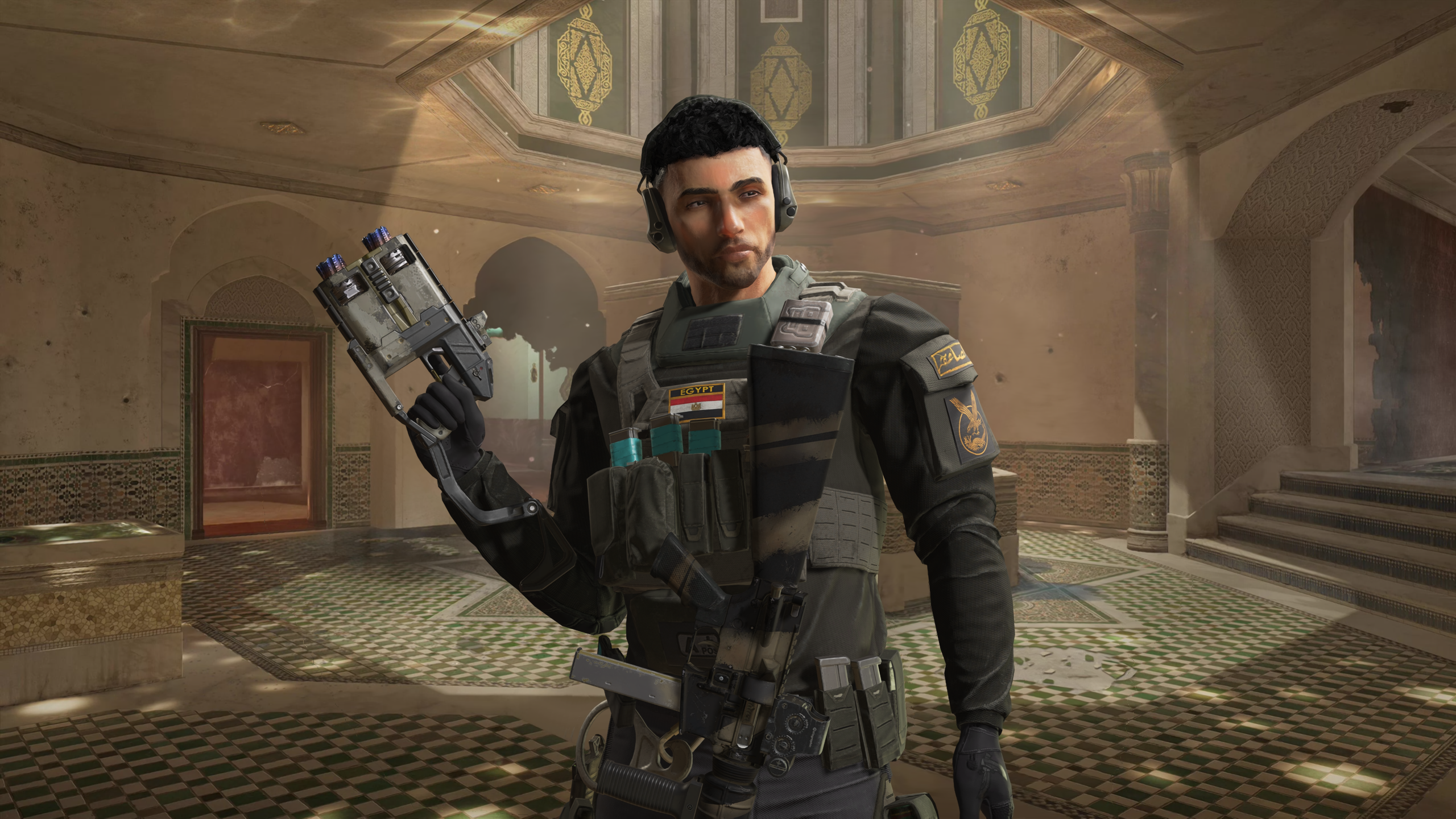
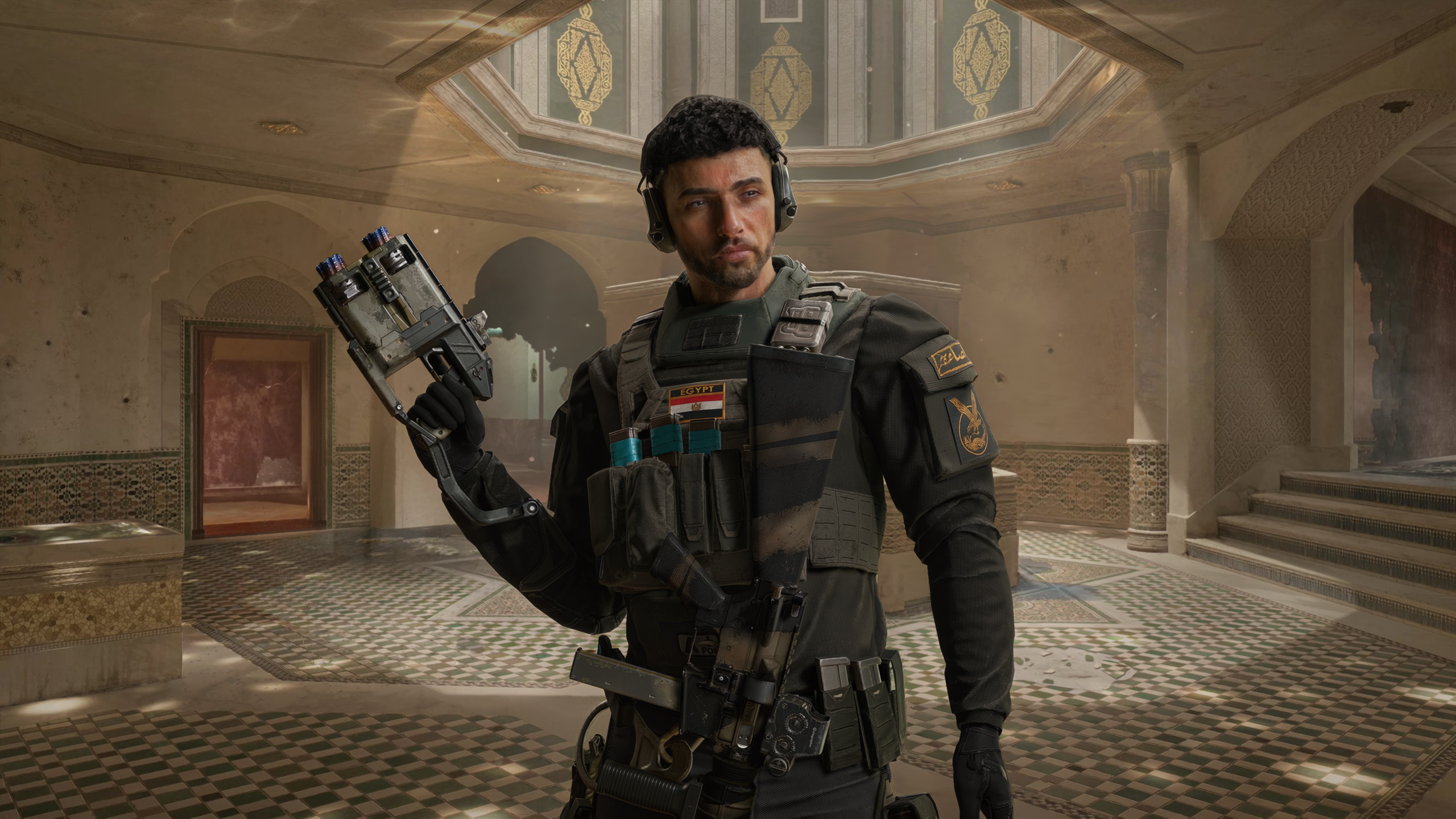
I hate to say it but I'm actually pretty impressed with the results on the faces here...
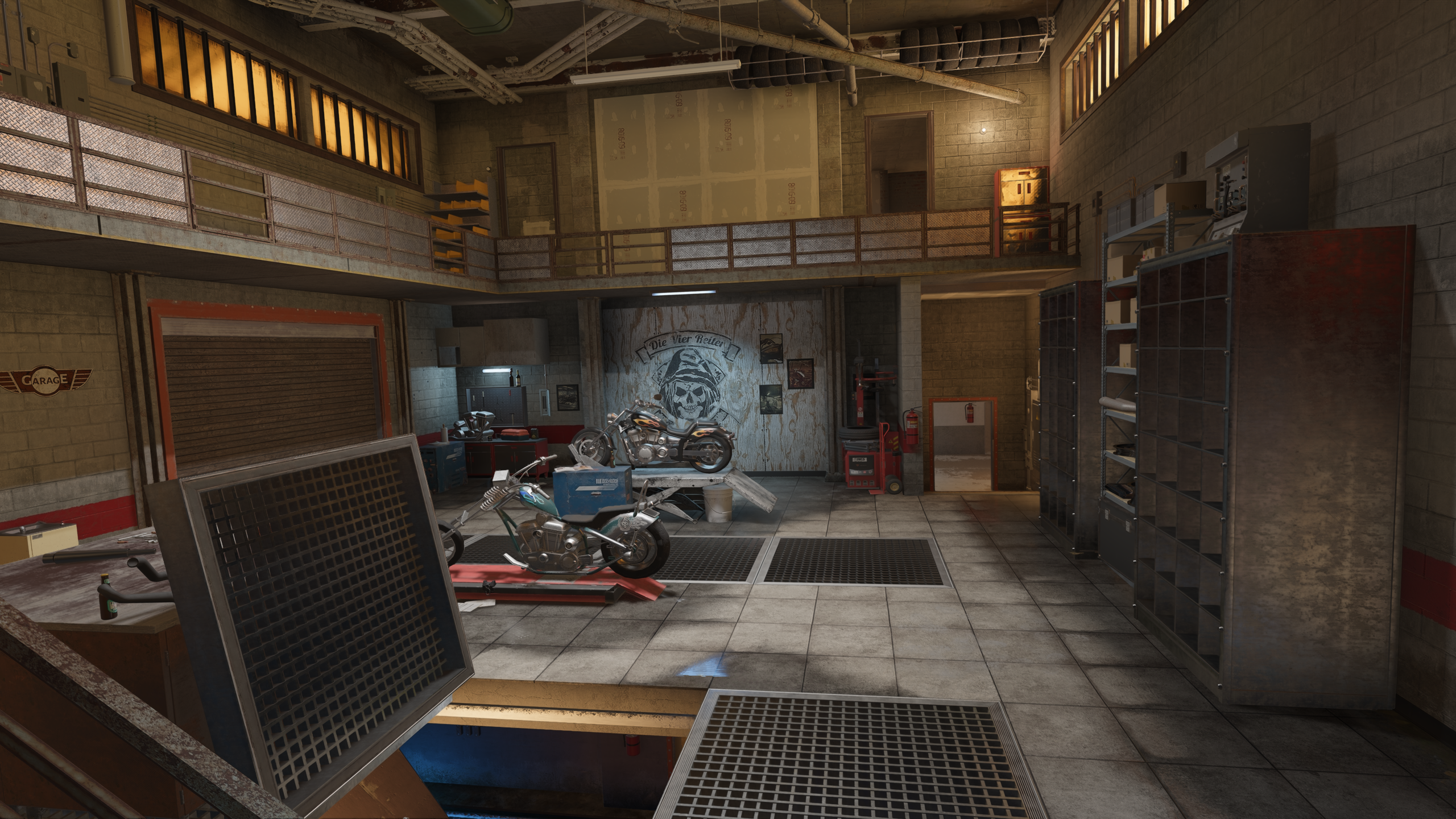
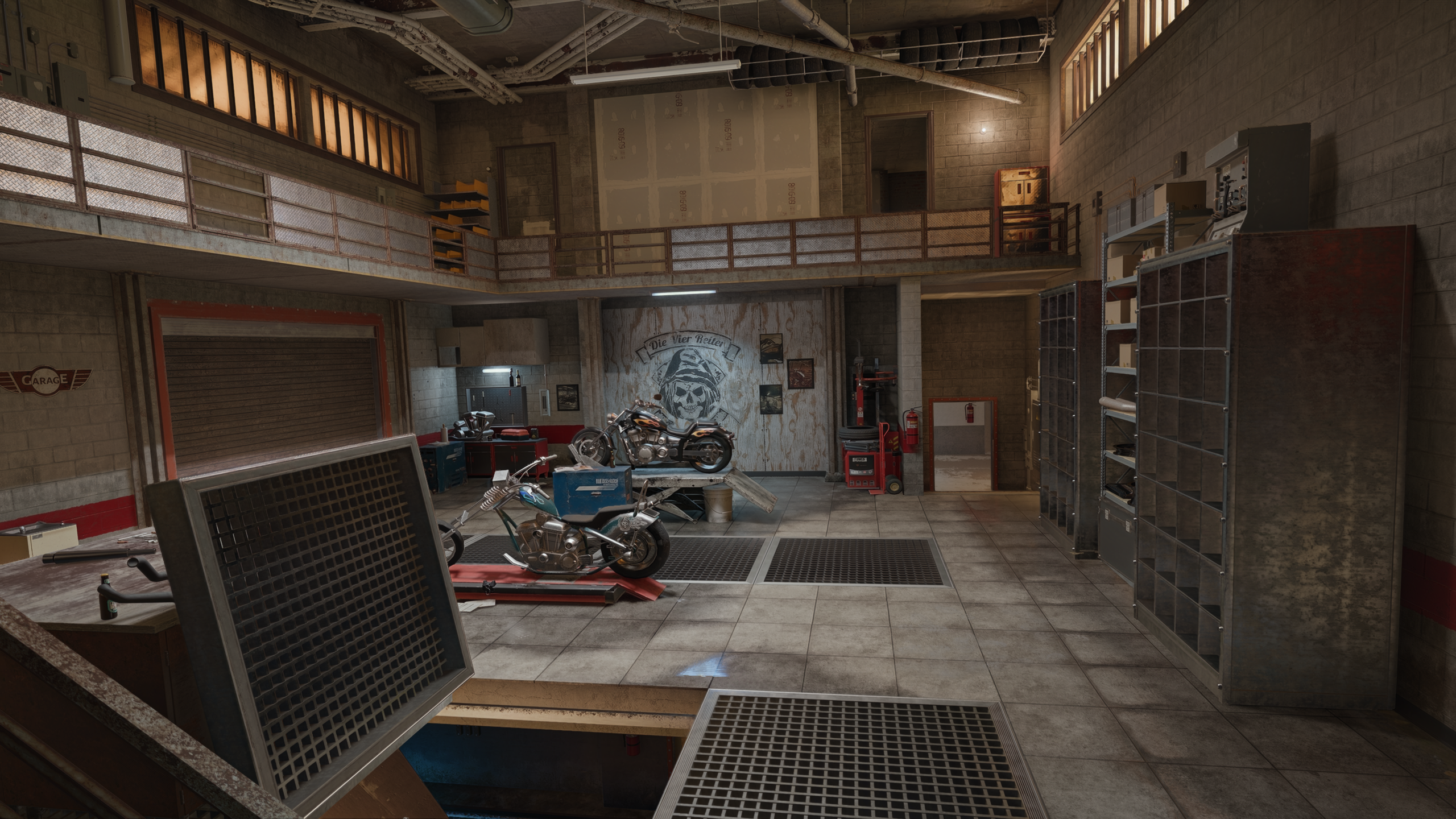
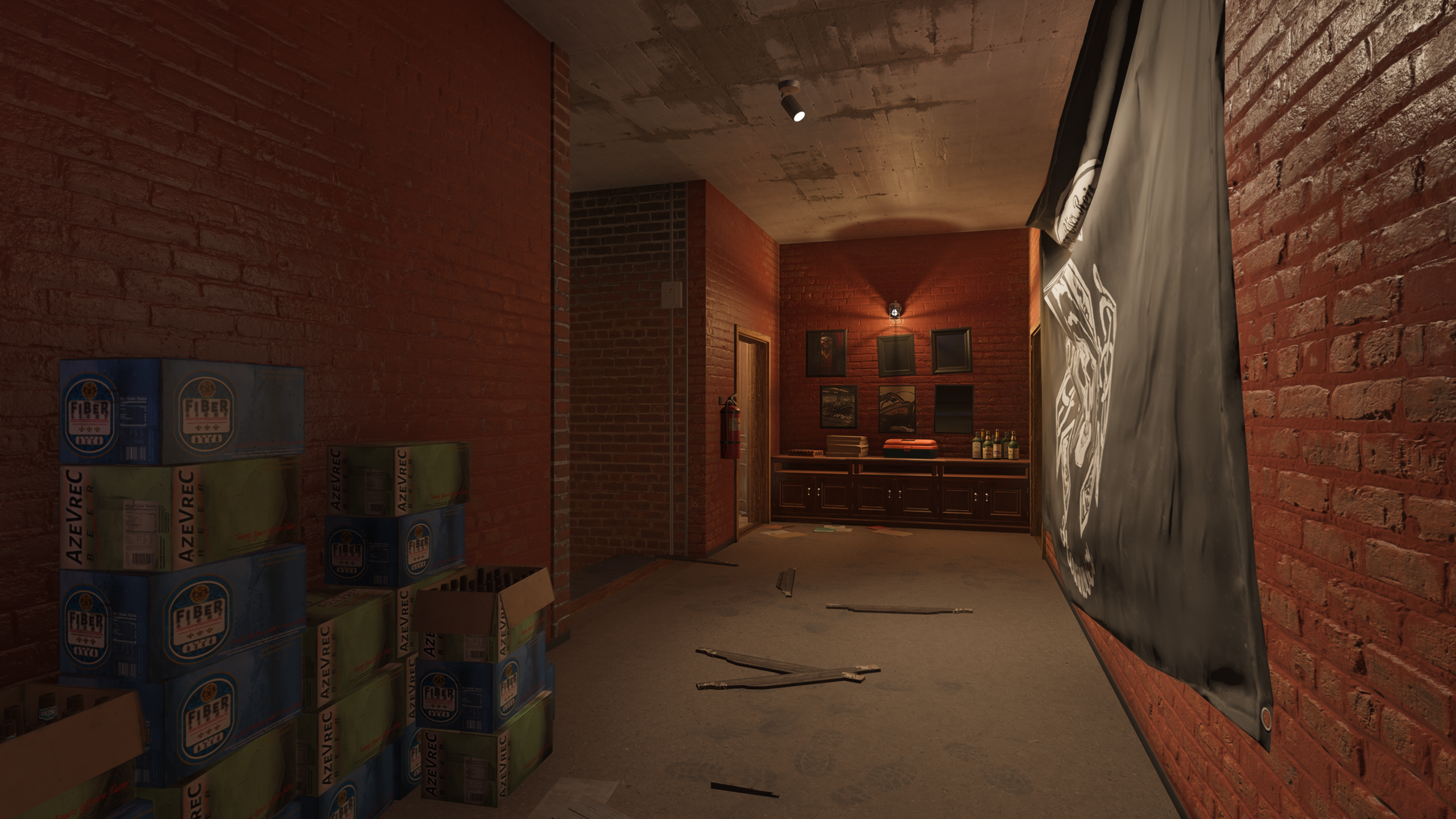
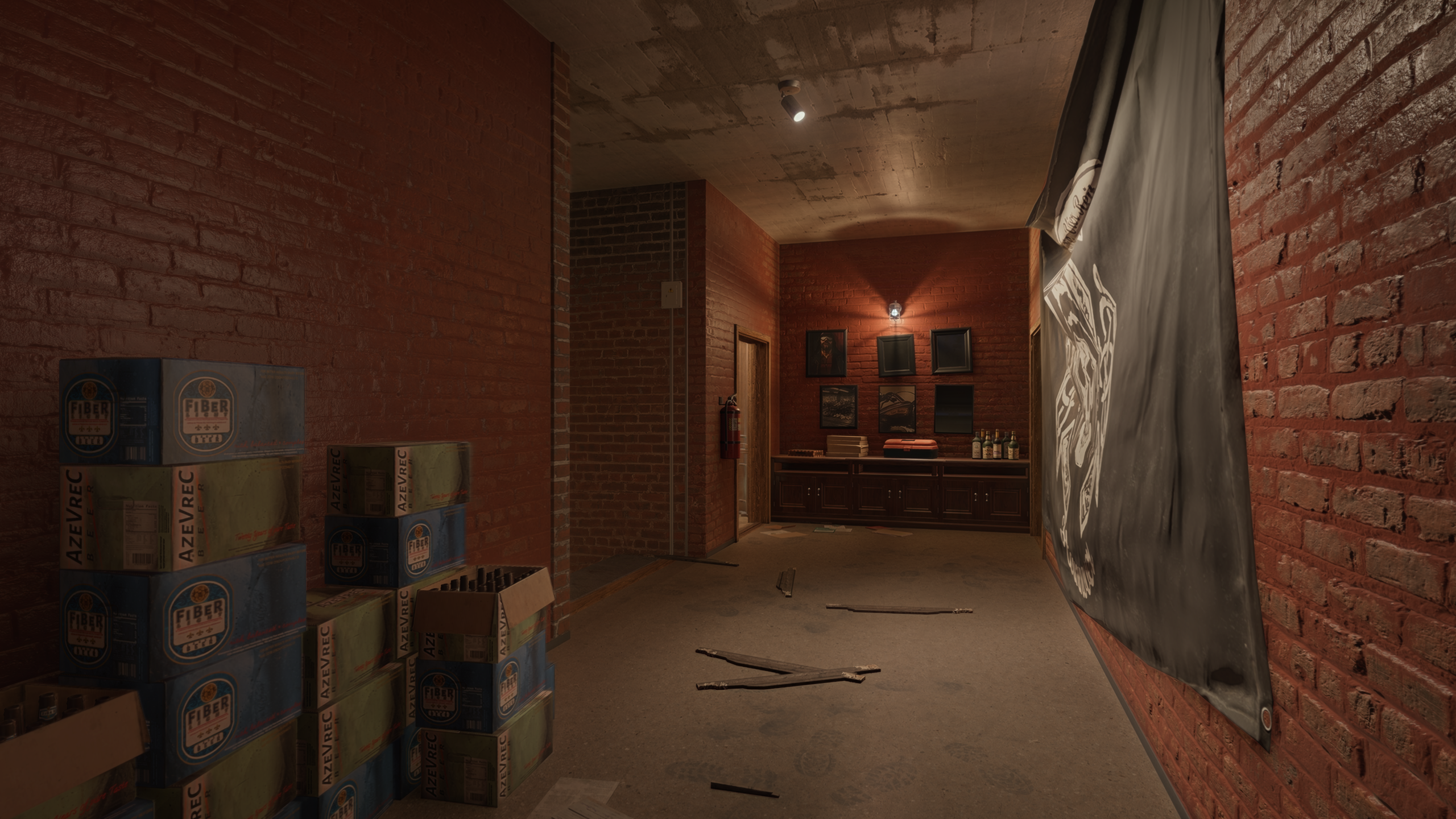
And a few shots from the benchmark for good measure: